Bose is recalling S1 Pro speaker battery packs over a fire risk
Some battery packs for Bose’s S1 Pro and S1 Pro+ portable PA speakers can overheat and catch fire. Here’s how to check yours and get a free replacement.
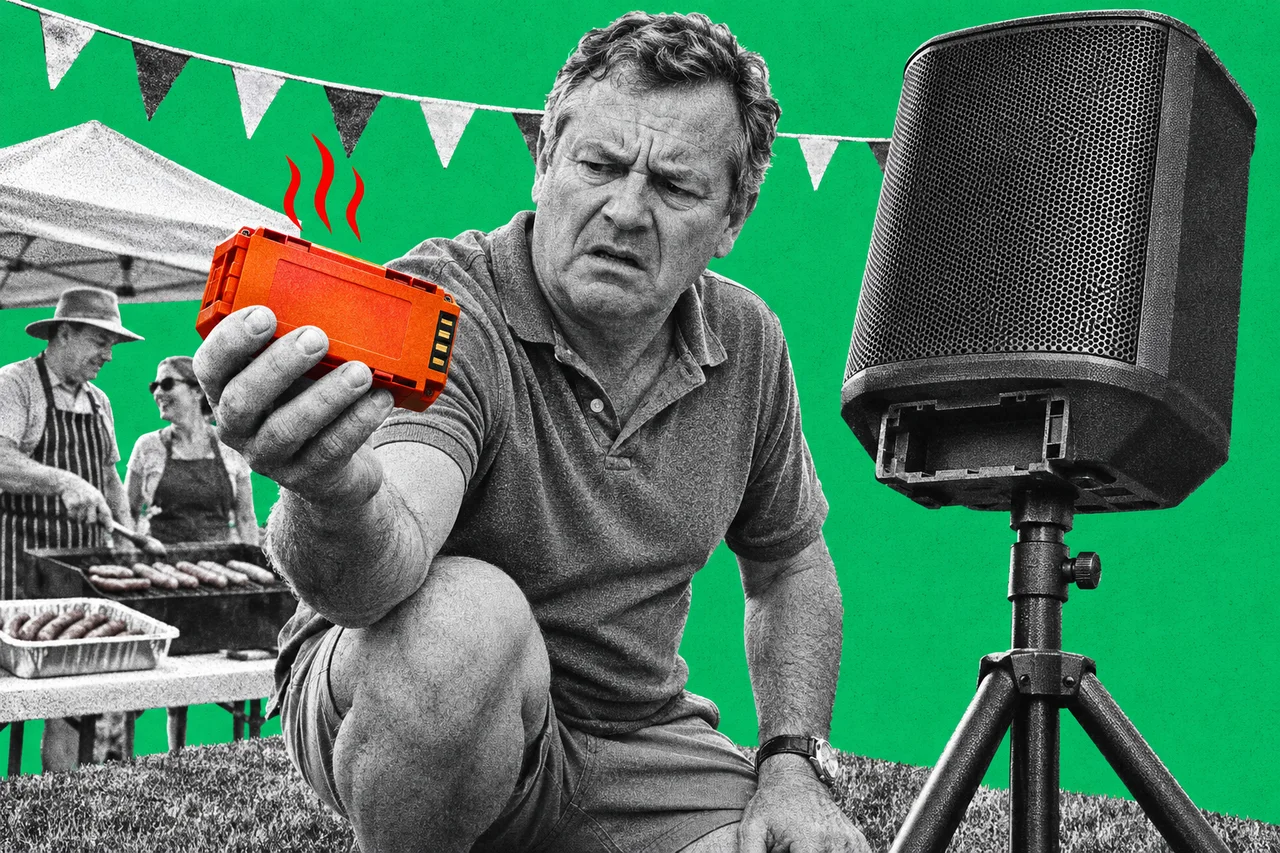
If you’ve got a Bose S1 Pro speaker at your band’s rehearsal room, school hall or café, check its battery today. Some of the battery packs can overheat and catch fire.
Bose is recalling certain lithium-ion battery packs for the S1 Pro and S1 Pro+ portable Bluetooth speakers. The notice is on Bose’s Australian website, and the US Consumer Product Safety Commission announced the recall on 5 November.
Which packs are affected
The recall covers battery packs that came with S1 Pro and S1 Pro+ speakers. It also covers packs sold on their own as accessories or replacement parts.
Not every pack is affected. Bose identifies them by the battery pack’s own 17-digit serial number. Your speaker has a different serial number, so make sure you check the pack.
A pack is affected if its serial number starts with any of these:
| Serial number starts with |
|---|
| 083723 |
| 078352 |
| 084105 |
| 078591 |
| 078592 |
| 084106 |
| 086409 |
If it starts with anything else, Bose says the pack isn’t part of the recall.
Some S1 Pro speakers were sold without a battery. If you added a Bose battery pack later, check that one too.
How to find the serial number
The serial number is on a label on the battery pack, under the barcode. To get to it, you’ll need to loosen two screws:
- Switch the speaker off and unplug it.
- On the bottom of the speaker, loosen the two screws and take off the bottom plate.
- Pull the battery pack out using its pull tabs.
- Find the 17-digit number printed below the barcode on the pack’s label, and check its first six digits.
Seven reports of packs melting, smoking or catching fire
The US regulator says Bose has received seven reports of packs melting, smoking or catching fire. Six of those involved damage to property, and no one was injured.
About 634,759 packs are affected in the US and about 35,400 in Canada. Bose hasn’t said how many were sold in Australia. Bose’s own Australian recall page is the place to start.
A free replacement, and the speaker still works
If your pack is affected, stop using it straight away and leave it out of the speaker. You can keep using the S1 on mains power without the battery.
Bose is offering a free replacement battery pack. Australian owners are directed to Bose’s “Contact us” page to find local support and request one. You’ll need the pack’s 17-digit serial number, and Bose may ask for documentation.
Don’t put the old pack in your household rubbish or general recycling. Bose says to dispose of it according to your local rules for recalled lithium-ion batteries.
These speakers often get passed around: lent to a mate for a party, sold second-hand or kept in a school’s music store. If you bought yours on a marketplace, check it too. Our story on buying and selling scams has more on avoiding scams when buying or selling second-hand.
Checklist
- Find every S1 Pro and S1 Pro+ battery pack you own. Include spare packs and any speakers kept at a school, club, venue or hire business.
- Check the battery pack’s own serial number. Remove the pack from the bottom of the speaker and read the 17-digit number under the barcode, not the speaker’s serial number.
- Compare the first six digits. Packs starting with 083723, 078352, 084105, 078591, 078592, 084106 or 086409 are recalled.
- Stop using an affected pack and leave it out. The S1 speaker keeps working on mains power without the battery.
- Request a free replacement from Bose. Use the Contact us page linked from bose.com.au/support/s1-battery-recall, with the pack’s 17-digit serial number ready.
- Keep the old pack out of the bin and recycling. Dispose of it under your local rules for recalled lithium-ion batteries.
Tick items as you go. Your ticks stay in this browser.