Dating and romantic AI companion apps are going 18+ on the App Store
Apple will rate dating and romantic AI companion apps 18+. What it means for teens’ iPhones, adult users, and developers, who must answer by 12 January.
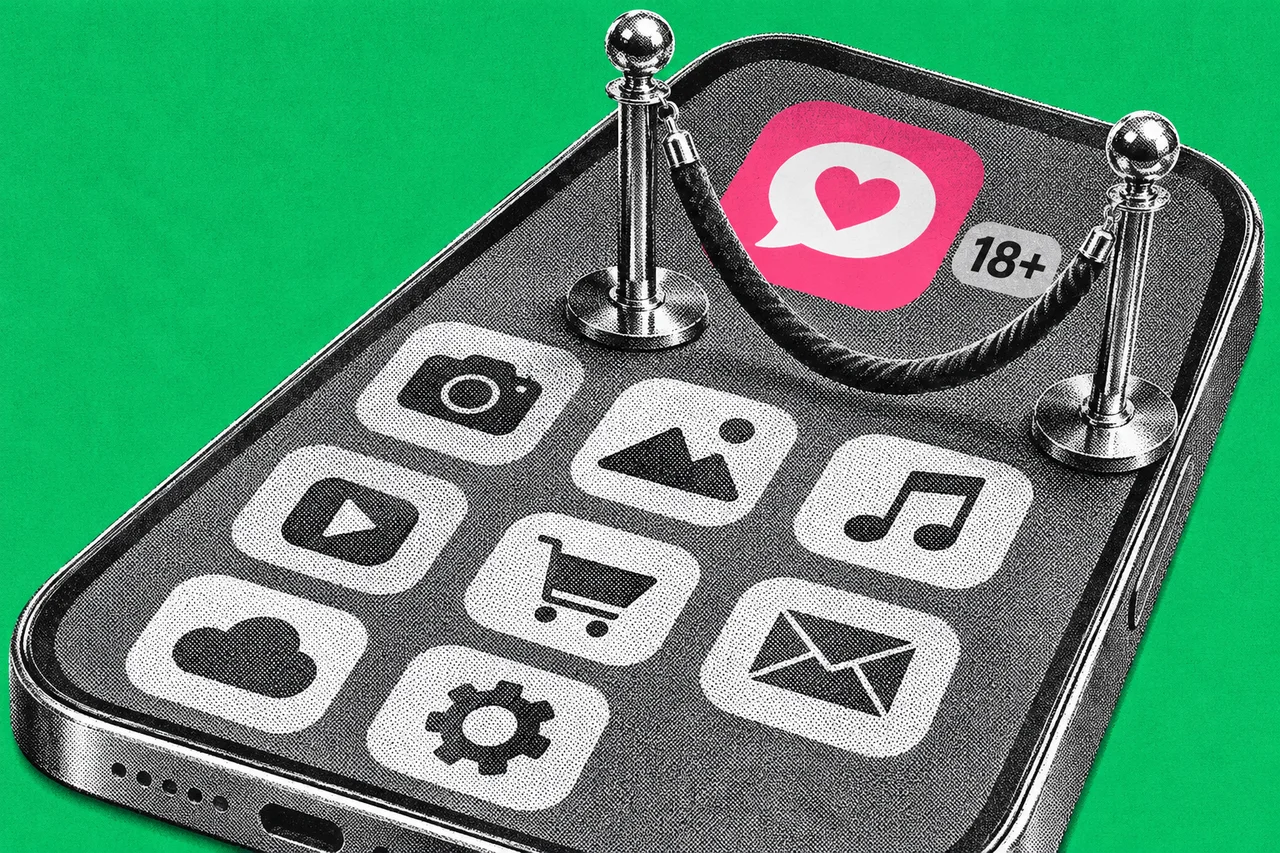
If your teenager has a dating app or a flirty AI companion on their iPhone, the App Store is about to treat it as adults-only. Apple will give apps with dating or romantic companion features a minimum age rating of 18+.
Apple told developers on 2 November that two new questions join its age rating questionnaire from 16 November. Every app on the App Store must answer them by 12 January 2027.
Two new questions for every app
Developers fill in a questionnaire, Apple turns the answers into a rating, and parental controls use that rating.
From 16 November, developers must also declare whether their app includes:
- Dating and Relationships. In Apple’s words, features that enable “dating or relationship connections between real people and/or a virtual companion that engages a user in sexual or romantic content”.
- Shared Location. Sharing your real-world location with another person or group.
So it covers AI chatbots that play a romantic or sexual partner, not just swipe-to-match apps.
Apps that include Dating and Relationships get a minimum rating of 18+. Shared Location is gentler. Apple says it “may not have an impact” on an app’s minimum rating in some regions, and doesn’t list which. Brazil is the one country Apple spells out, with A16 for Shared Location and A18 for dating.
Apple hasn’t named any apps that will be re-rated.
What it means in Australia
Apple’s announcement doesn’t give Australia a different rating. Australia does have a few region-specific ratings, required under the national guidelines for classifying computer games. As listed on 3 November, they cover social media and loot boxes (16+) and infrequent simulated gambling (R 18+). Neither new descriptor is on that list, and Brazil is the only country the announcement treats differently.
For context, eSafety’s age-restricted material codes for app distribution platforms took effect on 9 March 2026. Apple’s announcement mentions “local regulations” but doesn’t name Australia’s.
For parents: the age limit you’ve already set does the work
Once a dating or companion app is rated 18+, it sits above any lower age limit you’ve set on a child’s iPhone. Apple says Content & Privacy Restrictions let you pick ratings “so your child sees apps rated for their age group”. Many of these settings are applied automatically based on the child’s age.
It’s worth checking the limit is actually set. Apple’s Australian support page gives these steps, from your own iPhone or iPad as the Family Sharing organiser or a parent:
- Open Settings, tap Family, then tap your child’s name.
- Tap Content & Privacy Restrictions. Enter your Screen Time passcode if asked.
- Under Content Restrictions, choose the content type, then pick Don’t Allow, Unrated, Allow All or a specific age rating.
You can also block a single app. Go to Settings, Family, your child’s name, then Apps & Websites, select the app and tap Block App. Blocking doesn’t delete it; the app is dimmed on the Home Screen.
Ask to Buy sends app requests to you for approval. It’s in Apps & Websites, then Ask to Buy, where you turn on Require Purchase Approval. It’s on by default for children under 13.
Your child needs their own Child Account in your Family Sharing group. The newest controls need iOS 27 or iPadOS 27.
eSafety’s February 2025 advice on AI companions also suggests parental controls in app stores, plus talking with kids about artificial versus real relationships.
For adults: expect an age check
In Australia, Apple already asks adults to confirm they’re 18 or older before they download or buy an app rated 18+. We covered how that works, with a credit card, ID scan or selfie, in Your iPhone may now ask you to prove you’re an adult.
So if your dating or companion app moves to 18+, you may be asked to confirm your age the next time you download it. You only have to confirm once. Check your status in Settings, tap your name, then Personal Information, then Age Confirmation.
For developers: answer by 12 January
From 16 November, you’ll need to answer the new questions whenever you submit an app update or change your age rating questionnaire. Every app must have them answered by 12 January 2027, whether or not you ship an update. Apple hasn’t said what happens to an app that misses the date.
The questionnaire is in App Store Connect. Select the app, click App Information under General in the sidebar, then click Edit at the top of the page. It needs the Account Holder, Admin, App Manager or Marketing role.
Shared Location isn’t just for social apps. Apple’s own example, in its note on Brazil, is location sharing designed for parents and children.
Checklist
- Check your child’s app age limit. In Settings, tap Family, your child’s name, then Content & Privacy Restrictions, and choose an age rating under Content Restrictions.
- Turn on Ask to Buy for younger kids. In Settings, Family, your child’s name, Apps & Websites, Ask to Buy, turn on Require Purchase Approval. It’s on by default for under-13s.
- Make sure each child has their own Child Account. Apple says it should sit in your Family Sharing group and not be shared with anyone else.
- Confirm your age if you use dating or romantic AI companion apps. Australian adults must confirm they’re 18 or older to download or buy 18+ apps. Check in Settings, your name, Personal Information, Age Confirmation.
- Answer the two new questions in App Store Connect by 12 January 2027. Declare whether your app has Dating and Relationships or Shared Location features, under App Information.
- Ask your developer whether your app shares location. Shared Location means sharing a user’s real-world location with another person or group, and it must be declared.
- Plan for an 18+ rating if your app has dating or romantic companion features. Apple sets 18+ as the minimum for those apps.
Tick items as you go. Your ticks stay in this browser.