iPhone apps can now pitch you a deal when you cancel
Apple now lets developers show a message, and sometimes a discount or free period, when you go to cancel an App Store subscription. What you’ll see and how to handle it.
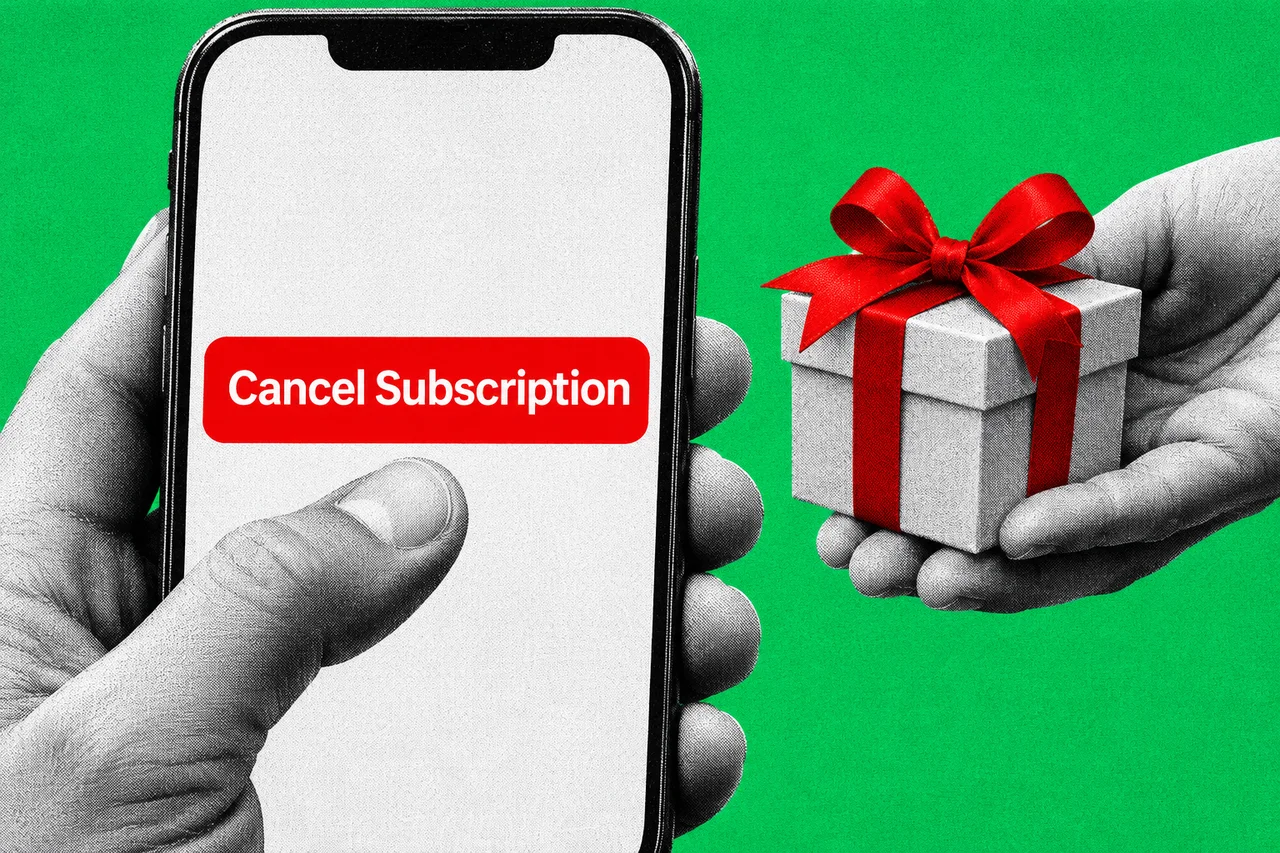
The next time you go to cancel an app subscription on your iPhone, the app may get one last word. It could be a reminder of what you’ll lose, or an offer to stay for less.
Apple switched on the feature for developers on 4 November. It calls them retention messages, and they appear in the cancellation flow for auto-renewing App Store subscriptions.
One last pitch before you go
A retention message always has a header and some text. The developer can add a picture, or an offer.
Apple’s help pages say an offer can be a discount or a free period. Developers decide who qualifies, such as people who have paid for a minimum length of time. They can also make you wait before you can get the same offer again.
So two people cancelling the same app might see different things. One gets a plain message. The other gets a cheaper price to stay.
Each app can set up as many as 10 messages, and each subscription can have up to 10 offers for each type of billing plan. Messages go through Apple’s App Review before subscribers see them.
What apps can’t say
Apple has set some limits on the wording.
- No prices in the text. App Review rejects a header or body that mentions discounts or prices like “50% off”. Any offer appears separately, and only to people who qualify.
- Facts about what you lose are fine. Apple’s example is a line saying you’ll lose access to downloaded content when the subscription ends.
- No scare tactics. Apple says messages must avoid claims that coerce subscribers. Its example: a VPN app can’t claim that cancelling will give your device a virus.
- Big claims are discouraged. Unverified lines like “the best app”, or statistics without support, are “strongly discouraged”.
Where you’ll see it
You’ll meet it in the usual place. On an iPhone or iPad, open Settings, tap your name, then Subscriptions. Tap the subscription and then Cancel Subscription, which may be further down the page.
If there’s no cancel button, or you see an expiry message in red, the subscription is already cancelled.
This only covers subscriptions billed through Apple. If your bank statement shows another company charging you, Apple says to cancel with that company.
A deal can be worth taking
An offer isn’t a trick in itself. If you were only leaving because of the price, a few months at a lower rate might suit you.
Check what happens when the offer ends, though. Apple’s offers can run as pay-as-you-go, pay up front or free, for a set period, so ask yourself what you’ll pay after it.
If you’re on a free trial you don’t want to keep, Apple says to cancel at least 24 hours before it ends.
Australia’s subscription-trap ban starts in July 2027
This lands as Australia gets ready for new consumer rules. Parliament passed a ban on unfair trading practices and subscription traps on 2 July 2026, and it starts on 1 July 2027.
The draft laws came out in February. Assistant Minister Andrew Leigh’s release said businesses offering subscriptions in Australia would need a “clear, straightforward way to cancel”. They would also need to tell customers key information before sign-up and at critical points during a subscription.
It isn’t the only App Store change coming in Australia. Read our story on the court orders opening Australian iPhones to rival app stores.
If you sell subscriptions in an app
Developers set this up in App Store Connect, under the app’s Subscriptions page, in the Retention Messaging section. Account Holder, Admin, App Manager and Marketing roles can do it.
Apple says messages need text in every language for the storefronts where the subscription is sold. Offers can be limited to chosen countries or regions, with prices set for each. A separate Retention Messaging API lets a developer pick which message each subscriber sees, and access is by request.
Checklist
- Know where cancelling lives. On an iPhone, it’s Settings, then your name, then Subscriptions, then the subscription, then Cancel Subscription.
- Read any offer to the end. Check how long the lower price or free period lasts, and what you’ll pay when it finishes. If you don’t want it, carry on and cancel.
- Confirm it worked. If there’s no Cancel button or you see an expiry message in red, the subscription is already cancelled.
- Cancel trials a day early. Apple says to cancel a free trial at least 24 hours before it ends if you don’t want to keep it.
- Developers: keep prices out of the message text. App Review rejects retention messages that mention prices or offers; attach any offer separately in App Store Connect.
- Developers: check your wording against Apple’s rules. Say what subscribers lose only if it’s true, and drop any claim that could coerce or scare them.
- Businesses with subscriptions: diarise 1 July 2027. That’s when Australia’s ban on unfair trading practices and subscription traps starts. Check your cancellation process before then.
Tick items as you go. Your ticks stay in this browser.