
How Wi-Fi calling turns your home internet into a phone tower
Wi-Fi calling carries normal mobile calls over your internet when the signal drops out. How it works, what it costs, and what changes when you call 000.
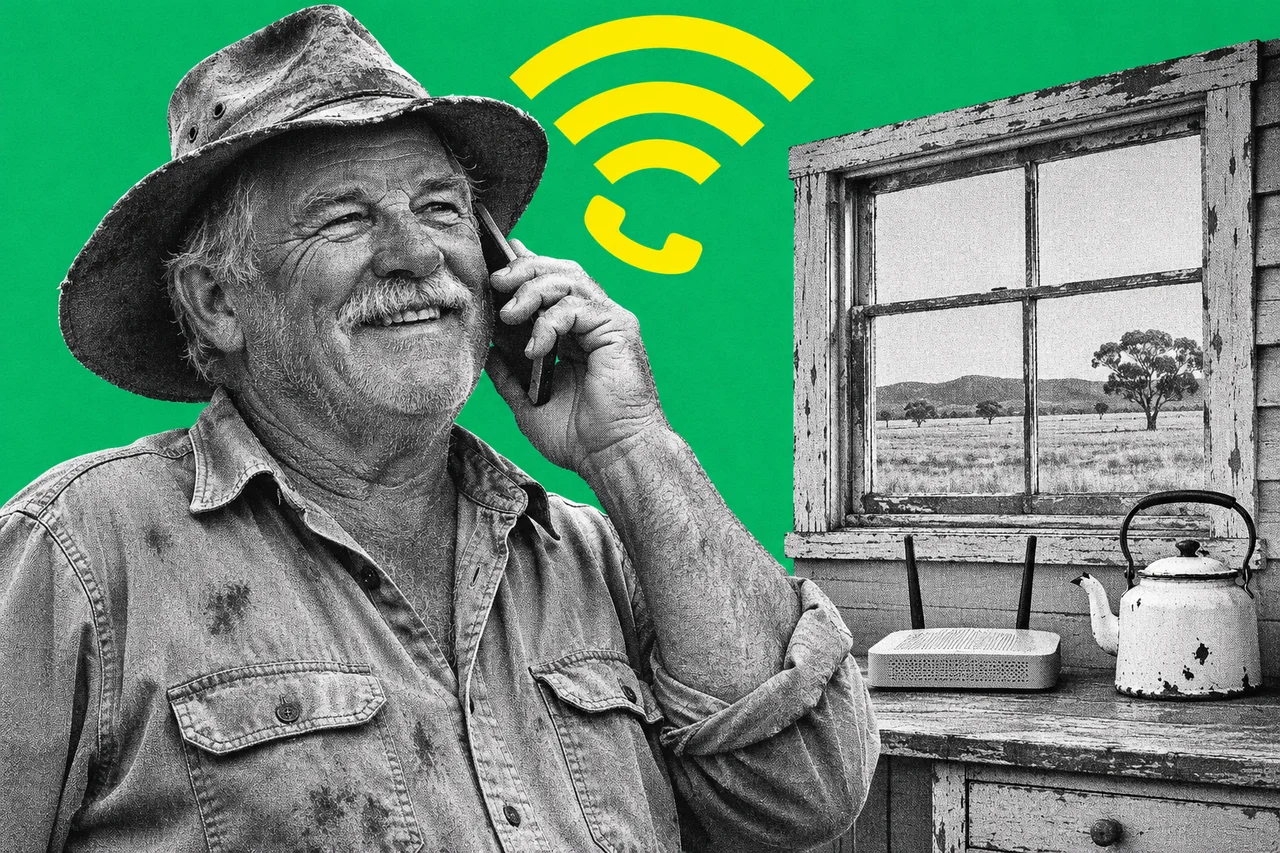
In a back room, a shed office or a brick building, your mobile call can drop to one bar, then nothing. Wi-Fi calling is the fix that’s probably already on your phone. When the mobile signal gives out, it carries the call over your internet connection instead.
You dial the same way and keep the same number. Here’s what’s going on underneath.
Your telco, reached through your modem
Normally your phone talks to the nearest phone tower. With Wi-Fi calling, it reaches your telco’s network through the internet instead: Wi-Fi to your modem, then across your broadband to the telco.
Vodafone calls it by its technical name, Voice over Wi-Fi (VoWiFi). It handles SMS and MMS as well as calls. Telstra supports calls and SMS over Wi-Fi, but not MMS.
The phone still signs in to your telco as it would on a tower. Telstra says that’s why Wi-Fi calls get “the same industry standards” of protection as other mobile calls. Vodafone’s Wi-Fi calls use the same authentication as its mobile network, and its supported phones encrypt calls and texts.
Telstra’s modem requirements give away how the traffic travels. A modem needs “IPsec pass-through” for Wi-Fi calling to work. IPsec is an internet standard for securing traffic. Its presence suggests the call travels in an encrypted tunnel to your telco.
Both Telstra and Vodafone also tie Wi-Fi calling to 4G voice calling, called VoLTE. Vodafone requires VoLTE to be on. Telstra says a failed Wi-Fi call can mean VoLTE isn’t enabled.
It doesn’t need much internet: Telstra and Vodafone both put a call at about 100 to 120 kbps. Slow uploads or heavy video streaming can still hurt it, and Vodafone says high-delay connections such as satellite may reduce quality.
Mobile first, Wi-Fi when the signal fades
You don’t normally choose. Telstra says your phone uses the mobile network whenever it can and picks the best connection for each call. If the mobile signal is weak and the Wi-Fi is strong, it switches to Wi-Fi calling.
Vodafone puts it more firmly: where there’s 4G or 5G coverage, your phone always uses the mobile network. To force a Wi-Fi call, it says to turn on airplane mode with Wi-Fi switched on. Samsung’s Australian phones offer a choice between “Wi-Fi preferred” and “Mobile network preferred”.
Calls can move between the two. A call hands over to the mobile network as you leave Wi-Fi range. Telstra warns it drops if there’s no mobile signal to catch it.
You’ll know it’s working by an icon. On iPhone, Apple says you’ll see “Wi-Fi” in the status bar when you open Control Centre. Google’s Android help says to look for “Internet call” or “Wi-Fi calling” on the notification screen.
What it costs
Telstra and Vodafone both say there’s no extra charge for Wi-Fi calling. That doesn’t make the calls free:
- Telstra: no additional charge, and the Wi-Fi data is unmetered on a Telstra fixed broadband connection. On another provider’s broadband, the data counts on that plan. Calls to overseas numbers must go over the mobile network at standard rates. Wi-Fi calls show on your bill as “Wi-Fi Call”.
- Vodafone: no additional fees, but calls and texts come out of your normal plan rates, and the data counts towards your internet use. Wi-Fi calls show on your bill as “Over Wi-Fi”.
Google’s help page warns that some providers may charge extra, so check yours. Check Optus’s charges and conditions with Optus.
Who offers it, and the fine print
Apple’s carrier list for Australia shows Wi-Fi calling on iPhone with Telstra, Optus, Vodafone and amaysim. Optus’s device guides also cover it, for example on the Samsung Galaxy S25+.
The conditions differ by telco:
- Telstra supports Wi-Fi calling “even when on a Pre-Paid plan”. Its list starts at iPhone 6, Apple Watch Series 3, Galaxy S7 and Note 5, Pixel 2 and LG G6. It’s on by default on compatible phones.
- Vodafone needs a postpaid or prepaid plan, an approved phone on the latest software, and VoLTE and Wi-Fi calling switched on. It says the approved list changes as older models lose software support.
Vodafone also has a deadline. It says customers who don’t update by 20 December 2026 will lose Wi-Fi calling, including 000 calls over Wi-Fi. Its update list names iPhone models: iPhone 11 and newer need iOS 18.4 or higher.
Some networks won’t carry it. Wi-Fi calling may fail on public, business or other people’s Wi-Fi because of the internet provider or firewall settings. VPNs are a split: Telstra says they aren’t supported, while Vodafone says they work unless a firewall blocks the service.
Watch the area code too. Telstra says a non-Telstra connection puts you at a “default regional location”, so you may need the area code on landline numbers. Vodafone says to always use it. Vodafone adds that location-based numbers such as 1300 and 1800 may connect to the wrong place. If one won’t go through, switch Wi-Fi calling off and use the mobile network.
Calling 000 over Wi-Fi
Your phone always tries the mobile network first. Apple says an iPhone uses mobile service for emergency calls when it’s available, and may use Wi-Fi calling when it isn’t. On Vodafone, the phone tries its network, then other carriers’ networks, and uses Wi-Fi only if it finds none.
The catch is location. Vodafone warns your location might not be shared automatically over Wi-Fi, so be ready to tell the operator where you are. The free Emergency+ app uses your phone’s GPS to help you give a location.
ACMA says operators already ask mobile callers for their town and state, and if you can’t speak, police use the address on the service, usually your home or billing address. That’s why it urges keeping your telco’s address details up to date. Apple may ask you to enter or confirm an emergency address when you first turn on Wi-Fi calling.
Two more limits. Vodafone says Wi-Fi calling can’t receive emergency warning texts. Telstra says 000 over Wi-Fi works in Australia but not from overseas, so use the local mobile network there.
If your business also relies on an NBN phone line, our guide to business phones on the NBN explains why most stop working in a blackout.
Overseas: depends on your telco
Telstra lets you use Wi-Fi calling overseas to call and receive calls from Australia at no extra charge. Calls to other countries aren’t enabled. If you call an international number over Wi-Fi while overseas and Telstra can’t locate your phone, for example after flight mode, it may charge international rates. It bases them on your last known location.
Vodafone doesn’t offer Wi-Fi calling while roaming internationally. It recommends switching it off before you travel to avoid voice roaming problems.
Switching it on
- iPhone: open Settings, tap Mobile, then Wi-Fi Calling, and turn on Wi-Fi Calling on This iPhone. Tap Enable, and enter or confirm your emergency address if asked.
- Android (Google’s steps): open Settings, tap Network and Internet, then SIMs, your telco’s SIM, then Wi-Fi calling. Google says that if the option isn’t there, your telco doesn’t support it.
- Samsung Galaxy: swipe down for Quick Settings and tap Wi-Fi Calling, or go to Settings, Connections, Wi-Fi Calling. Tap the words Wi-Fi Calling to pick Wi-Fi preferred or Mobile network preferred.
Checklist
- Check Wi-Fi calling is on. On iPhone it’s in Settings, Mobile, Wi-Fi Calling. On Android, look under Settings, Network and Internet, SIMs (Samsung: Settings, Connections).
- Update your phone’s software. Vodafone says iPhone owners who haven’t updated by 20 December 2026 will lose Wi-Fi calling, including 000 calls over Wi-Fi.
- Make sure VoLTE is on. Check 4G calling in your phone’s mobile network settings; Vodafone requires it for Wi-Fi calling.
- Test your weak-signal spot. Stand there and look for the Wi-Fi calling icon or “Wi-Fi” in the status bar.
- Confirm your address with your telco. ACMA says police use the service address if a 000 caller can’t speak.
- Install the Emergency+ app. It uses your phone’s GPS to help you tell a 000 operator where you are.
- Add area codes for landlines. Vodafone says Wi-Fi calls to landlines need one even within your state, and Telstra says you may need it.
- Check the roaming rules before you travel. Telstra allows Wi-Fi calls back to Australia; Vodafone says switch Wi-Fi calling off overseas.
Tick items as you go. Your ticks stay in this browser.