iPads can now run Affinity, Canva’s free pro design app
Affinity for iPad puts drawing, vector, photo and page layout in one free app. Which iPads run it, what costs extra, and what Affinity V2 owners should know.
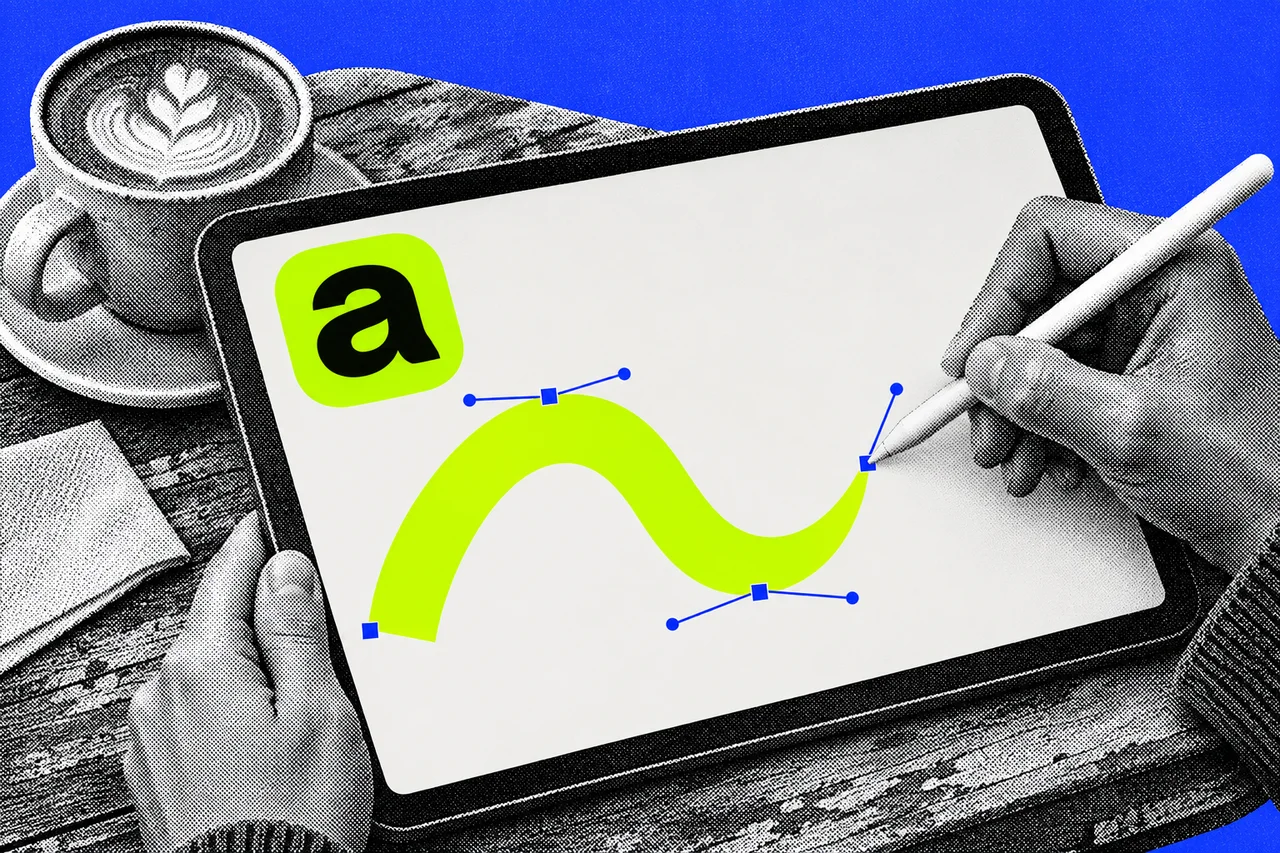
If you’ve got a reasonably recent iPad, you can now design a logo, retouch a photo and lay out a brochure in one free app. Canva released Affinity for iPad on 2 November.
Affinity is professional design software now made by Canva, which has offices in Surry Hills in Sydney. The desktop apps for Mac and Windows came together a year ago, and Canva says it has passed seven million sign-ups. The iPad version follows the same deal: the core tools cost nothing.
Four studios in one file
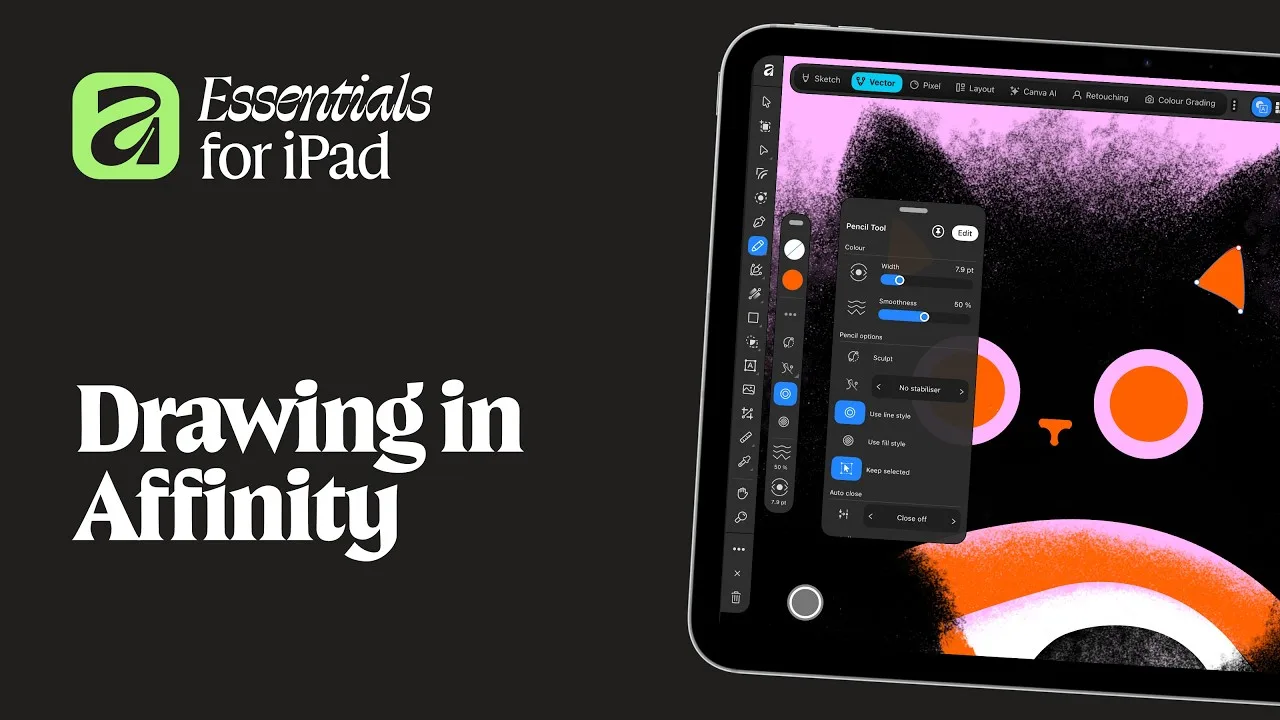
The app has four “studios”, and you switch between them without leaving the document:
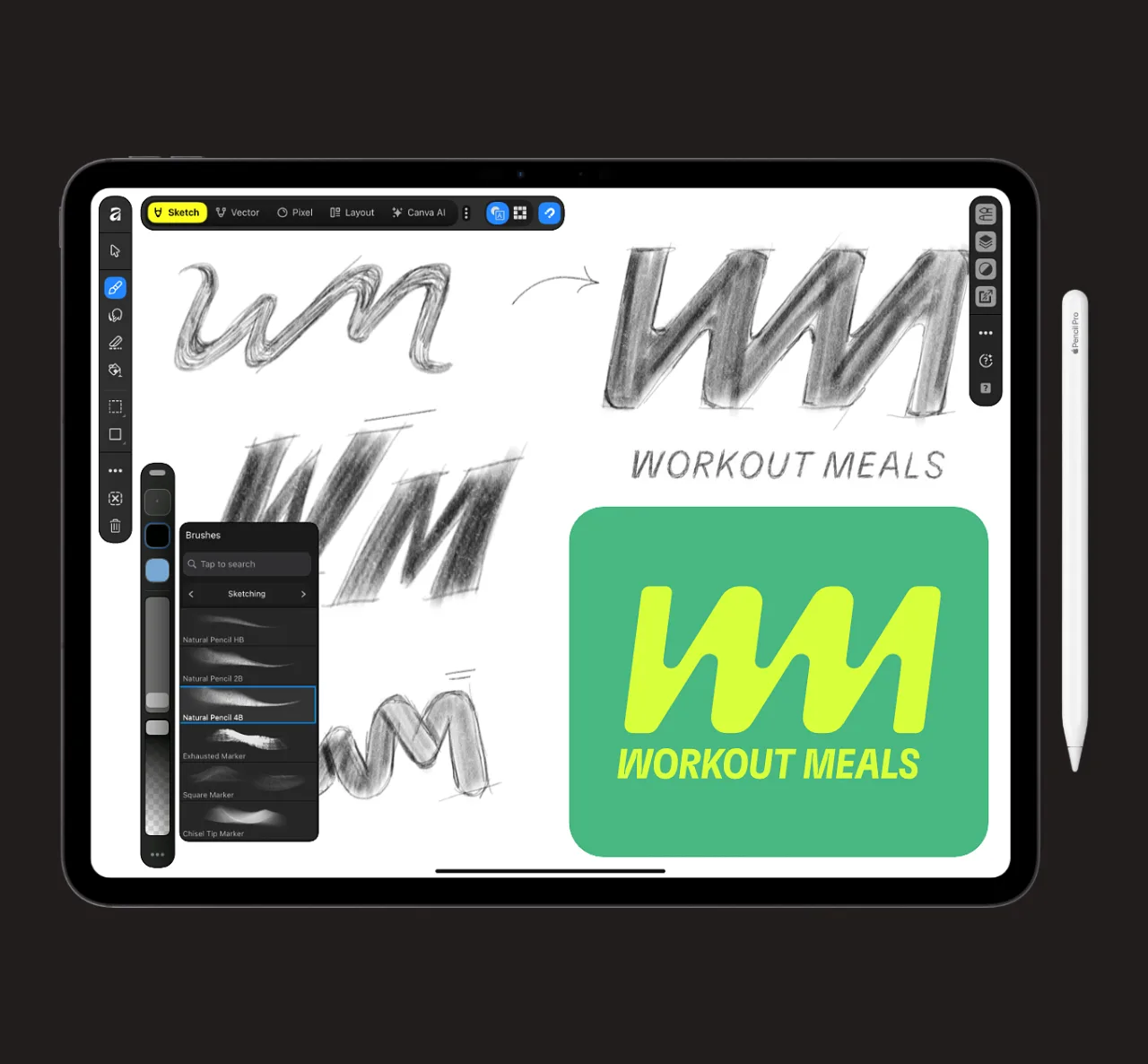
- Sketch is new for iPad. It’s freehand drawing with more than 350 editable brushes that respond to Apple Pencil pressure, tilt and barrel roll.
- Vector handles logos, icons and illustrations with precise curves. A tool called Sketch to Shapes turns hand-drawn forms into clean, editable shapes.
- Pixel is the photo editor: RAW files, smart selections, retouching and composites. Every edit stays undoable.
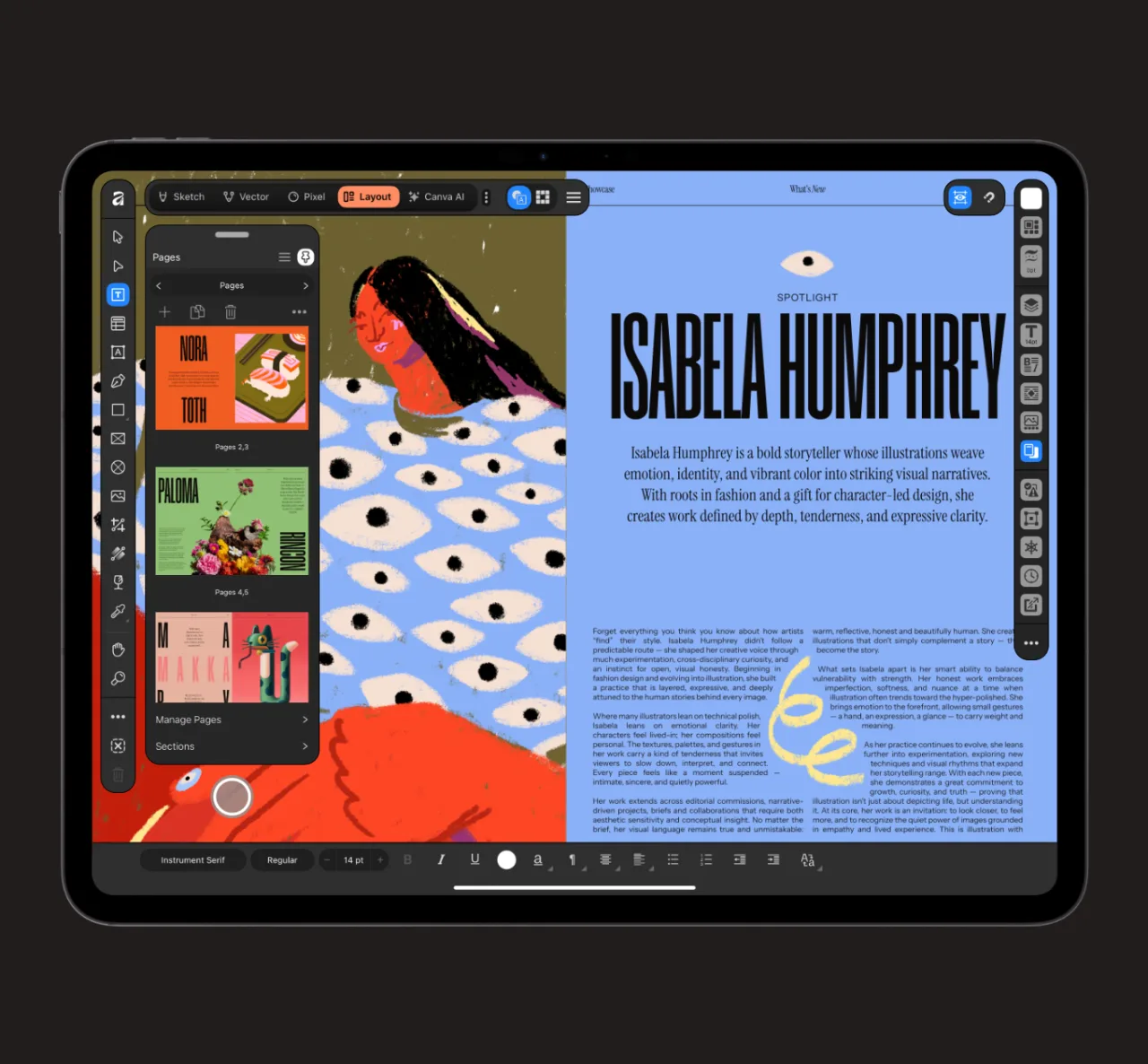
- Layout does multi-page documents, from brochures to zines and photo books, with master pages and print-ready output.
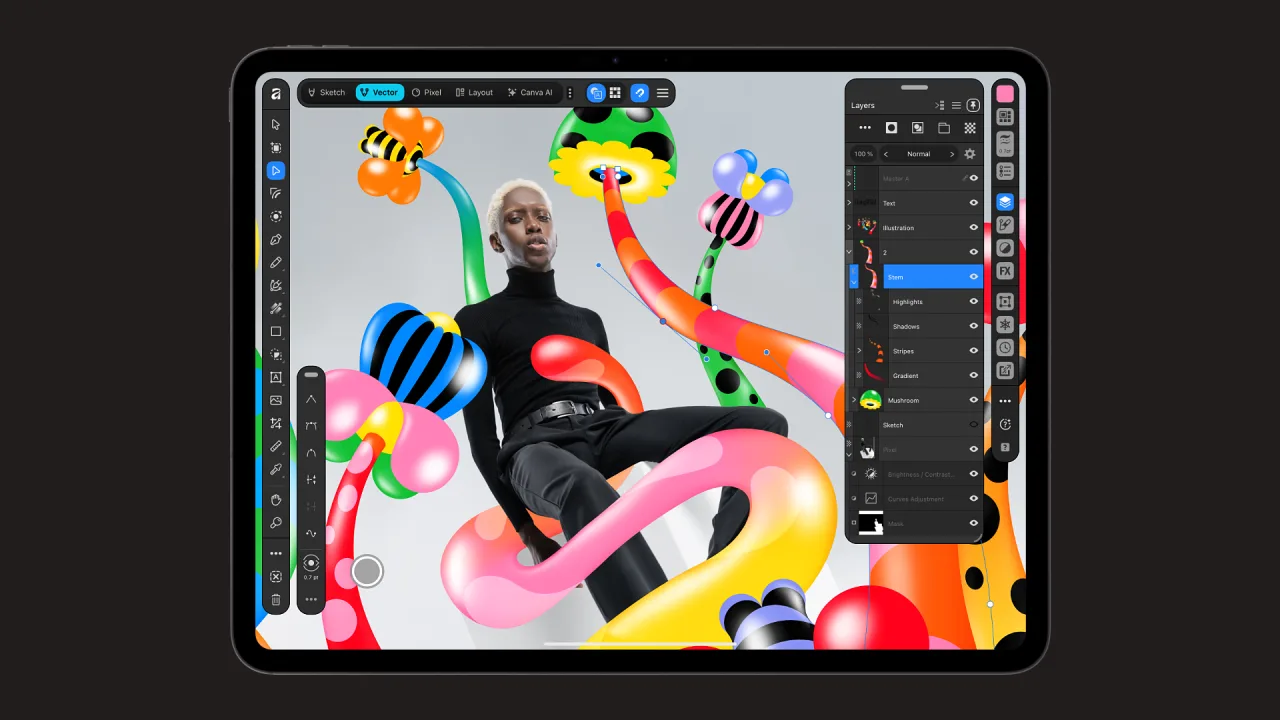
Canva’s pitch is that you can take a job from a first pencil sketch to a print-ready file on the iPad alone. The Apple Pencil support covers pressure, tilt, barrel roll, squeeze and hover.
It also opens files from other apps, including Photoshop (PSD), Illustrator (AI), InDesign (INDD and IDML), PDF and SVG. Affinity’s FAQs warn that some advanced effects and formatting may flatten or need fixing by hand. It exports to JPEG, PNG, WebP, PDF, SVG, EPUB and INDD, and straight to Canva.
Free, unless you want the AI
Affinity says individuals can use every tool in the Sketch, Pixel, Vector and Layout studios, and every export option, with no payment needed. You do need a Canva account, and a free one is enough.
The paid part is the Canva AI Studio. It adds tools such as Generative Expand, upscaling, motion blur and noise reduction, and Decompose Layer, which splits a flat image into editable layers. These unlock with a Canva premium plan: Pro, Business, Enterprise or Education.
The Australian App Store lists the in-app prices. Canva Pro is A$20 a month or A$164.99 a year. Canva Business is A$28 a month or A$279.99 a year. If you already pay for Canva Pro, the AI tools come with it. Affinity says your content in the app isn’t used to train AI features.
Affinity describes it as free for individuals. For a sole trader making a menu, flyer or logo on their own account, the free tier may be all they need. We looked at Canva’s other recent design tool, its own AI image model, in Canva launches its own AI image model.
Check your iPad first
The App Store lists iPadOS 18 or later and a 1.9 GB download. Affinity’s system requirements cover these models:
- iPad: 7th to 10th generation, and iPad (A16)
- iPad mini: 5th and 6th generation, and iPad mini (A17 Pro)
- iPad Air: 3rd to 5th generation, plus the 11-inch and 13-inch M2, M3 and M4 models
- iPad Pro: 11-inch 1st to 4th generation and M4 and M5; 12.9-inch 3rd to 6th generation; 13-inch M4 and M5
The machine learning tools need an iPad with an M chip. Performance depends on your iPad and how big your files are. To find your model, go to Settings, General, About.
Not everything from the desktop has arrived
Affinity calls the iPad app fully fledged, not a cut-down companion. Its FAQ still lists features missing at launch. They include Books, Batch and Data Merge, the Quick Adjustments, Info and Scope panels, macro recording and the Astrophotography Studio. It says more will come in later updates.
If you rely on Data Merge for price lists or name badges, keep that job on a Mac or Windows PC for now.
The same files work on iPad, Mac and Windows
The iPad app uses the same .af files as Affinity on Mac and Windows. A project started on the iPad can be finished at a desk. On a Mac, use the desktop app.
What it means if you bought Affinity V2
If you paid for the older Affinity Photo, Designer or Publisher apps, nothing breaks. Serif says V2 licences remain valid and its activation servers stay online, but there are no current plans for further feature updates.
There are two catches. V1 and V2 documents open fine in the new app, but files saved in the new app won’t open in V1 or V2. And on iPad, your files don’t carry across automatically. You need to save or export them from the old app, then import them into Affinity for iPad.
Sharing with a client or colleague still on V2? Send them an export such as a PDF, not your new .af file.
Checklist
- Check your iPad model. Go to Settings, General, About and compare the model name with Affinity’s system requirements.
- Update to iPadOS 18 or later. Affinity for iPad won’t install on anything older.
- Free up about 2 GB. The App Store lists the download at 1.9 GB.
- Sign in with a Canva account. A free account unlocks every Sketch, Vector, Pixel and Layout tool.
- Move your old iPad files by hand. Save or export them from Affinity V1 or V2 for iPad, then import them into the new app.
- Send exports to anyone still on V2. Files saved in the new app won’t open in Affinity V1 or V2, so share a PDF or image instead.
- Keep Data Merge and Books jobs on the desktop. Those features aren’t in the iPad app yet.
- Skip the AI plan unless you need it. Canva AI Studio needs a Canva premium plan, from A$20 a month for Pro on the App Store.
Tick items as you go. Your ticks stay in this browser.