Samsung's Tab S12 tablets reach Australia on 22 October. Budget for the whole work kit
Samsung's Tab S12+ starts at A$1,999 and Ultra at A$2,299. Check keyboard costs, work apps and trial renewals before buying for your business.
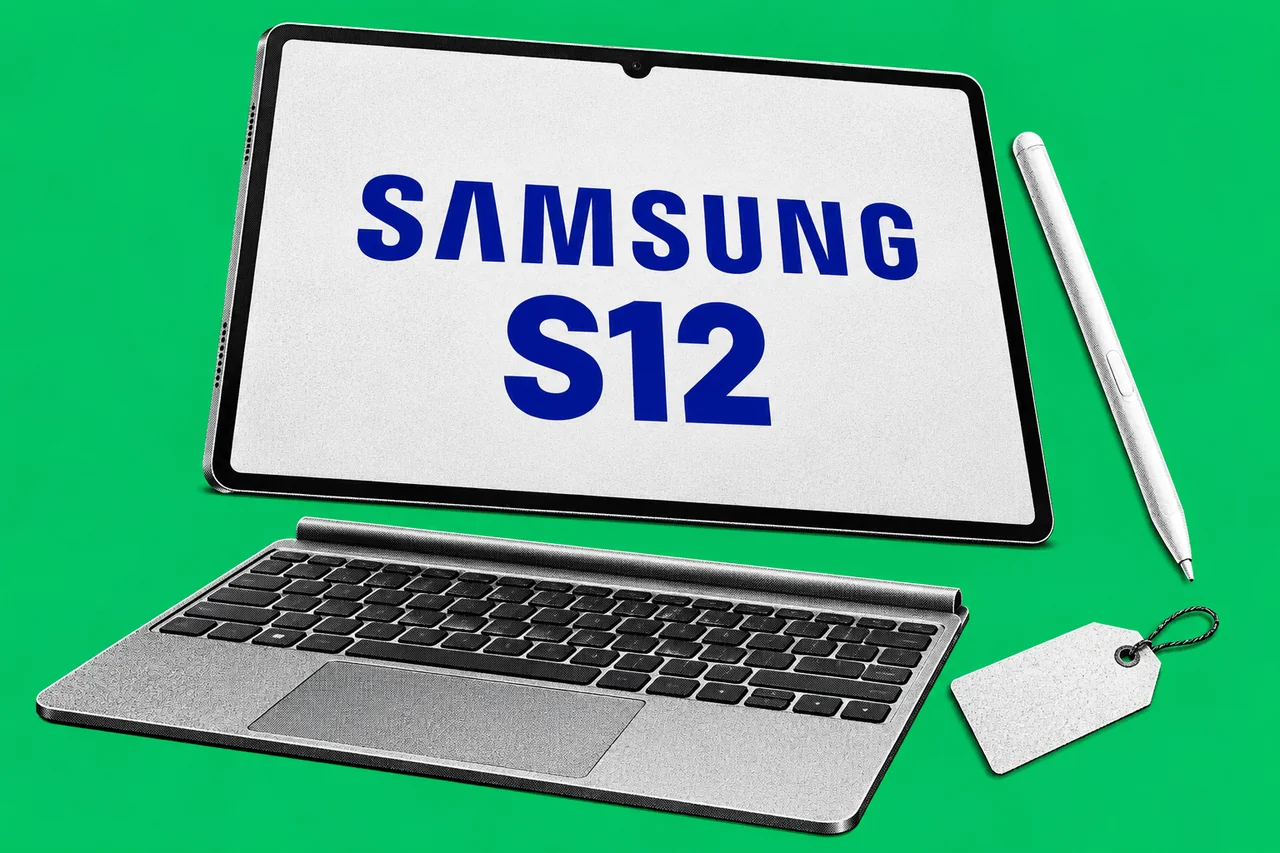
Samsung’s next large-screen tablets have an Australian date and price. The Galaxy Tab S12+ starts at A$1,999 and the Tab S12 Ultra at A$2,299, with Australian availability from 22 October.
For an owner weighing up a tablet for site notes, document mark-ups or customer presentations, our recommendation is to price the complete work setup and try the essential apps before ordering. A pen and a bigger screen may suit those jobs. Whether the tablet can take over the office laptop’s work needs a separate check.
What the new tablets offer
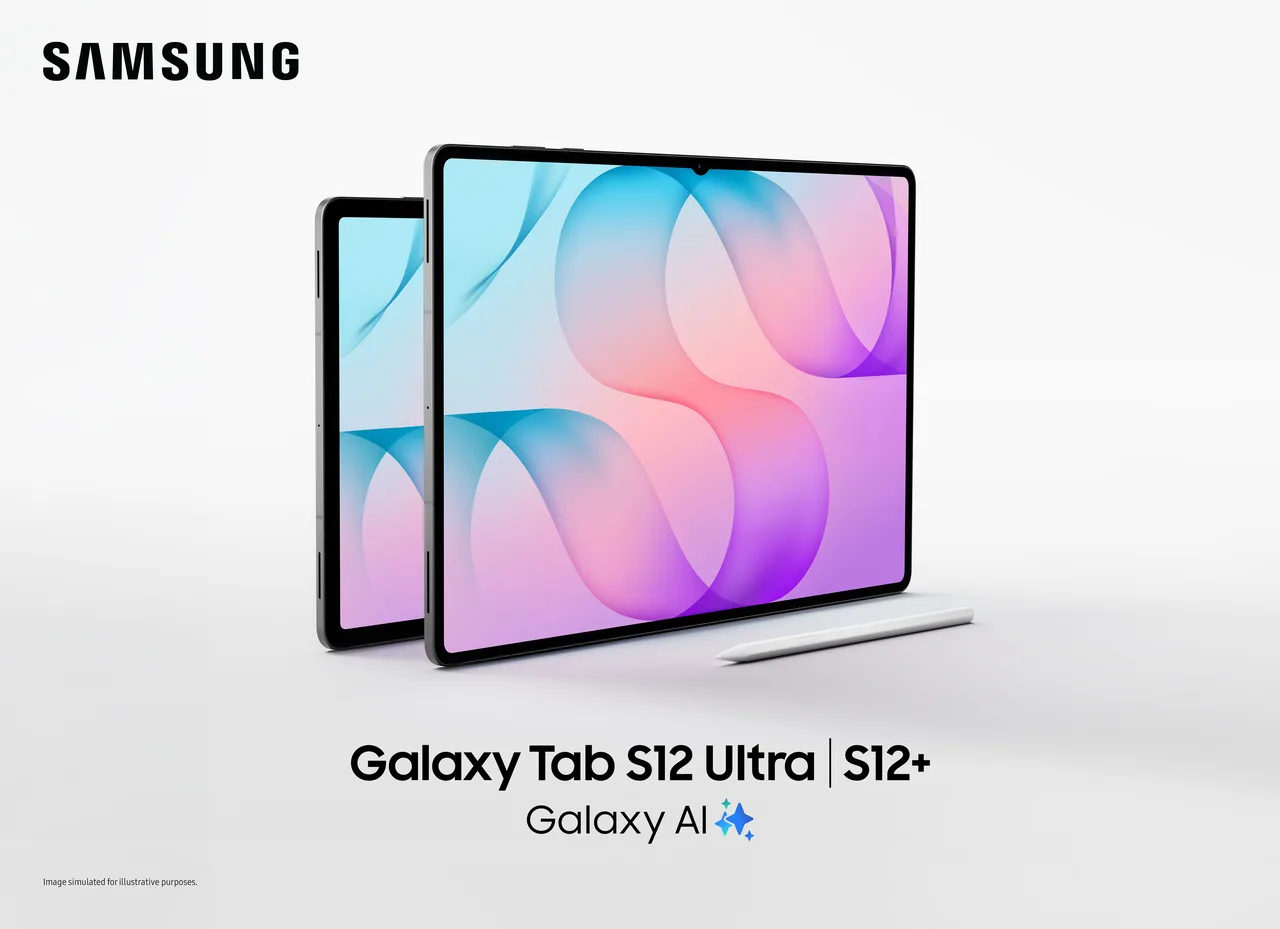
Samsung’s published specifications list a 12.6-inch screen for the Plus and a 14.6-inch screen for the Ultra. Both run Android 17 with One UI 9, include an S Pen and allow the screen to be divided into up to three sections using Multi Window.
That gives a small team a possible way to keep a reference document, notes and another app in view together. This is an illustrative work use, rather than a workflow we have tested. Before paying for the larger Ultra, try the screen size in the setting where you will use it: at a counter, across a meeting table or standing on a job site.
Get a complete quote
The included pen does not make this a complete typing workstation. Samsung says the Pro Keyboard and Book Cover Keyboard Slim are sold separately. The tablets support up to 45W wired charging, but the 45W power adapter is also an extra purchase.
We have not verified Australian accessory prices, so the starting tablet price is not a reliable total for a keyboard-equipped setup. Ask for a quote for the exact tablet, keyboard and charger you need, then include any app subscriptions in the running cost. Compare that figure against the job the device will do and the equipment you already have.
Check Office editing before buying
There is a specific licence check for businesses using Microsoft 365. Microsoft’s mobile-app guidance marks Business Basic with an editing limit of 10.9 inches. Both new Samsung screens exceed that size. The same page lists Apps for business, Business Standard and Business Premium without that screen-size footnote.
On our reading, a business relying on Basic should confirm its entitlement and test its chosen app before expecting to edit Office files on either tablet. Viewing a file is a different job from changing it, saving it back to business storage and sending it to a client. Our Microsoft 365 plan comparison explains the wider differences between the plans.
Run through one ordinary work sequence: open the booking or accounting system, attach a document, edit it if needed and save it where the team expects it. These are suggested checks, not applications we have found incompatible. We raised similar purchasing questions in our Googlebook Australia report.
Trials become running costs
Samsung Australia advertises six months of Google AI Pro for eligible purchasers, citing A$32.99 a month as the Australian price. Its four-month Photoshop offer cites A$35.99 a month and excludes people who previously subscribed to the Photoshop Android app. Both renew at the applicable price unless cancelled.
The Google offer needs account sign-in and payment registration, with further exclusions. Google’s linked offer terms currently list phone models rather than Tab S12, so confirm the tablet’s eligibility in the redemption process. Record the actual renewal date and price shown before accepting either trial.
Samsung’s Note Assist conditions also require a Samsung account, connectivity and an enabled, current Samsung Notes app; accuracy is not guaranteed. Check a summary against the original before using it as a business record.
For support, Samsung’s announcement promises “up to seven times of OS upgrades and security updates”, with timing and availability varying by model and market. It does not state a seven-year Australian support period. Ask for the applicable schedule if that determines your replacement budget. More coverage is in our Software & systems section.
Checklist
- Get the complete setup quote. Ask the seller for the exact Tab S12 model, keyboard and compatible charger before approving the purchase.
- Test an ordinary work sequence. Check the apps, document edits, attachments and saved files your team uses before replacing a laptop.
- Check the Microsoft 365 licence. Have the account administrator confirm editing rights for a 12.6-inch or 14.6-inch tablet in the app you intend to use.
- Record each trial’s terms. Check eligibility, renewal date and ongoing price during redemption, and set a reminder before a paid renewal.
- Check AI summaries against the original. Have the person using Note Assist verify the result before saving it as a business record.
- Confirm the support schedule. Ask Samsung or the seller for the applicable OS and security-update commitment for the Australian model.
Tick items as you go. Your ticks stay in this browser.