Microsoft 365 Business Basic vs Standard vs Premium: which plan does a small business need?
Australian prices and inclusions for Microsoft 365 Business Basic, Standard and Premium, compared from Microsoft's own pages, and how to choose the right plan.
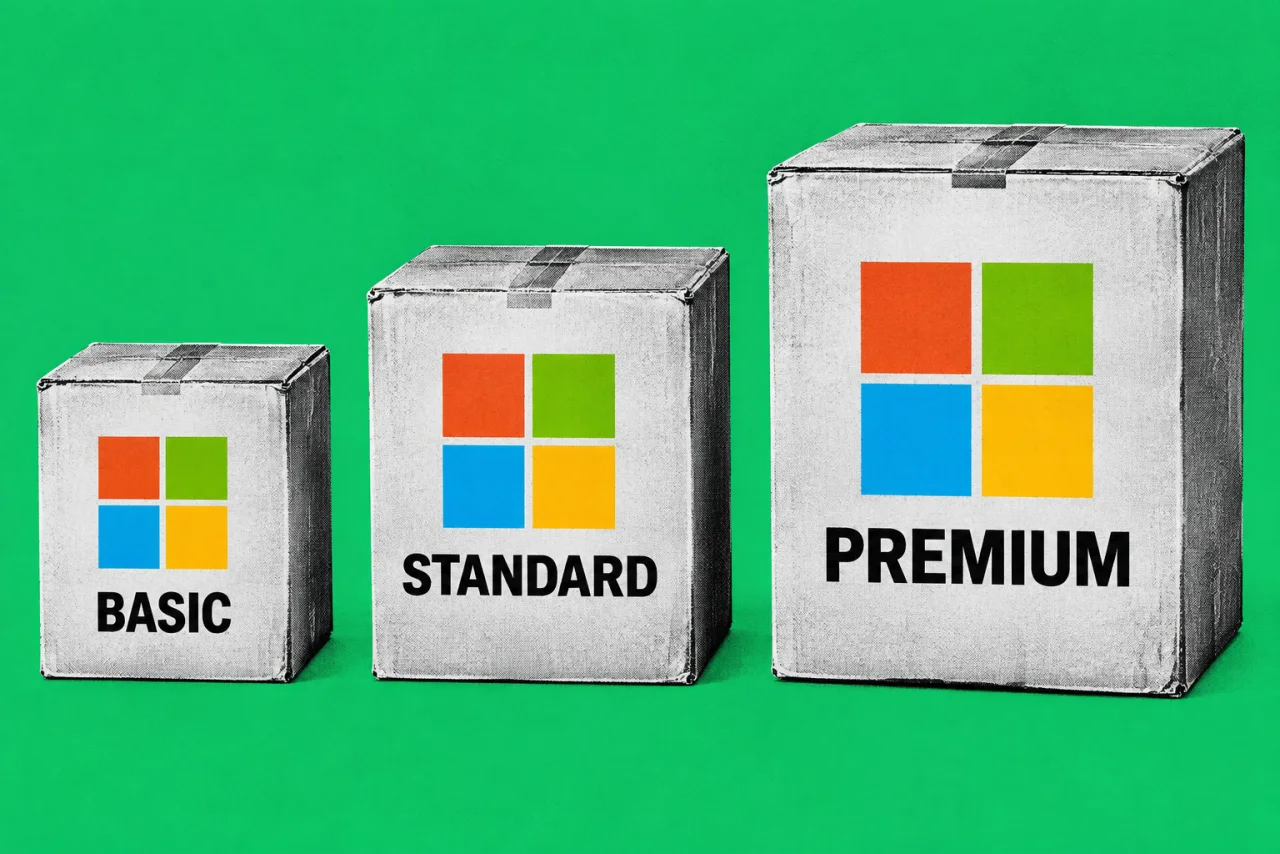
Microsoft 365 offers three Business plans to compare: Business Basic, Business Standard or Business Premium. The names suggest a simple good, better, best ladder, but the differences that matter are specific. Basic has no desktop Office apps. Standard adds them. Premium adds a set of security and device management tools that Standard doesn’t have, and those tools are the main reason to pay the extra.
Two things make this worth checking now. Microsoft announced list price changes for Business Basic and Business Standard that took effect on 1 July 2026, so any budget worked out before July may be out of date. And Microsoft now sells Standard and Premium “with Copilot” bundles, which makes the plan page harder to read than it used to be.
How we compared
We compared the plans using Microsoft’s Australian plan and price pages and Microsoft Learn service descriptions, checked on 26 September 2026. We did not test the plans hands-on. All prices below are what Microsoft Australia lists, in Australian dollars, per user per month. Microsoft states on each plan page: “Prices shown here and on following pages do not include GST.” Your reseller or Microsoft partner may charge different prices.
Prices at a glance
As listed on Microsoft Australia’s plan comparison page and the individual plan pages on 26 September 2026, excluding GST:
| Plan | Annual subscription (paid yearly) | Monthly subscription | Without Teams (annual) |
|---|---|---|---|
| Business Basic | A$10.50 | A$12.60 | A$8.10 |
| Business Standard | A$21.00 | A$25.20 | A$16.10 |
| Business Premium | A$32.90 | A$39.48 | A$28.10 |
| Apps for business | A$15.80 | A$18.96 | Not applicable |
On our reading, the monthly subscription costs 20% more than the annual price for each plan (for example, A$10.50 × 1.2 = A$12.60). Every annual plan is listed as “Annual subscription—auto renews”.
Microsoft 365 Apps for business is not one of the three main plans. Microsoft’s Apps for business page says it gives desktop Word, Excel, PowerPoint and Outlook with 1 TB of cloud storage, but no custom business email and no Teams. It suits a business that already has email elsewhere, for example Google Workspace, and only needs the desktop apps.
What each plan includes
| Feature | Business Basic | Business Standard | Business Premium |
|---|---|---|---|
| Word, Excel, PowerPoint, Outlook | Web and mobile only | Desktop, web and mobile | Desktop, web and mobile |
| Business email (Exchange) | Yes | Yes | Yes |
| Mailbox storage | 100 GB, plus 50 GB archive | 100 GB, plus 50 GB archive | 100 GB, plus archive up to 1.5 TB |
| OneDrive cloud storage | 1 TB per user | 1 TB per user | 1 TB per user |
| SharePoint and Teams | Yes | Yes | Yes |
| Microsoft 365 Copilot Chat | Included | Included | Included |
| Identity | Microsoft Entra ID Free | Microsoft Entra ID Free | Microsoft Entra ID P1 |
| Device management | Basic Mobility and Security | Basic Mobility and Security | Intune Plan 1 |
| Endpoint and email protection | Built-in anti-malware and anti-spam | Built-in anti-malware and anti-spam | Defender for Business and Defender for Office 365 Plan 1 |
| Data loss prevention | Not listed | Not listed | Microsoft Purview Data Loss Prevention |
Sources: Microsoft Australia’s plan pages; mailbox sizes from Microsoft Learn’s Exchange Online limits; security inclusions from Microsoft Learn’s Microsoft 365 for business security overview.
A few details behind the table:
- Archive storage in Premium. Microsoft Learn says each Premium user starts with 100 GB of archive, and with auto-expanding archiving turned on, storage is added incrementally “until the archive storage capacity reaches 1.5 TB”.
- Device installs. Microsoft’s comparison page says Standard and Premium desktop apps can be installed on up to five PCs or Macs, five tablets and five phones per user.
- Premium security. Microsoft Learn lists Conditional Access (policies that control sign-in based on user, device and location) as part of Entra ID P1 in Premium, and Safe Links and Safe Attachments as part of Defender for Office 365 Plan 1. Microsoft’s Business Premium FAQ says Premium “includes everything in Microsoft 365 Business Standard”, plus Defender for Business and Defender for Office 365 Plan 1.
- Basic and Standard security. Microsoft Learn says Basic and Standard include Entra ID Free, with security defaults and multi-factor authentication turned on by default. That is a solid baseline, but it doesn’t include Conditional Access or Intune Plan 1.
- The 1 July changes. Microsoft’s December 2025 announcement also said it would add “URL checks in Office 365 E1, Business Basic, and Business Standard”, to help block known malicious links in email and Office apps.
Copilot: Chat is included, full Copilot costs extra
Microsoft’s Copilot page states: “Microsoft 365 Copilot Chat is available at no additional cost” for users with an eligible Microsoft 365 subscription. On the Business Basic page, Microsoft describes Copilot Chat and AI agents as part of the plan.
The paid product, Microsoft 365 Copilot Business, adds Copilot inside Word, Excel, PowerPoint, Outlook and Teams, working with your own business files and email. On 26 September 2026, Microsoft Australia’s Copilot page listed it as an add-on at A$26.91 per user per month on an annual subscription (“Originally starting from AU$31.40”), or A$37.68 per user per month on a monthly subscription. On 1 October, the page’s offer terms say the discount runs from 1 July to 31 December 2026, applies only to the first year, and requires an annual commitment. It is for existing customers with an eligible Microsoft 365 Business plan and is unavailable on trial subscriptions. The underlying Business plan costs extra.
Microsoft also sells bundles, excluding GST and paid yearly:
| Bundle | Annual (paid yearly) | Monthly subscription |
|---|---|---|
| Business Standard with Copilot | A$35.20 | A$42.24 |
| Business Premium with Copilot | A$47.90 | A$57.48 |
On our reading, Standard with Copilot on an annual subscription costs A$12.71 less per user per month than buying Standard (A$21.00) and the add-on (A$26.91) separately. Copilot doesn’t have to go to every staff member, so you can give it to a few people and see if it’s worth it before rolling it out further. If you’re weighing up AI meeting notes as well, our story on Google Meet’s AI note-taker switching on by default covers the questions about consent and records management that apply to any AI note-taker.
Which plan fits
Business Basic suits businesses that mainly need professional email, shared calendars, Teams and file storage, where staff work in the browser or on phones. Examples include a tradie business where the office manager handles quotes and the crew uses phones, or a small practice with one person doing the admin. If anyone regularly builds large spreadsheets, uses mail merge or needs Excel features that aren’t in the web version, they’ll probably want desktop apps.
Business Standard suits offices where staff work in desktop Word, Excel and Outlook every day. It includes the desktop Office apps for staff who rely on them. Standard adds apps, not security. Its account and device protections are the same as Basic’s.
Business Premium suits businesses that handle sensitive client information (health, legal, financial or personal records), let staff use laptops away from the office, or need to prove to clients or insurers that devices and sign-ins are controlled. On our reading, with Intune and Conditional Access you can require devices to be enrolled and up to date before they reach company data, and wipe business data from a lost laptop. Defender for Business provides endpoint protection, and Defender for Office 365 checks links and attachments. On our reading, for a 10-person business the extra A$11.90 per user per month over Standard (annual, excluding GST) comes to about A$1,428 a year, which you can compare with what you currently pay for separate antivirus and device management tools.
Conditional Access policies and device enrolment need setup. Budget time with your IT provider for those specific controls; the included default email protections are separate.
You don’t need to put everyone on the same plan. Microsoft Learn’s plan options page says: “You can combine Enterprise, Business, and standalone plans (for example, Exchange Online Plan 1) within a single account.” For example, a practice could put reception staff on Basic and give the principals Premium. But on our reading, Premium’s device and sign-in policies only cover users with Premium licences, so a mixed setup leaves some staff with weaker protection.
What to check before switching
- The 300-licence cap. Microsoft Learn says businesses “may only provision up to 300 seats total across all of our Business family of plans”. The limit covers Basic, Standard and Premium combined, not each plan.
- Annual commitment. Annual plans auto-renew. The Standard and Premium pages say that once a paid subscription begins, “you have a seven-day cancellation window to receive a prorated refund”. After that window you’re committed for the year, so be sure about the numbers before you buy an annual plan.
- Trials convert automatically. Microsoft says that after a one-month free trial, the subscription “will automatically convert to a paid subscription”.
- Where you buy. These are Microsoft’s direct prices. If you buy through an IT provider or reseller, check their price and terms.
- Switching up. Microsoft’s Business Premium FAQ says you can switch from a qualifying plan to Premium, and that the change “might increase or decrease the monthly charges”.
- Email security settings. If you’re moving email to Microsoft 365, check SPF, DKIM and DMARC before you change DNS records.
- Teams. Microsoft Australia sells each plan with or without Teams. Compare the versions against whether your staff need Teams, already use another meeting and chat tool, or need neither.
Checklist
- List who needs desktop Office apps and who only needs email, web apps and Teams.
- Note which staff handle sensitive client data or work on laptops away from the office. Compare Premium’s extra controls with what those users need.
- Check current prices on Microsoft’s Australian pages or with your reseller, remembering they exclude GST.
- Decide between annual (cheaper, locked in after seven days) and monthly (about 20% more, more flexible).
- Try Copilot Chat, which is already included, before paying for Copilot Business, then trial the paid version with a few users.
- If you choose Premium, book time with your IT provider to set up Conditional Access, Intune device enrolment and Defender.
- Confirm SPF, DKIM and DMARC are set up for your email domain.
- Put a note in your calendar a month before your annual renewal date to review licence numbers.
Corrections, 1 October 2026: We removed a link to our email-authentication guide before its scheduled publication on 6 October. We also corrected the security comparison to distinguish Intune Plan 1 from basic device management, added the eligibility, first-year limit and end date for the Copilot Business promotional price, corrected the July price-change scope to Business Basic and Standard, and removed unsupported generalisations about plan adoption, setup and purchasing needs.
Tick items as you go. Your ticks stay in this browser.