Mac or Windows for your office? Let your software decide
Macs start at A$1,049. Before you choose, check your accounting software, how you’ll manage the machines and what Windows Home leaves out.
For most small offices the Mac-or-Windows question is settled by one app, not by taste. If your bookkeeper lives in desktop MYOB AccountRight, you need Windows. If everything you use runs in a web browser, either will do. Then it comes down to price, how you’ll look after the machines and what your staff already know.
This guide works through those questions in order, using Apple’s and Microsoft’s own Australian prices and specifications, checked on 28 November 2026.
Start with the software you can’t change
List every program your business relies on, then check each maker’s own system requirements.
- Accounting. MYOB’s system requirements list AccountRight on Windows only. Xero says it works in Chrome, Edge, Firefox and Safari, and QuickBooks Online supports Safari on a Mac, so both run on a Mac. If you’re still choosing, our comparison of Xero, MYOB and QuickBooks covers the rest.
- Microsoft 365. Word, Excel, PowerPoint, Outlook and OneNote all run on a Mac. Access isn’t available for Mac. Microsoft supports the Mac apps on the three most recent versions of macOS.
- Industry software. Check point-of-sale, practice management, CAD and quoting software with the vendor directly. Some of it only runs on Windows.
Windows on a Mac is possible, with limits. Microsoft supports Arm versions of Windows 11 Pro and Enterprise inside Parallels Desktop on Apple silicon Macs. Some features don’t work, including DirectX 12 and running virtual machines inside Windows. Parallels is a paid app, and you also need a Windows licence. It’s a fix for one stubborn app, not a reason to buy a Mac for a Windows office.
What you’ll pay
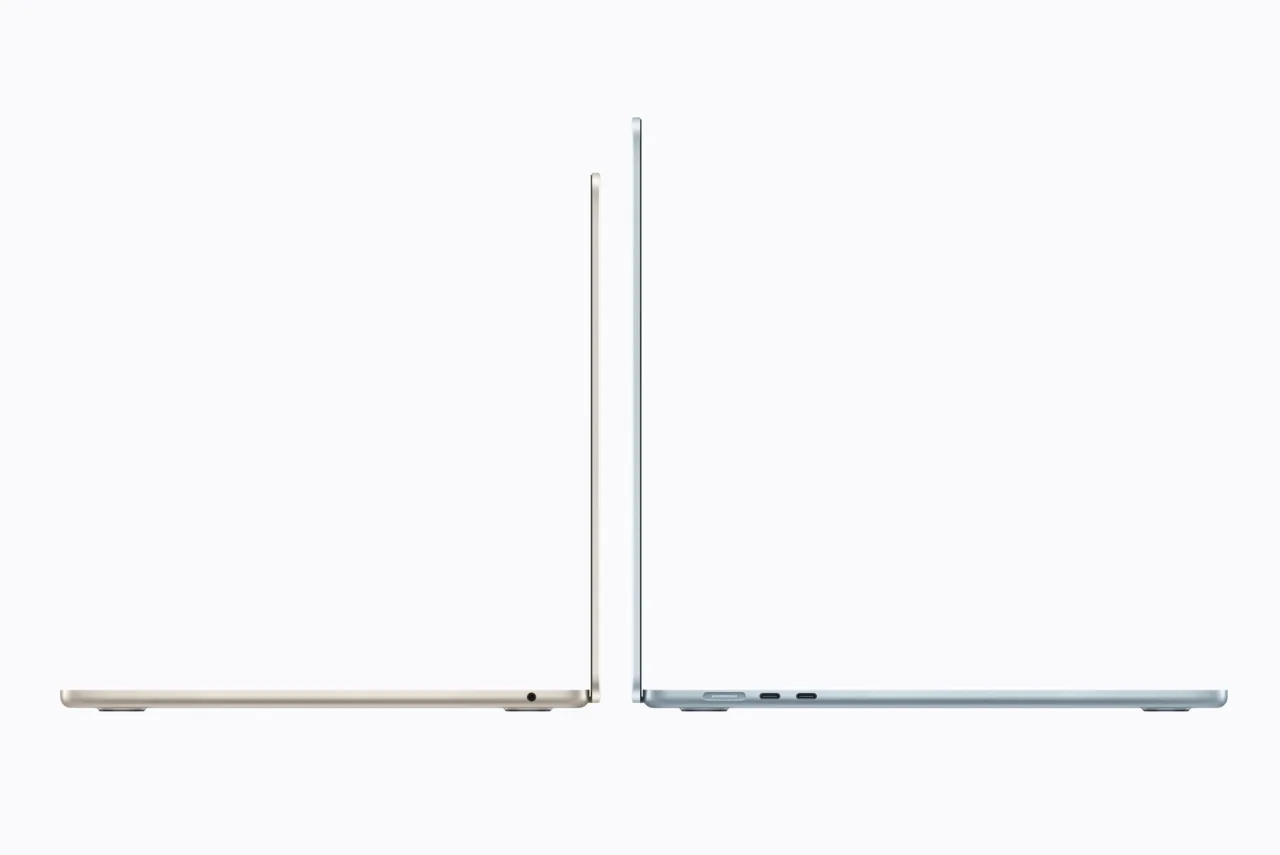
These are the starting prices on Apple’s and Microsoft’s Australian sites.
| Computer | Starting configuration | Price |
|---|---|---|
| MacBook Neo 13-inch | A18 Pro, 8GB, 256GB | A$1,049 |
| Mac mini | M6, 16GB, 256GB | A$1,449 |
| MacBook Air 13-inch | M5, 16GB, 512GB | A$2,099 |
| iMac 24-inch | M6, 16GB, 256GB | A$2,399 |
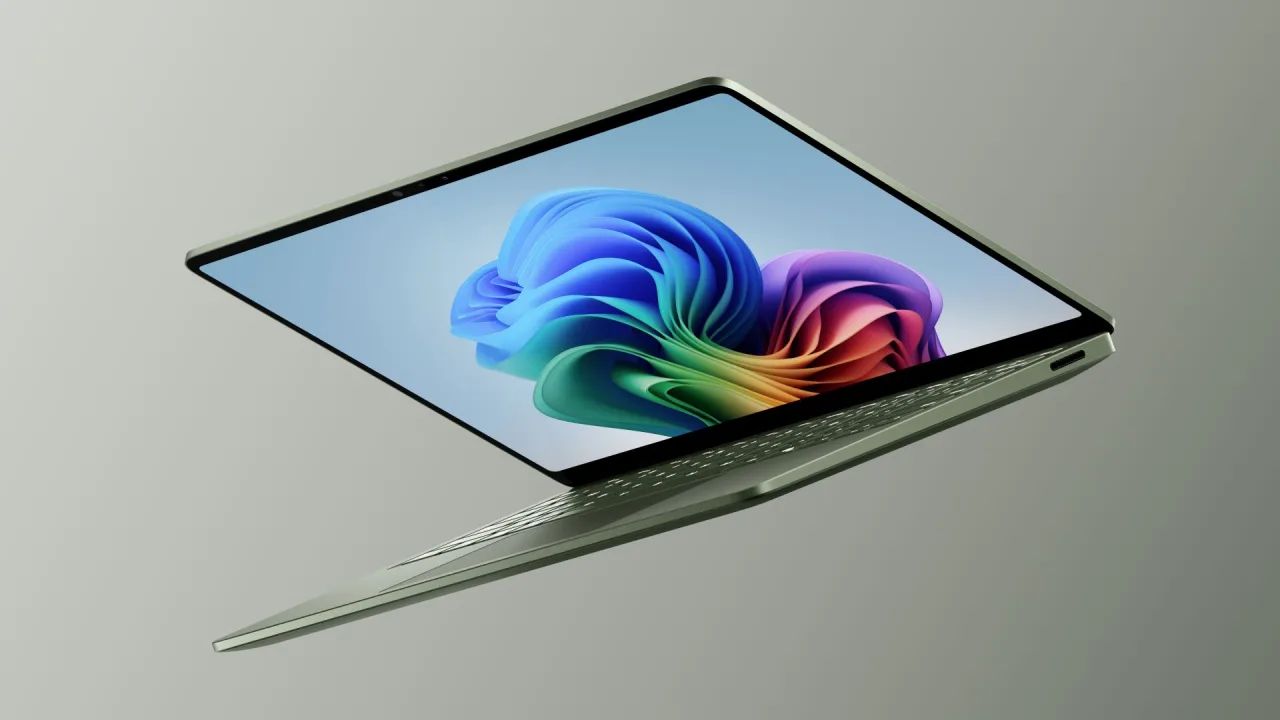
| Surface Laptop for Business 13-inch | Snapdragon X2 Plus | from A$2,659 |
Apple’s prices are higher than at launch in March, when it announced the MacBook Neo at A$899 and the 13-inch MacBook Air at A$1,799.
Windows Home or Pro matters more than the badge
Check which edition of Windows a laptop comes with. Windows 11 Home is fine for one person working alone. For an office it’s a problem:
- Home can’t join Microsoft Entra ID, the sign-in system behind Microsoft 365 business accounts, so you can’t manage staff logins centrally.
- Windows Autopilot, which sets up a new PC automatically when staff first sign in, supports Pro, Enterprise and Education, not Home.
- Full BitLocker encryption needs Pro. Home has a simpler Device Encryption, which only switches on automatically when you sign in with a Microsoft or work account, not a local account.
Microsoft sells Windows 11 Pro for A$379 as a full licence, and Home can be upgraded to Pro through the Microsoft Store. If you’re buying PCs for staff, check the edition before you pay, and buy Pro from the start.
Looking after the machines
Apple’s management tool is free. Apple launched Apple Business in April to replace Apple Business Manager, Business Essentials and Business Connect. It includes device management, zero-touch setup and Managed Apple Accounts, and Apple lists all three as available in Australia. Zero-touch setup only works for Macs bought from Apple or an Apple Authorised Reseller. Staff accounts can be created through Google Workspace or Microsoft Entra ID.
Microsoft’s equivalent comes with a subscription. Autopilot and Intune need a qualifying plan, such as Microsoft 365 Business Premium. If you already pay for Business Premium, you have them. Our Microsoft 365 business plans comparison sets out what each plan includes.
Updates. Each yearly Windows 11 version gets 24 months of updates on Home and Pro. That means moving Pro PCs to a new version at least every two years. Our guide to Windows 11 versions and when updates stop explains how to check.
Encryption. Apple says Macs with Apple silicon encrypt their data automatically. FileVault adds the need for a login password before that data can be read. A Mac isn’t immune to malware, though; our myth-or-fact piece on Mac viruses explains why.
Which one to buy
- Everything runs in a browser or Microsoft 365, and you want low fuss: a MacBook Air 13-inch (A$2,099), managed for free through Apple Business.
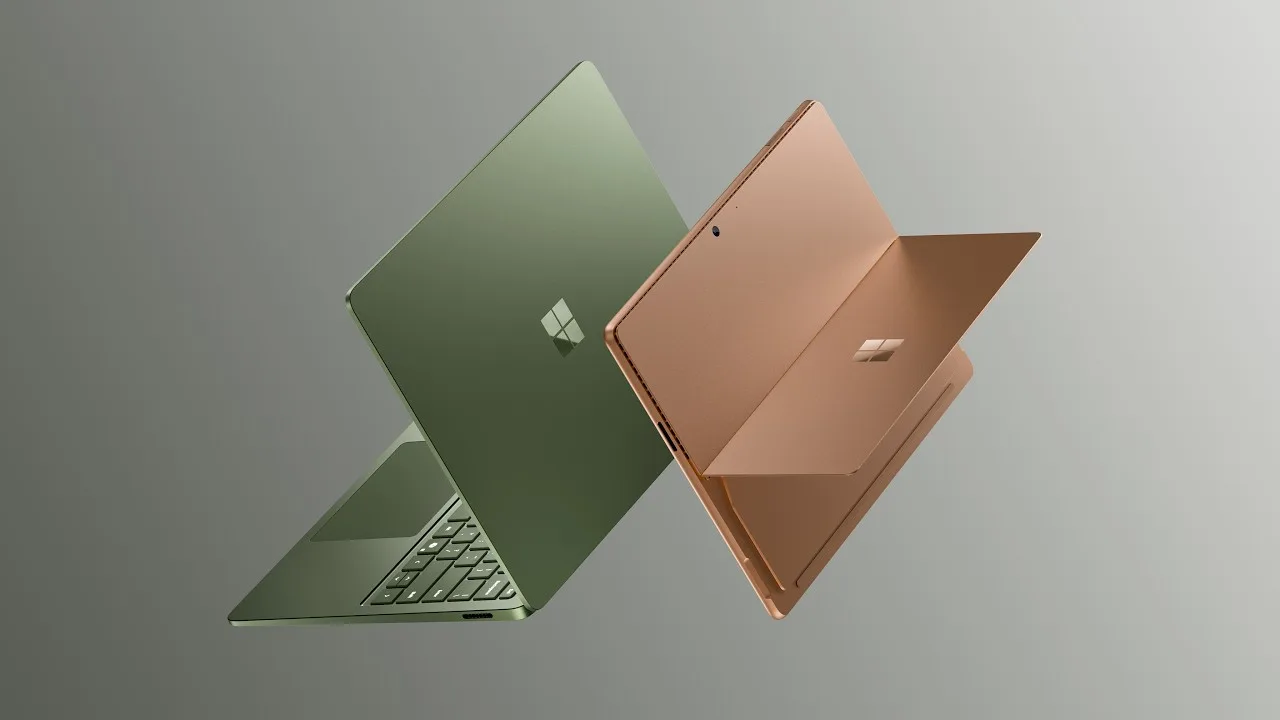
- You need MYOB AccountRight or other Windows-only software: Windows. The 13-inch Surface Laptop for Business (from A$2,659) is Microsoft’s own option. Whichever Windows laptop you choose, make sure it runs Windows 11 Pro.
- A front desk or light admin role on a tight budget: the MacBook Neo with 512GB and Touch ID (A$1,249). Check that 8GB of memory and two USB-C ports are enough for the job.
Mixing both is fine too. Plenty of offices run Macs at the front and one Windows PC for the accounts. Just plan how you’ll manage each.
Checklist
- List every program your business depends on. Check each one’s system requirements on the maker’s own site before you buy.
- Ask your bookkeeper or accountant what they need. Desktop MYOB AccountRight requires Windows.
- Buy Windows 11 Pro for office PCs. Home can’t join Microsoft Entra ID or use Autopilot.
- Sign up for Apple Business if you buy Macs. It’s free and lets you set up and manage the machines centrally.
- Check your Microsoft 365 plan before buying PCs. Autopilot and Intune need a plan such as Business Premium.
- Turn on FileVault on every Mac. On Windows PCs, turn on BitLocker or Device Encryption.
Tick items as you go. Your ticks stay in this browser.
Our picks
Best for most office desks that can run on a Mac
MacBook Air 13-inch (M5), 16GB memory, 512GB storage
Apple’s base 13-inch MacBook Air has a 10-core M5 chip, 16GB of memory and 512GB of storage. It runs the Mac versions of Microsoft 365 and browser-based accounting software.
A$2,099 · checked 28 Nov 2026See MacBook Air 13-inch (M5), 16GB memory, 512GB storage (opens in a new tab)Best for offices that need Windows software
Surface Laptop for Business, 13-inch (Snapdragon X2 Plus)
Microsoft’s own business laptop. Check it’s configured with Windows 11 Pro so it can join Microsoft Entra ID and be set up with Autopilot.
from A$2,659 · checked 28 Nov 2026See Surface Laptop for Business, 13-inch (Snapdragon X2 Plus) (opens in a new tab)Best for a reception or light admin desk on a budget
MacBook Neo, 8GB memory, 512GB storage
Apple’s cheapest laptop, with an A18 Pro chip. The 512GB model adds Touch ID. It has 8GB of memory and two USB-C ports, one of them a slower USB 2 port, so it suits lighter work.
A$1,249 · checked 28 Nov 2026See MacBook Neo, 8GB memory, 512GB storage (opens in a new tab)
How we chose. We compared Apple’s and Microsoft’s Australian store prices, checked on 28 November 2026, and their official specifications, support and compatibility pages. Prices change often, and Microsoft’s consumer Surface models were on sale when we checked, so we quote its business range. We haven’t tested these computers ourselves. This is a researched buying guide, not a hands-on review.