What happens in the second you tap your card to pay
A tap at the counter sets off a one-time code, a token, a trip to your bank and back, and a routing choice. How contactless payments work, step by step.
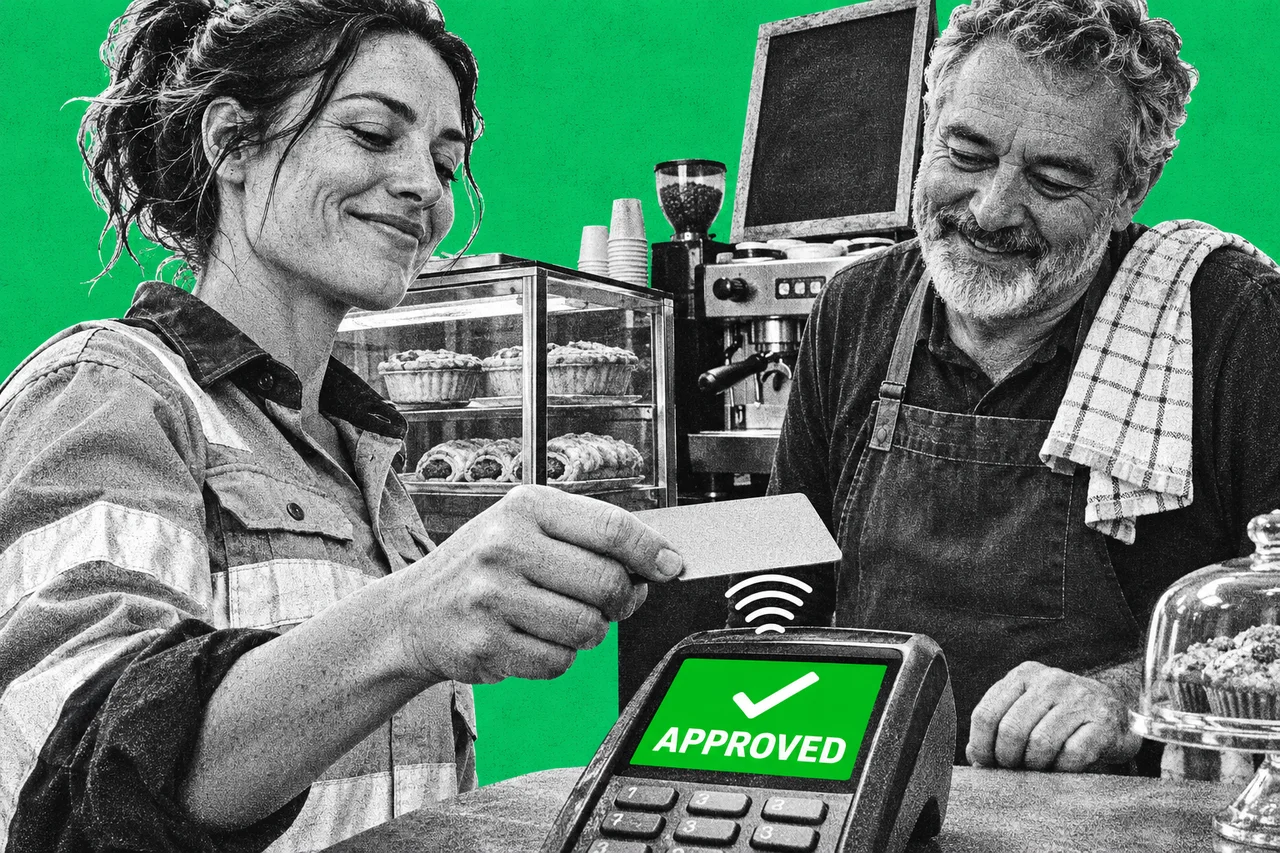
You hold your card over the terminal, it beeps, and the coffee is yours. In that second or two, your card has done some cryptography and your bank has said yes. The shop may also have quietly chosen the cheaper of two card networks.
Here’s what happens underneath, step by step.
A radio link that works over a few centimetres
The card and the terminal talk by near-field communication, or NFC. Apple calls it “designed to only work across short distances”. EMVCo, the card industry’s standards body, says contactless payments work with chip cards and NFC phones without touching the terminal.
The distances are tiny. Westpac tells its customers to hold the card within 4cm of the terminal. It also says the card has to stay there for more than half a second, and only after the merchant has entered the amount. So walking past a terminal shouldn’t charge you.
If you tap a whole wallet, only one card is read, Westpac says. It may not be the one you meant, so take out the card you want.
Your card makes a code that only works once
This is the clever part.
EMVCo says the chip generates “a one-time use security code” for every transaction. Apple describes the same thing on the phone side: a “dynamic security code” that’s unique to each payment. Apple says the code lets your bank confirm the payment came from your device.
Because the code changes every time, a recorded tap is far less useful to a fraudster.
Your phone doesn’t send your card number at all
Phone wallets add a second layer. They swap your real card number for a token, a stand-in number that only works in limited ways.
When you add a card to Apple Pay, your bank creates a “Device Account Number” for that phone. Apple says it’s stored in the Secure Element, a separate chip built to hold payment details. It’s kept apart from the phone’s operating system, never stored on Apple’s servers and never backed up to iCloud. Apple doesn’t keep your original card number.
At the terminal, the phone sends that device number plus the one-time code. Your bank can stop the device number working on a magnetic stripe, over the phone or on websites. So a number taken from the shop is of limited use.
Google Wallet does something similar. Google calls it a virtual card, with a randomly generated number that’s shared with the merchant instead of your real one. It’s created automatically for eligible cards when you add them.
Both wallets also want proof it’s you. Apple Pay needs Face ID, Touch ID or your passcode before it sends anything. The exception is Express Mode with a payment or travel card. Google Wallet won’t make in-store payments unless your phone has a screen lock.
EMVCo says these payment tokens are limited to “a specific merchant, device or payment scenario”. The token travels the whole way, from the shop through to your bank.
Shop to your bank and back
The Reserve Bank of Australia (RBA) says a card payment involves four parties. They are you, your bank (the issuer), the merchant, and the merchant’s payments provider (the acquirer).
The terminal passes the payment to the acquirer. The acquirer sends it across a card network, either Visa, Mastercard or eftpos, to your bank. Your bank checks the payment, including that one-time code, and sends back yes or no. The terminal shows the answer.
eftpos adds a safety net. It says it can approve and process payments on its own “if the cardholder’s bank is unreachable”, so a bank outage doesn’t stop every sale.
When you’ll be asked for a PIN
Above the tap limit, you’ll be asked to insert your card and enter your PIN.
The limit isn’t one fixed number. Westpac says Mastercard raised it from $100 to $200 in 2020 as a temporary COVID measure, and has since gone back to $100. Its own Mastercard cards tap up to $100. Limits can differ between stores and cards, so follow the terminal prompt. It tells you when a PIN is needed.
Two networks on one debit card
Most Australian debit cards carry two logos: Visa or Mastercard, and eftpos. The RBA says around 85 per cent of debit cards are dual-network, and both networks draw on the same bank account.
Don’t confuse eftpos, the Australian debit network, with EFTPOS, the terminal on the counter. Australian Payments Plus, which runs eftpos, says the network is on more than 70 million debit cards and digital wallets.
A tap normally goes to the network programmed as the card’s default, which the RBA says is usually Visa or Mastercard. For many merchants, eftpos is cheaper to accept. Least-cost routing, also called merchant choice routing, lets the merchant override the default and send the payment down the cheaper network. Either way, the money comes from the same account.
It adds up. The RBA estimated that merchants with least-cost routing switched on pay nearly 20 per cent less to accept debit cards than those without it. By June 2024, around 70 per cent of merchants had it on for in-person payments.
Phones are catching up. In March 2025, eftpos and Google started letting merchants route Google Wallet payments from ANZ and Suncorp Bank debit cards via eftpos. Before that, those cards defaulted to the international networks. Routing for online payments can vary by provider.
Routing matters more now that businesses can’t add a card surcharge. Surcharges on eftpos, Mastercard and Visa cards ended on 1 October, so a lower fee is now money the business keeps.
The money moves later, in batches
The beep means approval, not money changing hands. The banks square up later, in bulk.
Settlement happens through the RBA’s own system, RITS, where banks hold accounts. Mastercard and eftpos each net out what every bank owes every other bank and submit batches. Mastercard sends two a business day, and eftpos sends one each morning. Other retail card obligations settle in a multilateral net settlement at around 9am the next business day.
Your tap is one line in those totals. No money moves between banks while you wait at the counter.
If your phone goes missing, Apple says turning on Lost Mode in Find My suspends Apple Pay, and your bank can suspend the card in Apple Pay too.
Checklist
- Take one card out before you tap. A terminal reads only one card from a wallet, and it may not be the one you wanted.
- Put a screen lock on your phone. Google Wallet won’t pay in store without one, and Apple Pay needs a passcode set.
- If your iPhone is lost, turn on Lost Mode in Find My. That suspends Apple Pay, and your bank can also suspend the card in Apple Pay.
- Business owners: ask your provider about routing. Ask “Is merchant choice routing switched on for my terminals, and if not, why?” It’s often a setting your bank or payments provider can turn on.
- Business owners: check your online and wallet payments too. Ask whether least-cost routing also covers online debit payments and phone wallets, since availability varies by provider.
Tick items as you go. Your ticks stay in this browser.