Myth or fact: flight mode is all it takes to use your phone on a plane
Flight mode lets you use your phone on Australian flights. But the airline sets the rules, calls stay off, and Bluetooth or Wi-Fi may stay on.
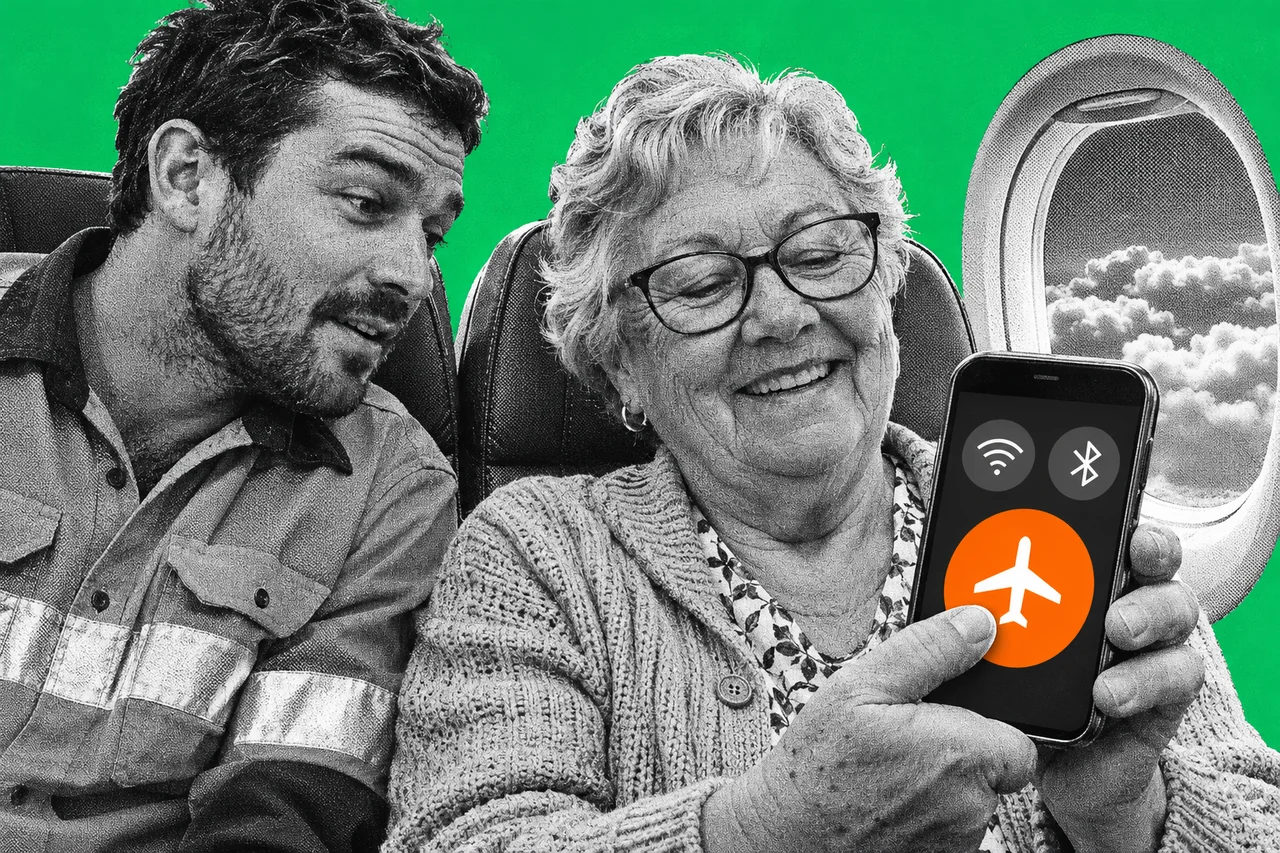
The doors close, the safety video starts, and a wave of thumbs reaches for the little aeroplane icon. Most of us think that one tap makes the phone safe to use for the whole flight.
Verdict: mostly fact, with fine print. On Australian flights you can use your phone in flight mode. But the airline sets the rules, calls stay off, and flight mode doesn’t always switch off everything you think it does.
What CASA says: use it, in flight mode
The Civil Aviation Safety Authority’s passenger advice is plain. “You can use your mobile phone and other personal electronic devices (such as tablets and laptops) safely on flights.” The condition: you follow the on-board procedures and the crew’s instructions.
CASA adds that “all devices must stay in flight mode throughout the flight”. It says flight mode disables transmitting functions such as mobile, Bluetooth and Wi-Fi signals. You also have to secure devices for take-off and landing, and during turbulence if the crew asks. Anything heavier than 1 kg goes in the overhead locker or wherever the crew directs.
The airline decides, not a blanket ban
There’s no single national rule that says exactly when and how you can use a phone. CASA says airlines “have the final say” on which devices you can take, when you can use them and how.
The regulations back that up. CASA’s plain-English guide to the flight rules says a passenger may only operate a portable electronic device with the pilot in command’s permission. The pilot can give it only after deciding the device won’t affect the aircraft’s safety. You must stop if the pilot or cabin crew tells you to.
The two big domestic airlines put it slightly differently:
- Virgin Australia lets you use a phone gate to gate. It must be in flight mode once the last aircraft door has closed, and can stay in use in flight mode until you arrive. Laptops must be stowed for taxi, take-off and landing, and can come out once the seatbelt sign goes off.
- Qantas asks all passengers to turn on flight mode once on board. It says devices without flight mode can’t be used at any time and must be switched off.
Why the rule exists
The worry is interference. CASA’s technical guidance on electronic devices says phone signals shouldn’t interfere with aircraft receivers, but stray emissions might. It also notes that once a device leaves the factory, there’s no guarantee about its condition.
So airlines assess the risk and set limits. CASA’s guidance even plans for the reality that many passengers forget: it assumes almost one third will accidentally leave devices on.
Wi-Fi back on is fine, calls aren’t
Here’s where the myth gets fuzzy. Flight mode is the starting point, not the end.
- Qantas says that with flight mode on, “Wi-Fi can still be turned on”, while mobile network and Bluetooth transmissions stay off. To use its free Wi-Fi, you turn on flight mode, then pick the Qantas network.
- Virgin Australia says that on planes with wireless entertainment, you need to turn Wi-Fi back on after switching to flight mode. If the crew says the system isn’t working, Wi-Fi must stay off.
Calls are a different matter. CASA says you can’t use mobile phone functions in flight. Qantas says voice and video calls aren’t permitted on its flights, and asks everyone to put devices on silent.
Making calls over Wi-Fi on the ground is a different thing: see our explainer on how Wi-Fi calling works.
Your phone may not switch off what you expect
Flight mode doesn’t always mean every radio is off.
On an iPhone, Apple says tapping the Aeroplane Mode button in Control Centre “turns off all radios except for Bluetooth”. It also says that if you turn Bluetooth off while in Aeroplane Mode, your iPhone keeps it off the next time you turn Aeroplane Mode on.
On a Google Pixel, Google says Wi-Fi and Bluetooth turn off the first time you use aeroplane mode. If you switch them back on, the phone remembers and leaves them on next time. Other Android brands may behave differently, so check yours.
So if you flew last month with Bluetooth earbuds, your phone may still have Bluetooth on this flight. Qantas says Bluetooth is disabled in flight mode, and CASA lists Bluetooth among the signals flight mode switches off. Neither airline page says Bluetooth earbuds are allowed in flight. If you want to use them, ask the crew.
The device rule that actually changed: power banks
The phone itself is no longer the main device worry in the cabin. Lithium batteries are.
CASA’s PackRight rules say power banks must travel in the cabin, not checked bags. You can carry no more than two per person. You must not recharge them on board or use them to charge other devices. Power banks between 100 and 160 watt-hours need airline approval, and anything over 160Wh is banned.
The airlines have tightened this further:
- Qantas and Jetstar banned using power banks on board, and charging them, including through seat power or USB ports, from 15 December 2025. Qantas says power banks over 100Wh will be banned from 1 January 2027.
- Virgin Australia says power banks must not charge other devices on board, or be recharged from the aircraft’s power. It wants them in the seat pocket, under the seat in front or on you, not in the overhead locker.
Qantas’s reason is simple: the lithium batteries inside can overheat and catch fire. Keeping them in the cabin lets crew reach them quickly.
Checklist
- Turn on flight mode before the doors close. Virgin Australia requires it once the last door has closed; Qantas asks for it once you’re on board.
- Check Bluetooth after you switch to flight mode. An iPhone leaves Bluetooth on, and Pixel phones remember radios you turned back on last time. Ask the crew before using Bluetooth earbuds.
- Switch Wi-Fi back on only for the airline’s network. Turn it on after flight mode to use Qantas Wi-Fi or Virgin Australia’s wireless entertainment.
- Skip voice and video calls in the air. Qantas doesn’t permit them on its flights, and CASA says mobile phone functions can’t be used in flight.
- Stow laptops for taxi, take-off and landing. Put them under the seat in front or in the overhead locker; anything over 1 kg goes in the locker or wherever the crew directs.
- Pack power banks in your carry-on, two at most. Check each one’s watt-hour rating; Qantas bans power banks over 100Wh from 1 January 2027.
- Leave power banks unused during the flight. Qantas and Jetstar ban using or charging them on board, and Virgin Australia says they can’t charge other devices on board.
Tick items as you go. Your ticks stay in this browser.