Google Assistant leaves Nest speakers in 2027. Upgrade or they go quiet
Google is switching off Assistant on its speakers and displays from August 2027. The free Gemini for Home upgrade isn’t automatic, and the Nest app closes in January.
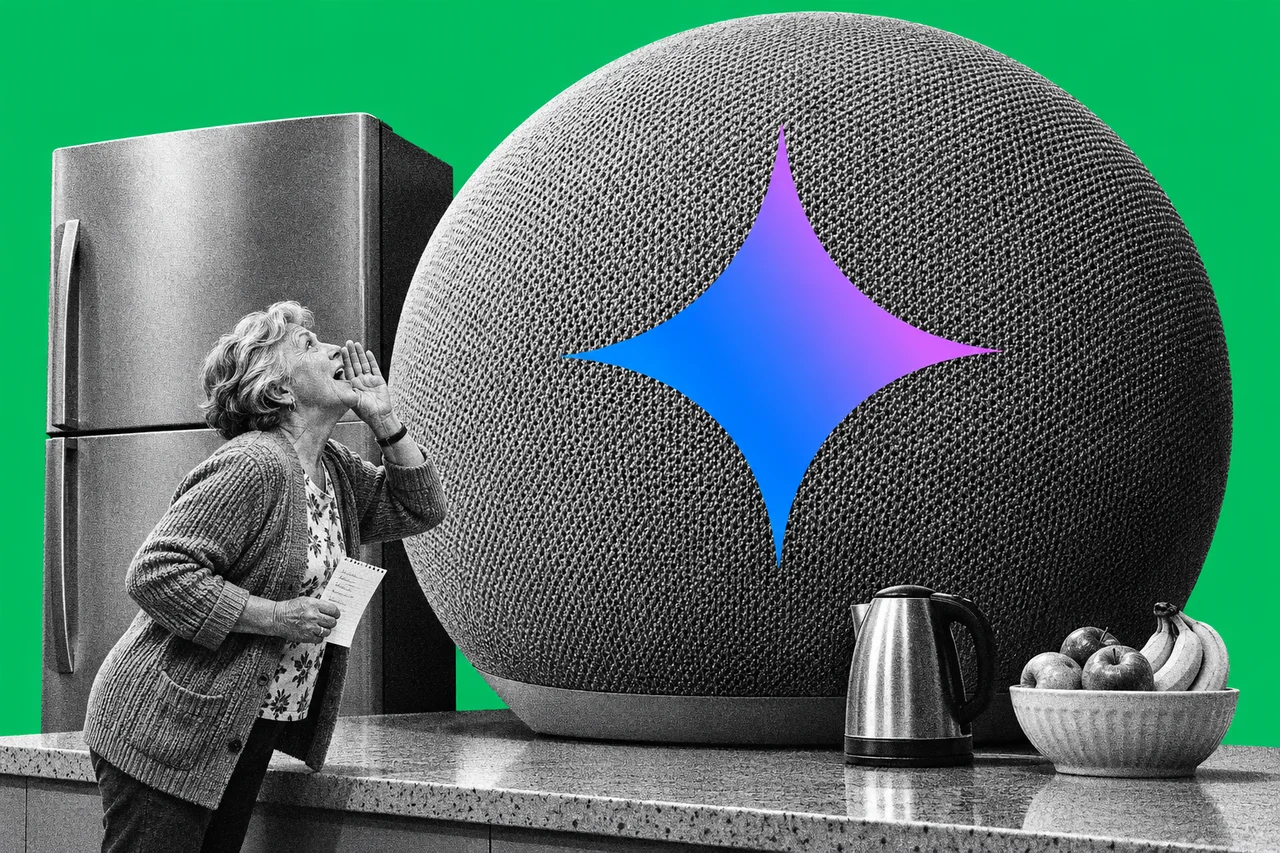
Your Google Home or Nest speaker won’t answer “Hey Google” much longer unless you give it a new brain.
Google has announced it is retiring Google Assistant on its speakers and smart displays. Its replacement, Gemini for Home, is free. The catch is that you have to switch it on yourself.
The date: August 2027
Google’s announcement says Gemini for Home will “fully replace Google Assistant on speakers and smart displays” on 2 August 2027. The FAQ says the switch-off rolls out from August 2027, with Assistant permanently gone by 31 August 2027.
That’s more than eight months away. But the upgrade isn’t automatic. The FAQ is blunt: if you don’t upgrade, “Google Assistant will stop responding” and you won’t be able to use the speaker. Completing the free upgrade later brings it back to life.
This covers third-party speakers with Google Assistant built in, too. Google says all of them can be upgraded, and those that aren’t may stop working.
Which speakers get what
Google says every device supported today works with the new experience. Its Gemini for Home page splits them in two:
- The full set of features: the 2026 Google Home Speaker, Nest Hub (2nd gen), Nest Audio, Nest Mini (2nd gen) and Nest Hub Max.
- Most features, but not Gemini Live: Nest Wifi points, the Google Home Max, the original Google Home and third-party speakers.
Speakers need Cast firmware 3.76 or later, and displays need Fuchsia firmware 28 or later.
One thing to know before you start: the switch is one-way. Once your home moves to Gemini for Home, you can’t go back to Google Assistant, and the change applies to everyone in the home.
What’s free, and what costs extra
The everyday jobs stay free: smart home controls, music and media, alarms and timers, calendars, notes, lists, reminders and general questions.
Gemini Live, the back-and-forth conversation mode, needs a Google Home Premium subscription. Gemini for Home works with personal Google accounts, not work or school accounts. On the Google Store Australia, Standard costs A$15 a month or A$150 a year, and Advanced costs A$30 a month or A$300 a year. Google lists Australia and New Zealand among the countries with early access to Gemini for Home.
The Nest app closes first
The same announcement retires the Nest app on Android, iOS and the web on 25 January 2027. Nest devices, cameras and video history move to the Google Home app automatically. Nest Aware (1st gen) subscriptions switch to Google Home Premium on the same day.
Camera clips you saved by hand don’t move across. Google says to download them with “Download All” at home.nest.com before 25 January.
Weighing up a speaker from another brand instead? We looked at Amazon’s new Echo Studio, which adds a camera.
Checklist
- Update the Google Home app. Install the latest version on your phone before you start.
- Start the upgrade. In the Google Home app, tap your profile icon, then Home settings, then Get started on the Set up Gemini for Home banner. On a computer, go to home.google.com/gemini.
- Check everyone’s OK with it. The switch covers the whole home and can’t be undone, so tell the rest of the household first.
- Look for Early access if the banner isn’t there. In the Google Home app, open Home settings, then Early access.
- Upgrade speakers with Assistant built in. Third-party speakers need the upgrade too, or they may stop working after August 2027.
- Download saved Nest camera clips. Sign in at home.nest.com and use Download All before 25 January 2027.
- Decide on Google Home Premium. For your speakers, you only need it for Gemini Live (Standard, A$15 a month) or searching camera history by voice (Advanced, A$30 a month). Nest camera owners also need it for video history.
Tick items as you go. Your ticks stay in this browser.