Business phones on the NBN: what VoIP costs depend on, and what to check before you rely on it
NBN phone lines are VoIP, and most stop in a blackout. What to check on power, Triple Zero, number porting, alarms and EFTPOS, and how to compare plan costs.
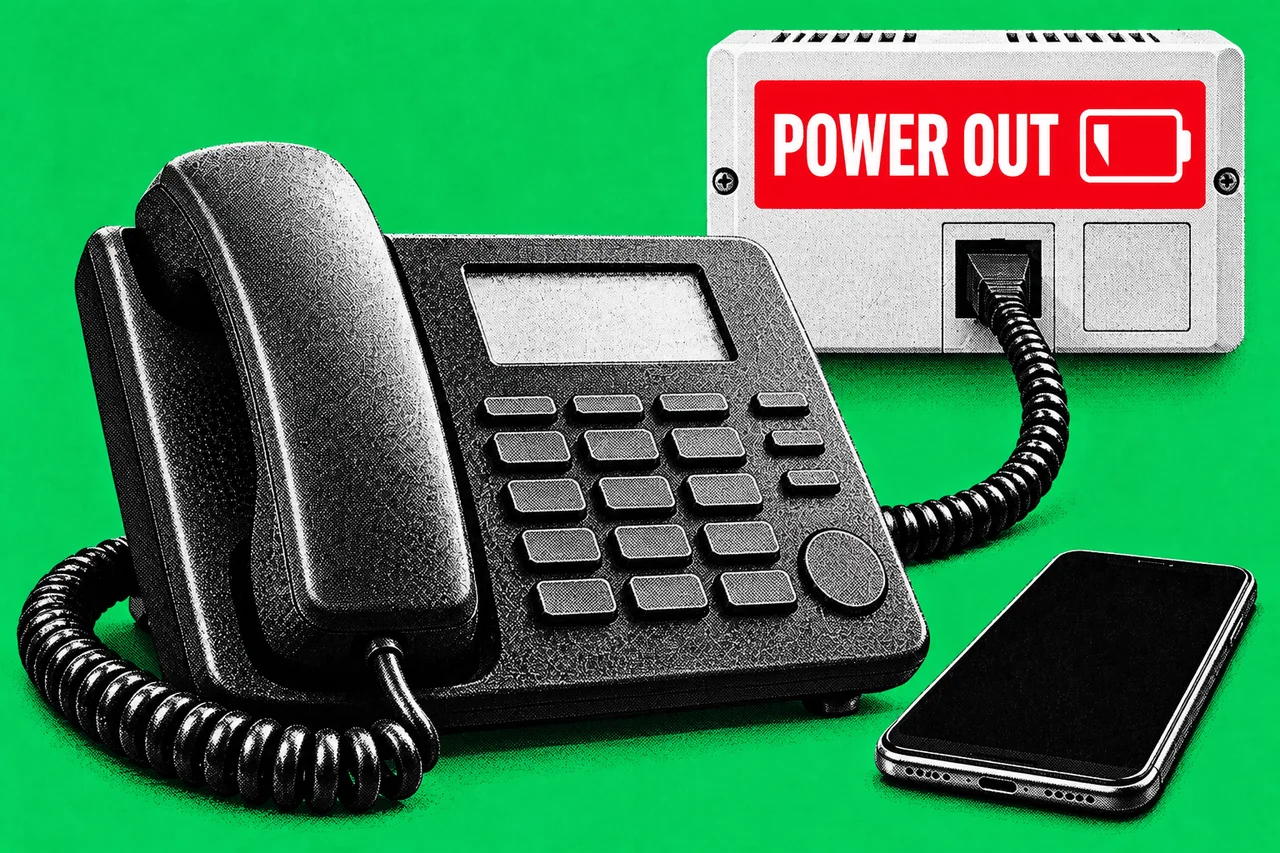
If your business has a phone line on the NBN, it is a VoIP service: your calls travel as data over the same connection as your internet. That changes what happens when the power goes out, how emergency calls find you and which old devices still work. It also means there is no single “NBN phone price”. This guide covers what to check before you rely on an NBN voice service, and how to compare what providers charge.
It is written for small offices, shops and clinics. If you run a lot of lines or a phone system (PBX), the same checks apply, but ask your provider for business-grade options.
How NBN phone services work
NBN Co describes its voice service as VoIP, carried in its highest-priority traffic class. On most connection types (fibre to the building, curb or node, HFC cable, Fixed Wireless and Sky Muster satellite), the phone plugs into your provider’s modem. On fibre to the premises (FTTP), it plugs into the provider’s modem or, where one is set up, the phone port (UNI-V) on the NBN connection box.
NBN Co says Telstra copper landlines, other companies’ landlines over Telstra copper and ADSL services are switched off once the NBN replaces them. The main exception is Fixed Wireless and Sky Muster areas, where the copper network stays and you can keep a copper landline or move to NBN voice.
NBN Co says it is a wholesaler and doesn’t sell direct to the public, so the price, inclusions and fees for your phone line are set by your provider.
Power outages: what stops working
NBN Co is blunt: “Any equipment connected via the nbn® network will not work during a power outage.” On fibre to the building, curb and node, HFC and Fixed Wireless, it says backup power at your premises can’t help if the network equipment outside has also lost power.
The old battery backup option is fading out:
- NBN Co stopped offering its power supply unit with battery for FTTP connections from June 2024, though a provider may be able to arrange one.
- Existing units power only the NBN connection box, for up to about five hours. Your modem and any other mains-powered device need their own backup, though a corded phone plugged into the box’s phone port can work on the battery.
- ACMA’s 2014 rule requiring telcos to warn FTTP customers about backup power lapsed on 1 October 2024.
What still applies is ACMA’s NBN consumer information standard. Each NBN plan’s key facts sheet must list the services that won’t work during a power failure. Telcos must also tell you whether you can keep your number, and what equipment is compatible and what it costs.
If someone on your staff or premises depends on a phone for a medical reason, ask about priority assistance. NBN Co says the Government requires Telstra to offer it to people with a diagnosed life-threatening medical condition, and other providers may offer it too.
Triple Zero (000) on a VoIP line
ACMA says you can call 000 from certain VoIP services, and that on a mobile or VoIP service the operator will ask for the town and state you are calling from. More importantly, it says most NBN services won’t work during a power outage, so you won’t be able to call 000 on them.
ACMA’s advice is to keep a charged mobile phone available. Its Emergency+ app can help you give your location. If your business keeps an older handset as a spare, check it can still reach 000 since the 3G shutdown: ACMA says you can text “3” to 3498 to check, and you shouldn’t test by calling 000.
Alarms, EFTPOS and other devices
The devices most often forgotten are the ones that quietly use a phone line. NBN Co’s business guidance lists equipment that may need to move to the NBN:
- EFTPOS and HICAPS terminals, and on-site ATMs
- monitored security alarms and cameras, and back-to-base fire alarms
- lift emergency phones
- fax and TTY machines (NBN Co says fax works on some phone services, so ask your provider)
- a PBX or several phone lines
- medical alarms
For each, ask the equipment supplier whether it works on your NBN connection type, and how it behaves in a blackout. NBN Co’s medical alarm register closed on 30 June 2023. NBN Co says you can use a medical alarm with battery and mobile network backups.
Keeping your number
ACMA says you can port local, mobile, 13, 1300 and 1800 numbers. Only active numbers can be ported, so don’t cancel your old service first. The new provider asks your current one to release the number. A single local number usually takes 8 to 15 days, and several numbers can take up to 30 days. Fees may apply. ACMA also says telcos must tell you before you sign whether you can keep your number on the NBN.
What VoIP costs depend on
There is no published retail price list for business phones on the NBN, and we haven’t found an official source for typical price ranges, so we won’t give one. What drives the cost:
- The plan. Calls may be bundled, capped or charged per call, and lines are often priced per number or per user.
- Equipment. A modem with a phone port, handsets or a PBX, and any battery or mobile backup.
- Number porting. ACMA says fees may apply; its example is $8 for a mobile number, with local numbers possibly costing more.
- Contract terms. Minimum terms, early exit fees and the cost of any equipment you keep.
- Service level. NBN Co’s September 2026 fact sheet says its nbn Business Plans aim to restore eligible faults within 12 hours where available, and Enterprise Ethernet within 4 hours where possible, in urban areas or where no site visit is needed. These are wholesale targets: NBN Co says providers’ own times may differ.
Every provider must publish a Critical Information Summary for each product, setting out what’s included and excluded, fees (including on “free” offers) and the minimum term. ACMA says you should get it before you buy a postpaid service, or within five business days if you buy over the phone. Lay two or three side by side.
When things go wrong
ACMA’s NBN service rules say that if a new NBN service isn’t working within three days of moving to it, the telco must offer a replacement service or compensation. The Customer Service Guarantee also sets repair timeframes and automatic compensation for landline phone services, but it excludes customers with more than five landline phone lines, fax lines, and mobile and internet services. Some telcos offer services only if you give up some or all of these rights, so read the contract.
From 30 June 2026, ACMA requires telcos to publish registers of resolved major and significant local outages. For anything you can’t resolve with the provider, the Telecommunications Industry Ombudsman can generally help small businesses with fewer than 20 full-time staff and turnover up to $3 million. Its advice for small businesses: have a backup plan, such as mobile data.
ACMA is also consulting on a new consumer protections standard that would give small businesses more payment choice; we covered that proposal here. It is a proposal and isn’t law yet.
Checklist
- Read the key facts sheet and ask about your number. Find which of your services won’t work in a power failure, and ask the provider whether you can keep your number.
- Keep a charged mobile for 000. Put it where staff can reach it in a blackout, and check older handsets by texting “3” to 3498.
- List every device on your phone line. Include EFTPOS and HICAPS terminals, alarms, lift phones, fax and PBX, then ask each supplier if it works on your NBN connection.
- Don’t cancel the old service first. Ask the new provider to port your numbers while they’re still active, and allow up to 30 days for several.
- Compare Critical Information Summaries. Check call charges, per-line fees, equipment costs, minimum term and exit fees for two or three providers.
- Ask what fault restoration the plan includes. If the phone is critical, ask the provider whether it offers a business-grade service and what restoration time it commits to.
- Check any medical or safety reliance. Ask about priority assistance, or a mobile-connected alarm with a backup battery.
Tick items as you go. Your ticks stay in this browser.