Apple’s first touchscreen Mac is a MacBook Pro from A$4,599
Apple’s MacBook Pro with PROLED XDR Display adds touch and an OLED screen. Australian prices, what touch does in macOS 27, and how it compares with the M6 model.

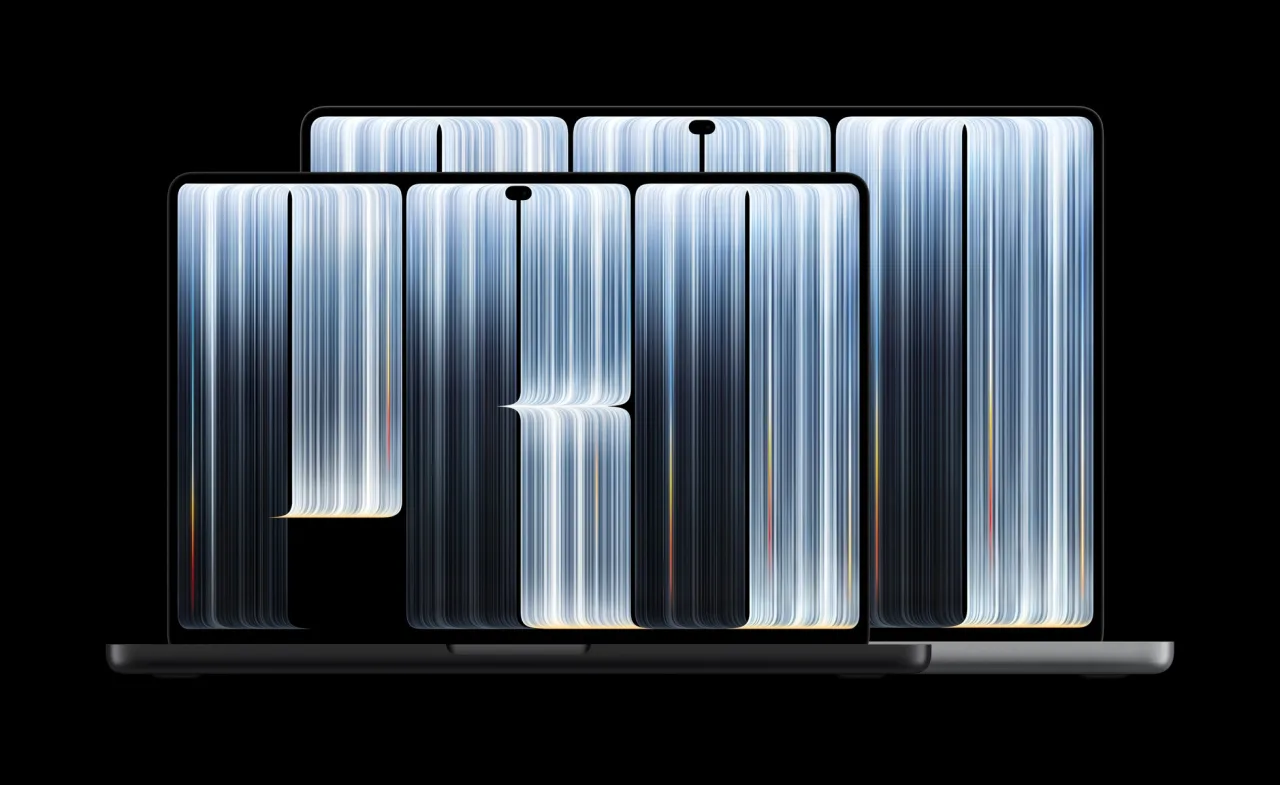
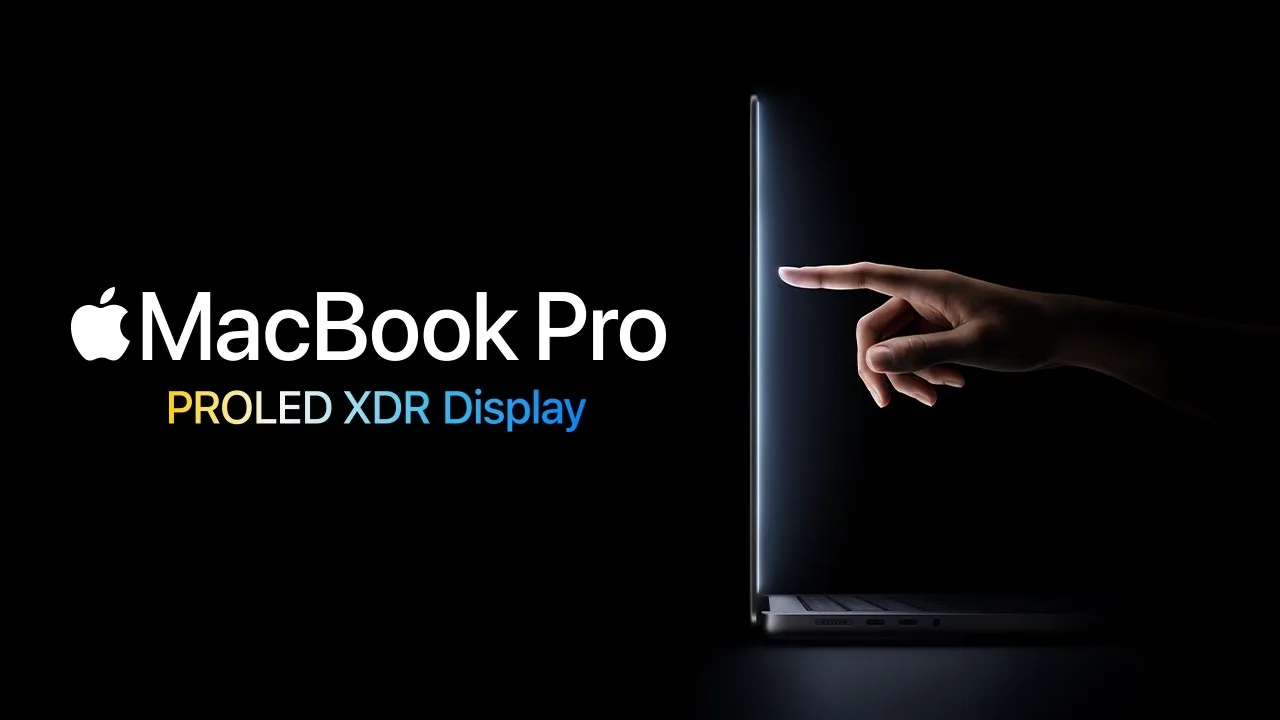
You can now poke a Mac screen and have something happen. Apple’s new MacBook Pro with PROLED XDR Display is the first Mac with a touchscreen, and in Australia it starts at A$4,599.
Apple announced it on 29 October, Australian time. Pre-orders opened the same day, and it reaches customers and Apple Stores from Friday 6 November.
What it costs here
Apple’s Australian prices, including GST:
| Model | Chip | Price |
|---|---|---|
| 14-inch | M5 Pro | A$4,599 |
| 16-inch | M5 Pro | A$5,499 |
| 14-inch | M5 Max | A$6,999 |
| 16-inch | M5 Max | A$7,699 |
Education pricing starts at A$4,359. The ordinary, non-touch MacBook Pro stays on sale too, with M6, M5 Pro or M5 Max chips. Its cheapest model, the 14-inch with M6, starts at A$3,199. That’s A$1,400 less than the cheapest touch model, though the gap also buys an M5 Pro chip.
Touch, built into the screen
Apple says the touch sensor is built into the display panel itself, rather than layered on top. A redesigned hinge is meant to keep the screen steady while you tap it.
It runs macOS 27. Apple says many existing apps work with touch straight away, because macOS turns your touches into clicks. Developers can also use updated gesture tools to build touch features of their own.
Apple names Microsoft Word, Excel, PowerPoint and Outlook, Canva, Zoom, Notion, Adobe Lightroom and DaVinci Resolve among the apps getting touch features. A footnote says those listed apps will be available later this year, so don’t expect all of them on day one. Touch features for Apple’s own Final Cut Pro, Logic Pro and Pixelmator Pro arrive in Apple Creator Studio updates in November.
Apple’s pages talk about sketching and annotating on screen with your fingers. They don’t mention Apple Pencil.
A brighter screen, and the Dynamic Island
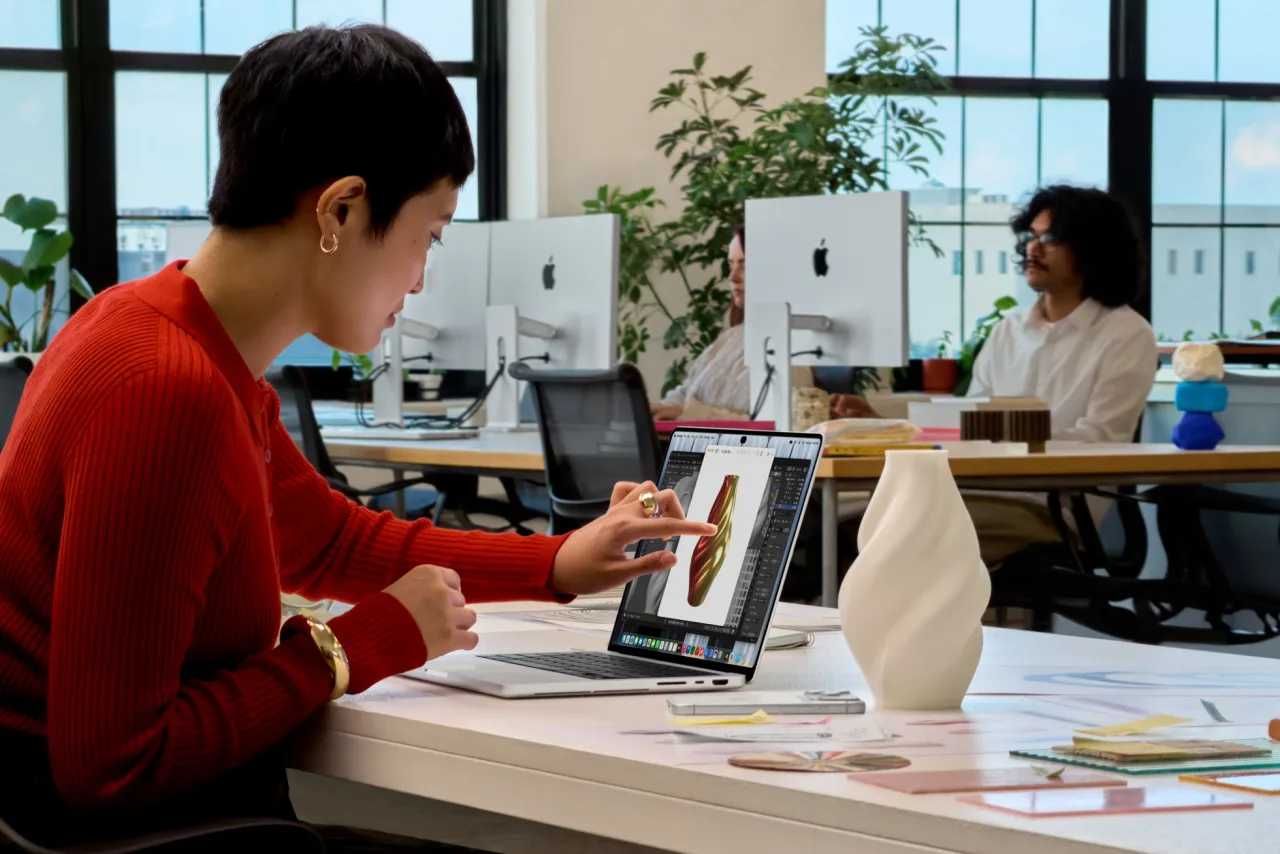
The screen is a tandem OLED panel. Apple quotes up to 2,000 nits for HDR video and photos, and for everyday content in bright outdoor light. The non-touch model’s HDR peak is 1,600 nits.
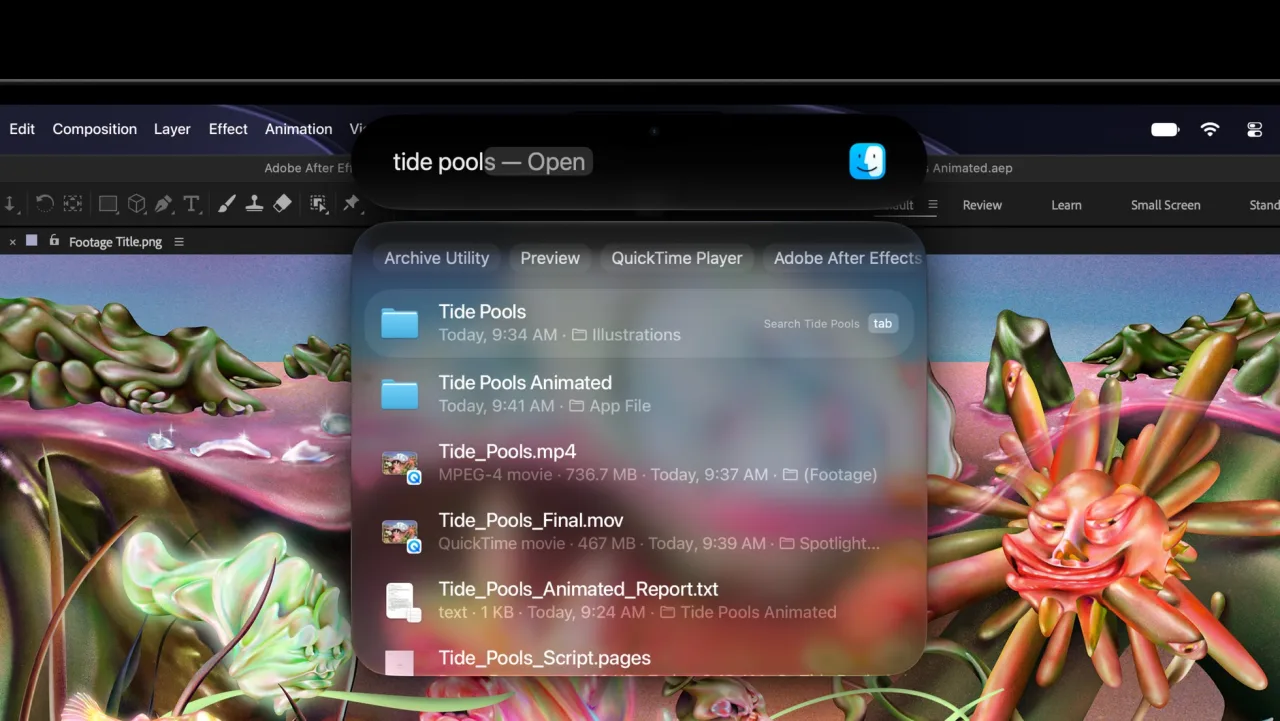
The iPhone’s Dynamic Island also comes to the Mac. It sits at the top of the screen and becomes the home for Spotlight search, Live Activities and Siri AI, which is in beta. Spotlight only moves there if Siri AI is available and switched on.
Lighter, with the ports kept
The 14-inch weighs 1.38 kg with the M5 Pro, and the 16-inch 1.82 kg. Apple rates the 16-inch M5 Pro at up to 24 hours of video playback. The 14-inch M5 Pro gets up to 22 hours.
The ports stay: three Thunderbolt 5, HDMI, an SD card slot, MagSafe charging and a headphone jack. Memory goes up to 128GB. Storage goes up to 16TB, but only with the M5 Max; the M5 Pro tops out at 4TB.
Who should wait, and who shouldn’t
For most people buying a Mac for email, spreadsheets and browsing, this changes little. The non-touch MacBook Pro, or a cheaper Mac, does that job for less. If you’re weighing a desktop instead, our Mac mini buying guide compares the M6 and M5 Pro models.
The touch model makes most sense for people who work on images, video, design or 3D, where the brighter screen and direct touch matter. Even then, it’s worth checking that the apps you rely on have touch features before you pay the extra.
Checklist
- Price the non-touch model first. The 14-inch MacBook Pro with M6 starts at A$3,199, against A$4,599 for the cheapest touch model. The non-touch model also comes with M5 Pro.
- Check your key apps for touch support. Apple says many apps get basic touch automatically, but named apps such as Microsoft Word and Lightroom get their touch features later this year.
- Match the chip to your storage needs. More than 4TB of storage needs the M5 Max, which starts at A$6,999 for the 14-inch before storage upgrades.
- Check education pricing if you qualify. Apple’s education prices start at A$4,359 for the 14-inch M5 Pro and A$5,179 for the 16-inch M5 Pro.
- Order early if you need it by a deadline. Deliveries start from Friday 6 November, and dates vary by configuration.
Tick items as you go. Your ticks stay in this browser.