Got an iPhone Duo? What Apple’s new guides say about the hinge and screens
Apple has published iPhone Duo support guides. How to clean the inner screen, fit the case, restart a black screen and check what’s wrong with the hinge.

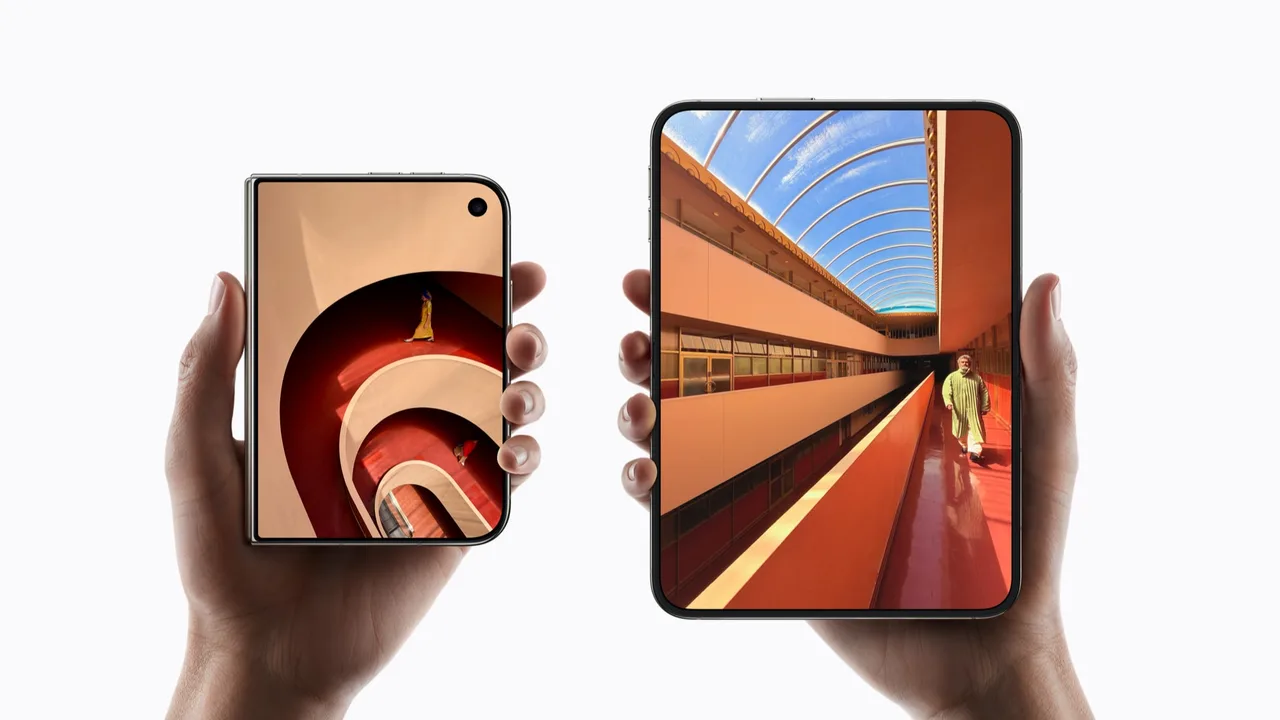
If you’ve just unfolded a new iPhone Duo, its inner screen has a cover layer no other iPhone has. Apple published or updated a batch of support guides on 23 October, the day the folding phone went on sale in Australia. Here’s what they say, minus the technician jargon.
We covered the phone’s Australian prices and features in iPhone Duo pre-orders open Friday night in Australia.
Leave the inner screen’s top layer alone
The inner screen has a nano-texture cover layer. Apple says it “is an integral part of the inner display”, cuts glare and protects the screen from scratches and dents. Its instruction is blunt: “Don’t attempt to remove it.”
To clean it, Apple says to use its Polishing Cloth, another microfibre cloth made for screens, or a cotton and elastane blend. For a stubborn smudge, dampen the cloth with 70% isopropyl alcohol. Wash the cloth by hand and let it air-dry for at least 24 hours.
For the rest of the phone, Apple says to unplug cables and turn it off first, then use a soft, slightly damp, lint-free cloth. No bleach, no hydrogen peroxide, no soaking and no compressed air. Clean it straight away after contact with sand, makeup or lotion.
The hinge has no software fix
Apple’s hinge guide covers a phone that won’t open or close fully or makes unexpected noise. It also covers a loose, bent or broken hinge. It says there “aren’t diagnostics or software remedies for hinge issues”, so restarting or restoring the phone won’t help.
The checks are physical. Take off any third-party case or screen protector. Open and close the phone and listen. Check that it holds steady at every angle, and look along the hinge for dust or particles.
If it’s faulty, the repair in Apple’s guide is to replace the inner display assembly, which needs ordered parts and tools. Apple warns that replacing a part may not fix the problem, and points owners to its repair options.
Some early owners have posted photos of inner screens failing along the fold, MacRumors reports. How common that is isn’t known. MacRumors says one Australian owner had a broken phone replaced at an Apple Store straight away.
If one screen goes black
A dark screen doesn’t always mean a broken one. If only one screen stays black, open Control Centre on the screen that works. Touch and hold the power button at its top right until you feel a vibration. Then drag the slider to turn the phone off, and turn it back on.
If both screens are black, force a restart. Press and quickly release the volume button closest to the side button, then the other volume button. Then hold the side button until the Apple logo appears, which takes about 10 seconds. Still nothing? Charge it for an hour and try again. If that fails, Apple says it might need service.
Fitting Apple’s case
Apple’s iPhone Duo Case sticks on. Lay the phone outer screen up on a clean, flat surface, make sure the phone is free of dust, and peel the liners off the case. Line up the front cover’s top and bottom right corners first, then press around the edges with gentle, even pressure. Fit the back cover from the camera edge.
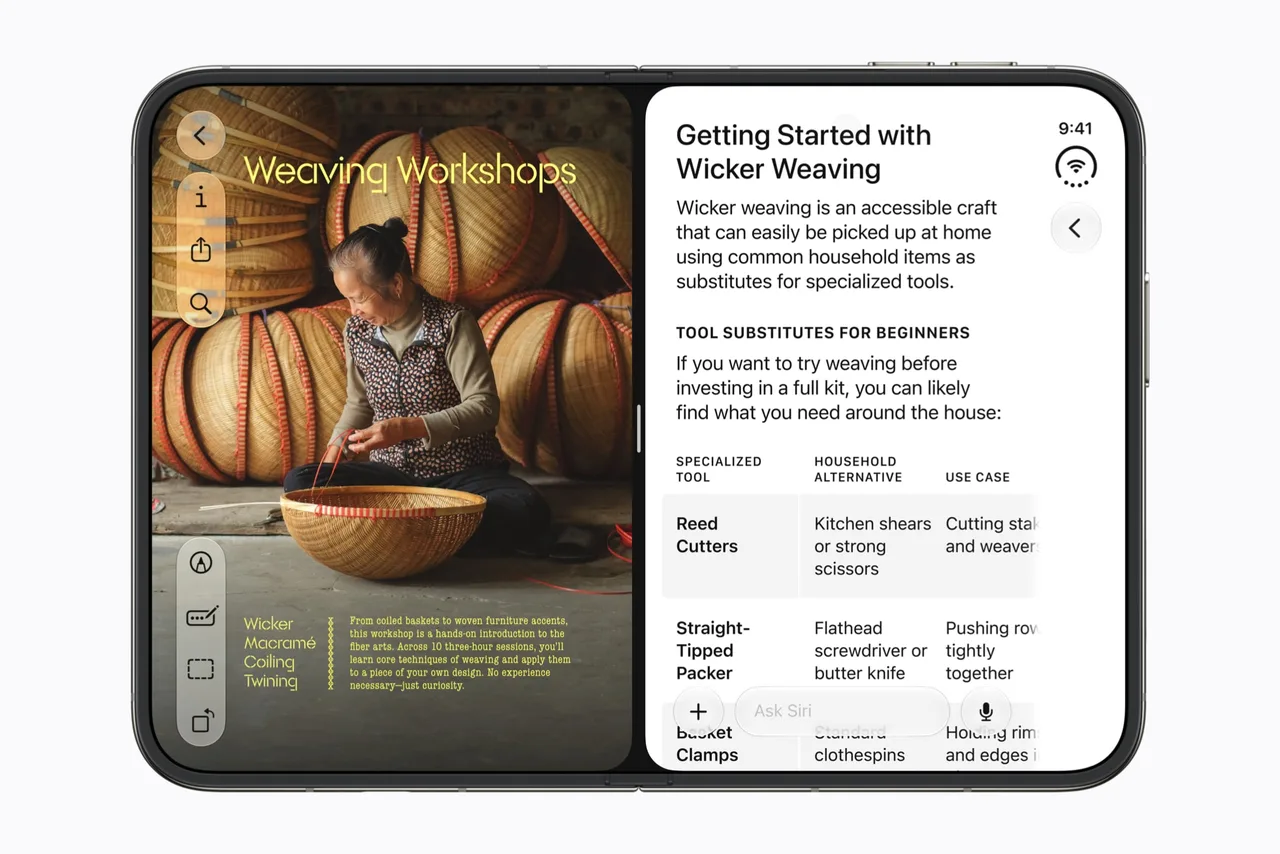
Once it’s on, a prompt takes you to Settings. Or go to Settings > Display & Brightness and turn on Shift Left Edge. It moves the outer screen’s content to make room for the front of the case.
Touch ID repairs: check the parts
The Duo unlocks with a Touch ID button, not Face ID. Apple says a replacement button should be fitted by a trained technician using genuine parts. A repair that doesn’t refit screws properly can leave loose parts that “could damage the battery, cause overheating or result in injury”.
After any repair, check Settings > General > About. “Genuine” next to Touch ID button means an Apple part. Until a new button is calibrated, Touch ID won’t unlock the phone or approve payments, though your passcode still works. Apple also notes that repairs through its Independent Repair Providers aren’t covered by its warranty or AppleCare plans, though the provider’s own repair warranty may apply.
Checklist
- Leave the inner screen’s cover layer on. Apple says it’s part of the display and not to try removing it.
- Keep a microfibre cloth handy. Clean the inner screen with a microfibre or Apple Polishing Cloth, and never use compressed air.
- Turn on Shift Left Edge if you fit Apple’s case. Find it in Settings > Display & Brightness.
- Learn the force restart. Press and quickly release the volume button nearest the side button, then the other one, then hold the side button for about 10 seconds.
- Check the hinge if it sounds or feels wrong. Remove any third-party case, open and close it, and look for dust along the hinge; restarting won’t fix a hinge fault.
- Get Apple to check a faulty hinge. If the hinge is loose, stiff or noisy, book a repair; Apple’s fix replaces the inner display assembly.
- Check parts after any Touch ID repair. Look for “Genuine” next to Touch ID button in Settings > General > About.
Tick items as you go. Your ticks stay in this browser.