Google is bringing ads into AI Mode answers in Australia
Sponsored results are now scaling inside Google’s AI Mode in Australia. Which campaigns are eligible, how ads get matched, and why you can’t opt out.
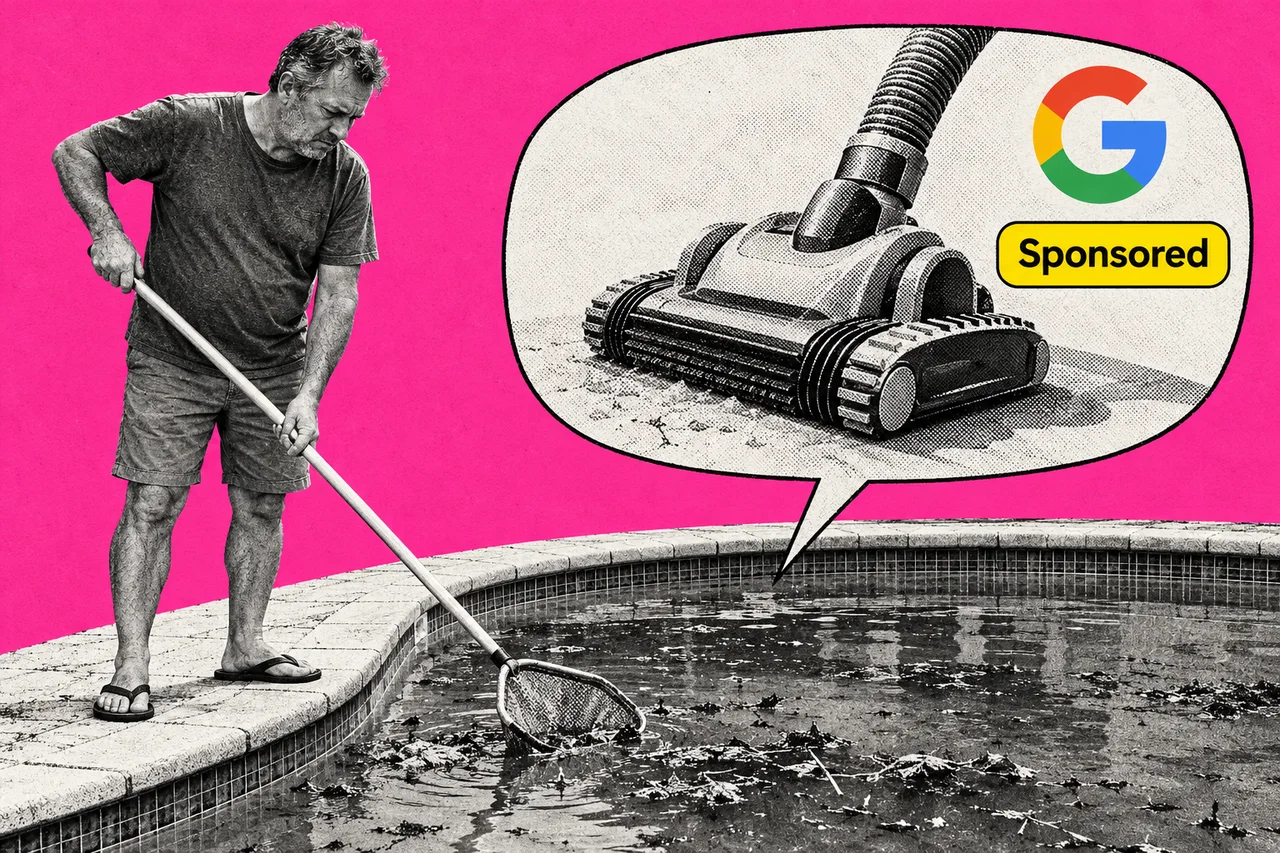
Ask Google’s AI Mode how to fix a green swimming pool, and the answer may now include sponsored ads for pool gear. Google says it is scaling ads in AI Mode in Australia.
Google announced the expansion on 28 October. Australia is one of ten new countries, alongside Canada, India, Kenya, Malaysia, New Zealand, Nigeria, Pakistan, the Philippines and Singapore. Brazil, Mexico and the United Kingdom are planned before the end of 2026.
Last week we reported that Google is testing ads for people who connect Gmail to AI Mode. This is broader: ads in AI Mode for Australian searchers generally. Google’s advertiser help page also lists Australia for ads within AI Overviews, the AI summaries at the top of ordinary results.
The chat-style search tab gets a shop window
AI Mode is the conversational tab in Google Search. You ask a question, get an AI-written answer with links, and can keep asking follow-ups. In the US, Google says, AI Mode questions are on average three times longer than ordinary searches.
The ads sit within or beside the AI answer, in sections labelled “Sponsored”. Google says paid ads don’t change what its AI writes. Being cited in an answer also doesn’t affect whether your ads are eligible for the auction.
Ads in follow-up questions, which Google calls multiturn ads, are launching in the US.
Your campaigns are already in
Advertisers don’t need a new campaign or a separate budget. Existing Search, Shopping and Performance Max campaigns are automatically eligible. Text ads and Shopping ads can both appear, in English.
Billing works the same as ordinary Search ads, through the same auction. There’s no extra charge for appearing in AI Mode.
The answer can trigger the ad, not just the question
This is the real change. Google matches ads in two ways:
- To the question. Someone types “pool vacuum cleaners”, a clear search to buy, and ads match as they would on a normal results page.
- To the conversation. Someone asks “why is my pool green and how do I clean it?” The question isn’t a shopping search, but the AI answer talks about testing the water, brushing and vacuuming. Google can then show ads for pool vacuums or algae treatment kits.
Which one your ads can join depends on your targeting. Broad match, AI Max for Search, Shopping and Performance Max can join both. Exact and phrase match keywords show only when the question itself is a clear search to buy.
Some ads also get a short “AI explainer” written by Google’s Gemini models, describing how the ad relates to the question. It can draw on public sources, including your website. Advertisers can’t write, edit, approve or switch these off.
No off switch, and no separate report
You can’t opt out of AI Mode separately from Search, or target it on its own. Google calls it a core part of Search. Negative keywords and brand exclusions still help control when your ads show.
Reporting is blended. Clicks, cost and conversions from AI Mode are counted in your normal campaign reports. AI Mode searches appear in your search terms report, also mixed in with the rest. Google doesn’t break AI Mode out separately, but longer, chattier search terms are a hint.
If you sell products, Google’s advice is to keep your Merchant Center product feed complete and matching your website, since Shopping ads draw on it.
For what AI answers mean for your website’s free listings, see our maintained explainer on AI Overviews, AI Mode and your website.
Checklist
- Check which campaigns can match to AI answers. In Google Ads, list your Search campaigns using broad match or AI Max, plus any Shopping and Performance Max campaigns. Exact and phrase match only show for clear searches to buy.
- Read your search terms report weekly. Look for long, question-style searches triggering your ads, and add negative keywords for any that won’t bring customers.
- Check your website copy is current. Google says the AI explainers shown with some ads can draw on your website, and advertisers can’t edit them.
- Tidy your Merchant Center feed. If you run Shopping ads, make sure product titles, descriptions, images and prices match your website.
- Watch cost per conversion over the next few weeks. AI Mode results are blended into your normal reports, so compare with the same weeks last year before changing budgets.
Tick items as you go. Your ticks stay in this browser.