Discord is putting its most public servers on the open web
From 16 November, every Discoverable Server gets a public web page that can show chat summaries. In Australia, members’ own messages stay off unless they opt in.
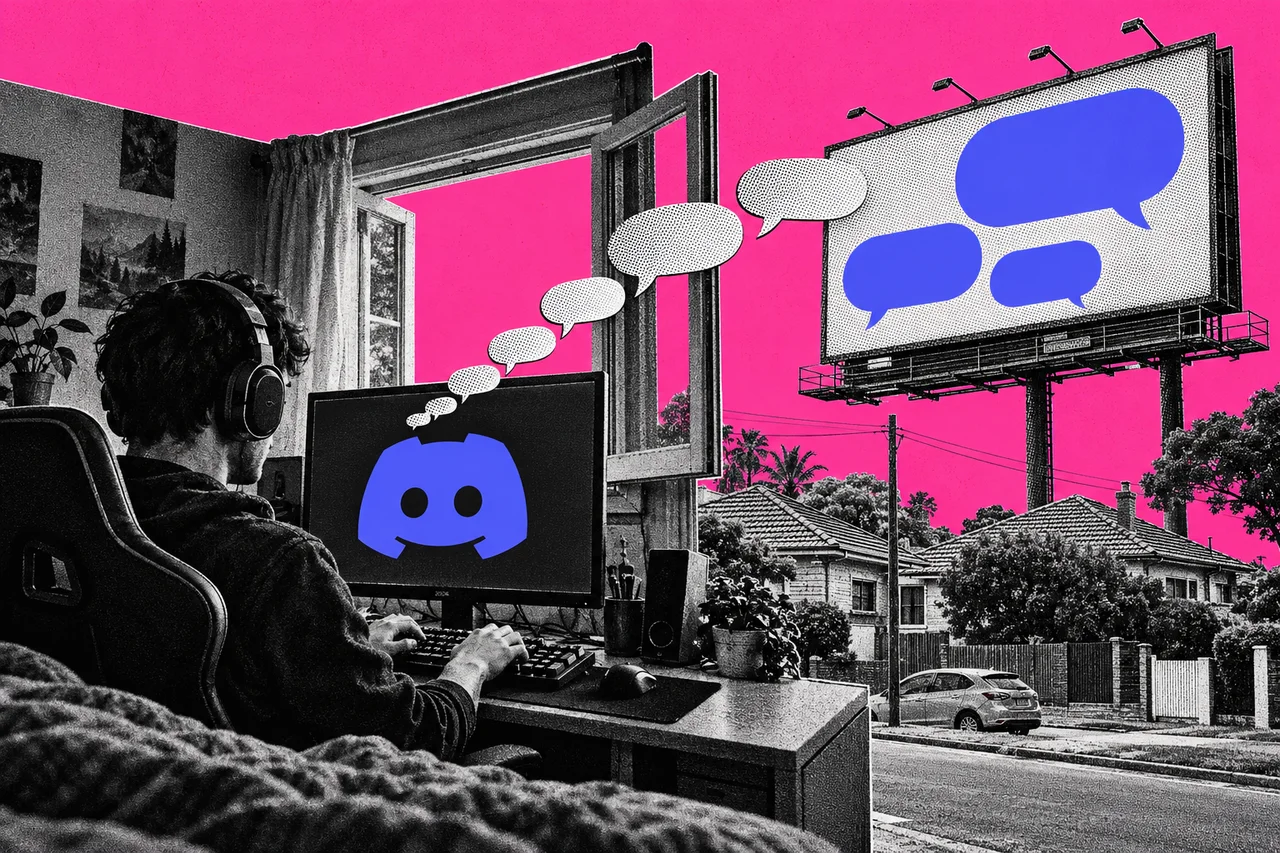
Parts of the chat in Discord’s most public servers are about to show up on the open web. If you run one of those servers, you have until 16 November to decide what goes out.
Discord announced the change on 27 October. It applies only to Discoverable Servers: those with at least 1,000 members that are listed in Server Discovery, so anyone can join without an invite. Private servers, direct messages and group DMs aren’t affected.
Two dates to know
16 November 2026. Every Discoverable Server gets a Server Web Page, a public page that describes the community. If an admin hasn’t set one up, Discord publishes a default page using details from the server profile.
From the same day, those pages can show Channel Summaries: automated summaries of active conversations in public channels from 16 November onwards. Usernames and avatars aren’t shown.
Mid-December 2026. Channel Messages start rolling out. Some messages from public channels can appear word for word on the Server Web Page and in web search results, again without usernames or avatars. Discord says the rollout is gradual, so it may be weeks before the first messages appear.
Messages sent before mid-December aren’t included.
Australia gets a different default
In Australia, the EU, the UK, Canada, Brazil and South Korea, the member setting for Channel Messages is off by default. Discord says that’s “given legal restrictions”. Your messages won’t appear on the web unless you switch it on. Teen users are excluded completely.
Everywhere else, the setting is on unless members turn it off.
There’s a catch. Channel Summaries are generated separately, from broader channel topics. The member setting doesn’t cover them, so an Australian’s conversation can still feed a summary unless the server’s admins turn summaries off.
What admins need to decide
Admin controls are rolling out now in Server Settings > Web Presence. You can choose which channels take part, or opt every channel out.
Doing nothing is a decision too. If you change nothing, public channels stay on, your Server Web Page goes live on 16 November and Channel Summaries can start that day.
Admins can also edit which channels summaries draw from, curate the summaries shown, or turn them off. Channels that can appear on the web will be labelled, so members know before they post.
If you don’t want a public web page at all, Discord says you can switch back to a Community Server. That takes you out of Server Discovery, so new members will need an invite.
Why some businesses will like it
Discord pitches this as bringing back what made forums great: answers anyone can find. It says there are more than 63,000 Discoverable Servers, and that useful answers are often locked inside them.
For fandoms, content creators and indie game developers, Discord says it could help more people find their community. It suggests using public channels for updates, event announcements and wiki-style information.
The trade-off is that members’ conversations travel further than the server. If your business collects people’s details through its website or community, our guide to what a privacy policy should include covers telling them where their information goes.
For members: check your setting anyway
Even with Australia’s default off, it’s worth checking. The setting is in User Settings > Data and Privacy, and one switch covers every Discoverable Server you’re in.
If you turn it on and later change your mind, messages you send after that won’t appear. Messages sent while it was on stay up unless you delete them from Discord.
Checklist
- Check whether your server is Discoverable. Only servers listed in Server Discovery, with at least 1,000 members, are affected.
- Open Server Settings > Web Presence before 16 November. Choose which public channels can appear on the web, or opt them all out.
- Decide on Channel Summaries. Pick the channels summaries draw from, curate them or turn them off; members’ privacy settings don’t stop summaries.
- Review your Server Web Page. Set it up or edit it now so the default page Discord creates on 16 November doesn’t go live unchecked.
- Tell your members. Post an announcement explaining which channels may feed summaries from 16 November and show messages from mid-December.
- Check your own setting. In User Settings > Data and Privacy, confirm whether Channel Messages is on or off for your account.
Tick items as you go. Your ticks stay in this browser.