Google is testing ads in AI Mode for people who connect Gmail
Google now says what it learns from your connected Gmail may be used to show you ads in AI Mode. What it uses, what it doesn’t, and how to switch it off.
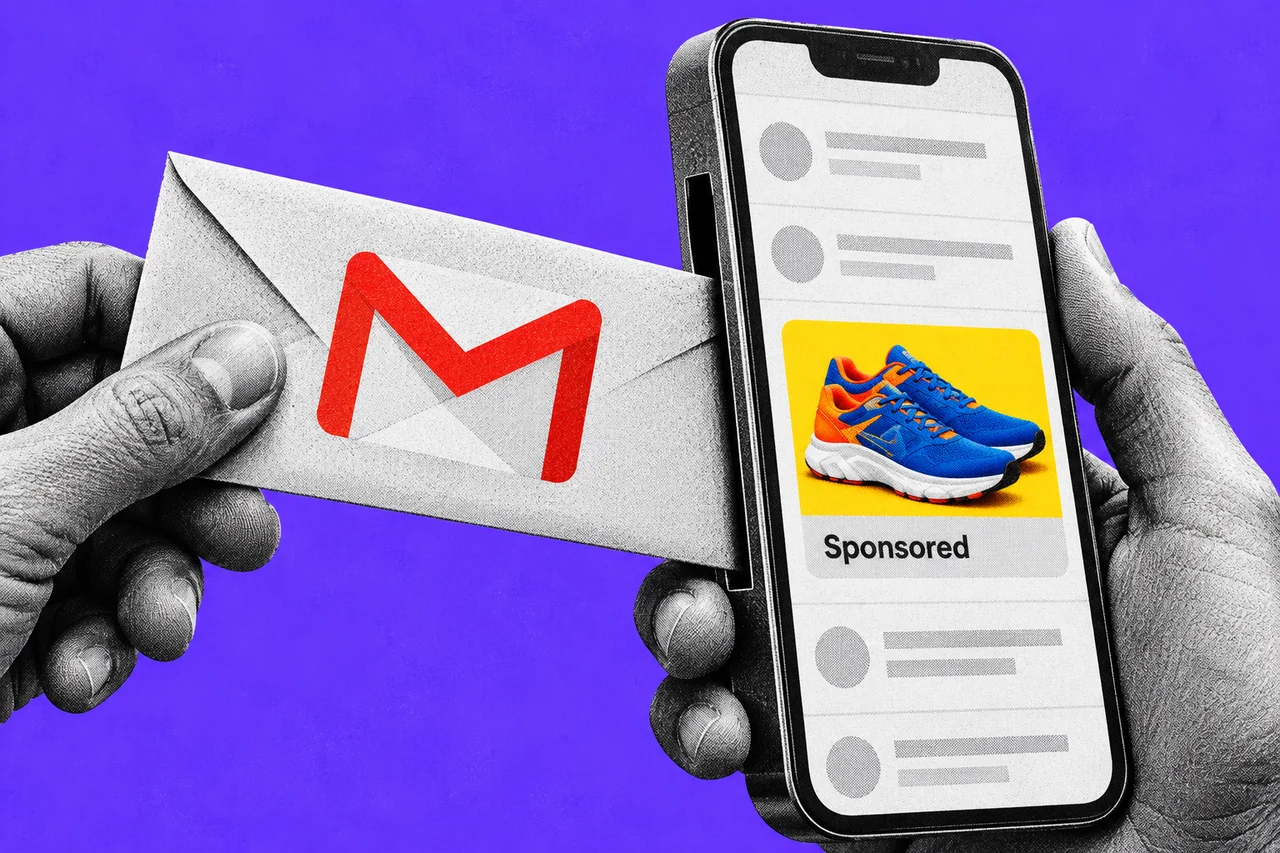
If you’ve let Google’s AI Mode read your Gmail, what it learns there may now help decide which ads you see. Google has added the change to its help page for connected apps. It also says it is starting to test ads for people who use the feature.
From ad-free to “may be used”
AI Mode is the chat-style search tab in Google Search. Its Personal Intelligence feature lets you connect Gmail and Google Photos, so answers can draw on your own life. Google’s example: using past restaurant bookings in your inbox to suggest somewhere to eat on your next trip.
In March, Google told the trade site Search Engine Land there were “currently no ads” for people who connected their apps. It said ads would likely come later. Search Engine Roundtable reports that Google has now told Search Engine Land it is “starting to test” them.
Google’s help page spells out the deal. Search may use “summaries, excerpts and inferences” from your connected apps to personalise answers. “That same info may be used to show you ads,” it says.
What Google says it won’t do
The help page draws three lines:
- No ads based directly on your inbox or photos. Google says ads “will not be based directly” on your Gmail inbox or Google Photos library. The distinction is between the raw emails and what Search works out from them.
- No access for advertisers. Advertisers won’t get access to your Gmail inbox or Google Photos.
- No sensitive targeting. Ads aren’t personalised on sensitive categories such as race, religion, sexual orientation or health.
The same page has two more points worth knowing before you connect anything. Google may use summaries and inferences from this data to train its generative AI models. And some of it, such as summaries of relevant emails, may be read by human reviewers. Google itself says not to connect apps that hold information you wouldn’t want a reviewer to see.
Does this reach Australia?
Connecting apps is available to people 18 and over in Australia, and you must be signed in to a personal Google Account. Gmail can be connected here. Calendar works only in the US, and Photos isn’t available in all regions.
Google hasn’t said where the ad test is running or how big it is. It may not have reached Australian screens yet.
For businesses that advertise on Google
Google hasn’t announced a new campaign setting for this. In May 2025, Google said four campaign types can appear in AI Overviews and AI Mode: Performance Max, Shopping, AI Max for Search and broad-match Search. If your campaigns use those, your ads could reach this audience as the test expands. Google hasn’t said whether advertisers can opt out of this placement.
What changes is how the matching works. An ad could appear because Search has inferred something from a person’s email, such as an upcoming trip, rather than only from what they typed. For background on how AI answers are changing search, see our explainer on AI Overviews and AI Mode and your website.
You can switch it off
Connecting your apps is optional, and Google says you can disconnect them at any time. Disconnecting doesn’t delete your Search Services History, which you manage at activity.google.com. Turning off personalised ads in My Ad Center is a broader, account-wide control. Google notes it is updating its Search settings, so the menus may not match exactly.
Checklist
- Check whether Gmail is connected. In your Google Account, open Search Services Personalization, then Additional Personal Intelligence, then Connected Content Apps.
- Disconnect it if you’d rather not. Google says you can disconnect connected apps from Search at any time, and AI Mode still works without them.
- Decide on personalised ads. At myadcenter.google.com, switch Personalized ads off if you want ads based only on things like topic and location.
- Clear your Search history too. Disconnecting an app doesn’t delete your Search Services History. Manage it at activity.google.com.
- Keep confidential email out of it. Don’t connect an account that holds client, health or financial information you wouldn’t want a reviewer to read.
- Advertisers: check your campaign types. List which of your Google Ads campaigns use broad match, AI Max, Performance Max or Shopping, since those are eligible for AI Mode ads.
Tick items as you go. Your ticks stay in this browser.