Google Ads will let some business names differ from the website domain
Google is easing its Ads business name rule this month, with three conditions. Third-party resellers, booking intermediaries and affiliates miss out.
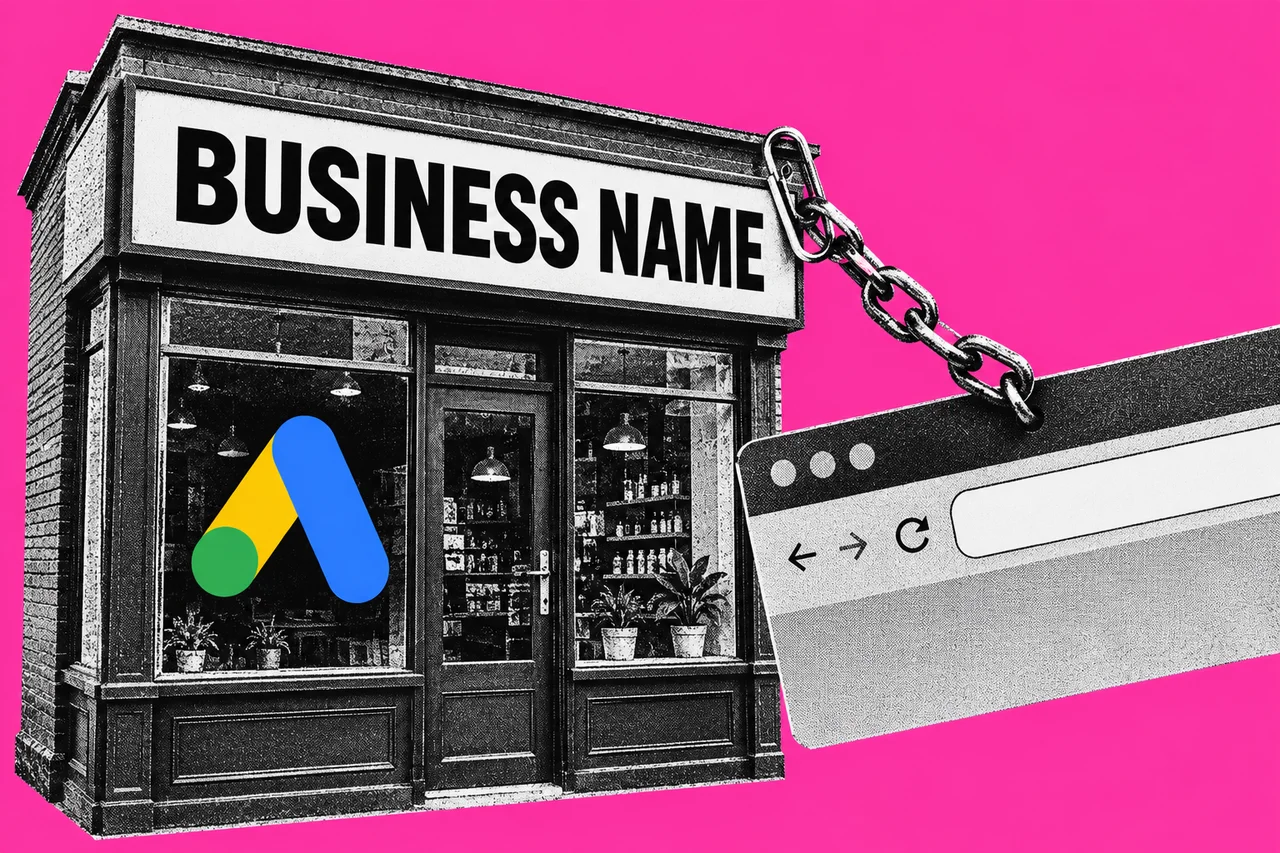
Google is loosening the Google Ads rule that decides which name can appear beside your ad. From this month, a business name will be allowed to differ from the website the ad sends people to, but only in limited cases and only when three conditions are met.
The change is set out in a short notice, Update to editorial policy (October 2026), which Google posted to its Advertising Policies Help Centre on 1 October.
What the rule says today
The business name is the name shown with your ad in formats that have a business name field. Google’s business name requirements currently disallow any name other than the domain, the recognised name of the advertiser or the app being promoted.
Generic or location-based names such as “Mountain View Plumber” are Google’s own examples of what isn’t allowed. Neither is promotional wording such as “Buy Acme Shoes”. A domain-based name has to fit a 25-character limit.
The rule tightens once an account has completed advertiser verification. Google’s business information page says a business name that doesn’t exactly match the domain name or the legal name verified through advertiser verification won’t be approved. An advertiser that owns an active trademark registration for another name can apply for brand verification instead.
What changes this month
Google’s notice says the policy will “allow for differences between the business name and the destination domain in certain limited cases”. All three of these have to be true:
- the business name accurately reflects the recognised name or brand of the advertiser
- there is a verified direct relationship between the advertiser and the domain owner
- the advertiser’s products or services are directly offered in the destination domain.
On our reading, that helps a business that trades under its own recognised name but sells through a website on a domain someone else owns, such as a parent company’s or franchisor’s site. Google doesn’t give examples, so treat that as our interpretation, not Google’s.
Who is left out
The notice names four groups that don’t qualify: third-party resellers, independent booking intermediaries, affiliate distributors and secondary sellers. They are also “prohibited from using the standalone brand name of the goods, services, or properties they offer as their business name”.
On our reading, a third-party reseller, or an independent business taking bookings for properties it doesn’t run, can’t use that brand or property name on its own as its business name.
The existing provision for authorised dealers is still on Google’s requirements page. It tells authorised resellers and dealers to use qualifying language, and gives the example of a car dealer using “Acme of San Antonio”.
What Google hasn’t said
- The start date. The notice says only “October 2026”. Search Engine Roundtable published an email Google sent to an advertiser. Its report gives 16 October, but the email it shows says Google will “begin enforcing the policy update on 19 October 2026”. Google’s public notice confirms neither day.
- How the relationship is verified. The notice requires a “verified direct relationship” with the domain owner but doesn’t describe the process or the documents Google will accept.
- When the policy page changes. When we checked on 12 October, the business name requirements page still showed the existing wording.
What happens if a name breaks the rule
Google says a breach of its editorial policies, which include this one, won’t lead to immediate account suspension without warning. It issues a warning at least seven days before any suspension. The business name requirements page says a disapproved ad or asset can be edited, which sends it for review again, or the decision can be appealed from inside the account. An advertiser that can’t fix the problem is told to remove the ad.
If you run your own campaigns, this sits alongside the other settings worth reviewing regularly. Our guide to setting a Google Ads budget and counting the jobs it brings in covers the reporting side.
Checklist
- Find the business name in your account. In Google Ads, open Assets under the Campaigns menu for Search campaigns. For Performance Max, open the campaign, then Campaign settings, then Brand guidelines.
- Compare it with your domain and verified name. Your verified name is on the Account page under Admin, then Policy. Note any ad where the business name matches neither.
- Test yourself against the three conditions. The name is your recognised name or brand, you have a direct relationship with the domain owner that Google can verify (it hasn’t said how), and your products or services are offered directly on that domain.
- Check whether you’re in an excluded group. Third-party resellers, independent booking intermediaries, affiliate distributors and secondary sellers don’t qualify under the October change.
- Remove standalone brand names you only resell. A brand you resell can’t be your business name on its own. If you are an authorised reseller or dealer, add qualifying language, as in Google’s example “Acme of San Antonio”.
- Ask your agency what it has set. If someone else manages the account, ask which business name each campaign uses and whether it matches your domain or verified name.
- Act on any policy warning by its deadline. Google gives at least seven days before a suspension. Edit the ad or asset so it complies, appeal the decision from the account, or remove the ad.
Tick items as you go. Your ticks stay in this browser.