ChatGPT vs Copilot vs Gemini: what business plans include in Australia
Compare business AI features, plan types and published prices. What Australian teams should check on currencies, GST, existing subscriptions and usage charges.
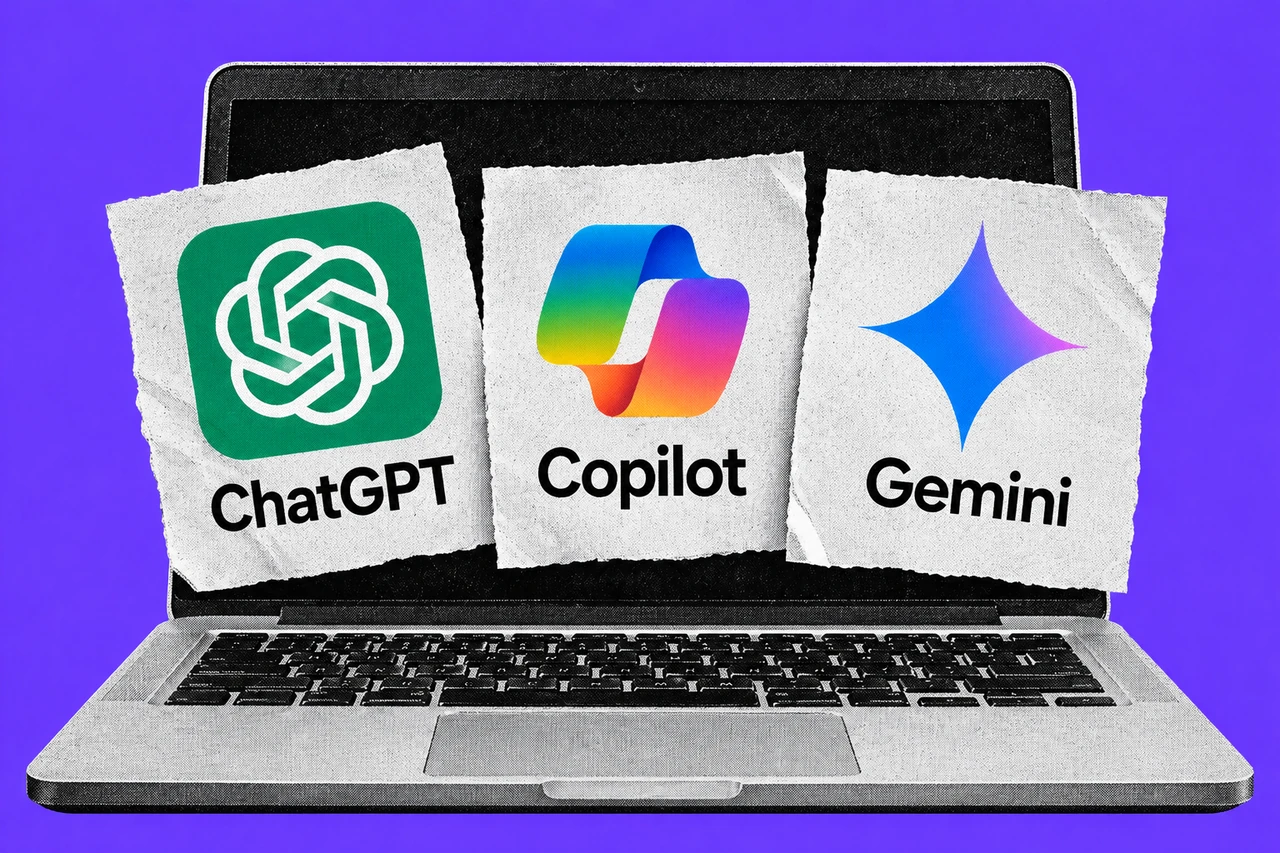
The first question when choosing business AI is where the work happens. A team living in Outlook and Word has a different starting point from one running on Gmail and Google Docs. A business with files spread across several services may want a separate AI workspace.
Those differences matter before comparing the monthly price. The products package AI, office software and administration differently. A lower headline figure can cover a smaller part of the job, while an existing subscription may already include something worth trying.
Our recommendation is to check the accounts you already pay for, then trial one task with a clear reviewer. Buying three overlapping subscriptions before doing that makes the decision harder to judge.
How we compared
We checked the vendors’ published plan, feature and support pages on 6 October 2026. This is a comparison of documented inclusions and purchasing conditions for small teams. We did not test the products hands-on, measure answer quality or verify performance claims.
The scope is ChatGPT Business, Microsoft’s small-business Copilot offerings, and Gemini features in Google Workspace Business editions. Consumer subscriptions, enterprise negotiations and developer API pricing are outside it.
Prices retain the currency and billing basis stated by each source. We have not converted US prices into estimated Australian prices. Australian checkout totals and tax treatment could not be verified for every product, so this is not a like-for-like delivered-cost ranking.
What are you actually buying?
ChatGPT Business: a shared AI workspace
OpenAI’s business pricing page describes a workspace with central administration and billing, usage reporting and spending controls. It lists connections to services including Microsoft 365, Google Workspace, Slack and GitHub. That makes it worth assessing when the proposed task crosses several tools.
The Business overview says Standard and Premium seats both include ChatGPT, ChatGPT Work and Codex. Listed capabilities include projects, company knowledge, deep research and agent features. Premium provides higher usage limits; a workspace can mix seat types. Extra workspace credits can extend eligible use beyond included limits.
For a small office, start by identifying which staff need that shared workspace and which connections their tasks require. The product list alone does not establish whether a particular file, application or permission setup will work for your business. Include connection setup and output checking in the trial.
The overview also makes a useful budget distinction: a ChatGPT Business subscription does not include API usage. A website integration or custom application using OpenAI’s API has separate billing.
Copilot: check Chat, the add-on and the bundle
Microsoft’s business page says Copilot Chat is available at no extra charge to Microsoft Entra account users with an eligible Microsoft 365 subscription. It includes web-based assistance, file uploads with limits, and IT controls.
The paid Copilot licence adds work-content integration and broader capabilities across Microsoft 365. Before ordering it, ask your administrator to show you the difference between what your existing account can do and the paid feature you need.
Microsoft also sells complete Business Standard with Copilot and Business Premium with Copilot bundles. Its Australian comparison page lists desktop, web and mobile Office apps, business email and 1 TB storage per user in the Teams-inclusive bundles. Premium adds stronger identity, device and information-protection capabilities. Our Microsoft 365 Business plan comparison explains the underlying office-software choices.
An existing Microsoft customer should price the proposed change against the current agreement. A business starting from scratch should compare the whole bundle it needs. Counting only the Copilot add-on would leave out the required base subscription.
Gemini: the Workspace edition matters
Google’s Australian business page includes Gemini features within its Workspace plans. Business Starter lists Gemini in Gmail and access to the Gemini app. Standard extends AI into Docs, Meet and more, and includes Google’s AI research assistant.
The editions also differ in the rest of the office package. Pooled storage is 30 GB per user for Starter, 2 TB for Standard and 5 TB for Plus. Plus adds Vault for retaining, archiving and searching data, along with stronger management controls. Google’s Business editions support up to 300 users.
For a team already using Workspace, check its edition before buying another AI subscription. Google describes AI assistance inside familiar apps, including drafting email, working with source material and taking meeting notes. Whether that is enough for your staff is a task-level question. Ask someone to demonstrate the intended workflow using the actual business account rather than assuming every Gemini-branded feature comes with every edition.
Published prices and the Australian caveats
All figures in this section were checked on 6 October 2026. They are per user per month, with the commitment and payment timing stated separately.
ChatGPT Business: published US-dollar reference prices
OpenAI’s FAQ explicitly labels these prices USD and says pricing can vary by country and currency:
| Seat | Billed annually | Billed monthly |
|---|---|---|
| Standard | US$20 | US$25 |
| Premium | US$100 | US$125 |
The workspace requires at least two paid seats, which can be a mix of Standard and Premium. That is a material purchase condition for a sole operator.
We did not verify an Australian-dollar checkout price or its GST treatment. Use the table to understand the seat options, then get the actual local total before comparing it with an AUD offer. An exchange-rate conversion would not establish what OpenAI will charge an Australian account.
Microsoft: Australian dollars, excluding GST
Microsoft’s Australian pricing page lists:
| Product | Annual subscription, paid yearly | Monthly subscription |
|---|---|---|
| Copilot Business add-on | A$26.91 advertised promotion | A$37.68 |
| Business Standard with Copilot, including Teams | A$35.20 | A$42.24 |
| Business Premium with Copilot, including Teams | A$47.90 | A$57.48 |
These prices exclude GST and subscriptions automatically renew. The add-on’s underlying eligible Microsoft 365 subscription costs extra.
The advertised promotion’s terms run from 1 July to 31 December 2026. They require an annual commitment, apply to the first year, and restrict the add-on to existing customers with an eligible Business plan. Trial subscriptions are excluded; offers can differ between bundles and add-ons. Confirm eligibility and renewal pricing for the exact order.
Google Workspace: AUD display, GST unverified
Google’s Australian business page displays A$9.90 for Starter, A$19.80 for Standard and A$30.90 for Plus under its annual, one-year-commitment option. It says plans are billed monthly and labels the currency AUD.
We could not establish whether those displayed amounts include GST. Treat them as published plan figures rather than final Australian invoice totals, and confirm tax and commitment terms before ordering. Monthly billing does not by itself mean a month-to-month commitment.
A seat price may not be the whole AI bill
Microsoft’s licensing explanation separates the fixed-price user subscription from usage-based billing for advanced AI work. Those metered experiences consume Copilot Credits and require a billing policy. Ask the provider which parts of your proposed workflow use that charging model.
OpenAI’s Business overview similarly allows additional workspace credits beyond included usage. A larger allowance and an unlimited budget are different purchasing decisions.
For either product, have the administrator show you the spending settings before the trial. Set an approved budget, identify who receives alerts, and record any paid usage alongside the subscription cost. Our report on Copilot’s reseller billing change covers the extra checks for that purchasing route.
Business privacy claims need account checks
OpenAI’s pricing page says business data is not used for training by default. Its business-data page distinguishes Business access controls from more extensive Enterprise capabilities. Do not assume that an Enterprise feature, such as a particular data-residency option, comes with the Business seat you are pricing.
Microsoft says prompts, responses and information accessed through Microsoft Graph are not used to train foundation models. It also says specific controls depend on the underlying subscription, while web queries and agents have additional data-handling considerations.
Google’s Workspace AI page says company data is not used to train models or target ads, and Gemini retrieves Workspace content the user can access.
These commitments make the business account worth checking carefully. Have the administrator confirm which account staff use, what content it can reach and which connected services are enabled. Write the approved tools and data rules into your team’s AI use policy before testing with client material.
Which should a small business try first?
Our assessment is to begin where the repeated task already happens:
- An Outlook-and-Word office: check existing Copilot Chat access, then test whether paid work-content integration solves a specific problem.
- A Gmail-and-Docs office: check the Workspace edition and demonstrate its included Gemini workflow before adding a second vendor.
- A team working across several systems: assess ChatGPT Business with the required connections, remembering its two-seat minimum and separately verified local cost.
These are trial starting points, not performance rankings. An illustrative test might ask the office manager to turn approved meeting notes into a draft follow-up. Record the preparation, the generated result, checking time and corrections. Use fictional or approved inputs, and include an incomplete example to see what happens when essential details are missing.
Choose the plan only after comparing the finished work and total cost. Our guide to choosing a first AI task gives a practical testing approach; the AI at work section follows changes that may affect that decision.
Checklist
- List existing subscriptions with your administrator. Record each staff member’s Microsoft 365 or Google Workspace edition and current AI access before ordering.
- Obtain the exact quote before purchase. Confirm currency, GST, paid seats, base-plan requirements, commitment, payment timing and renewal price.
- Check usage spending with the account owner. Identify any metered parts of the proposed task and set the approved budget and alert recipients before testing.
- Confirm accounts and permissions with the administrator. Check connected services and permitted information against the team’s written AI rules.
- Assign one trial task and a reviewer. Use fictional or approved material and record checking time, corrections and total cost before adding more seats.
Tick items as you go. Your ticks stay in this browser.