Meta’s Muse AI agent is now available in Australia
Meta’s Muse, an AI agent that sends emails, books and buys things for you, went live in Australia on 18 November. What it connects to, what’s free and what to check.
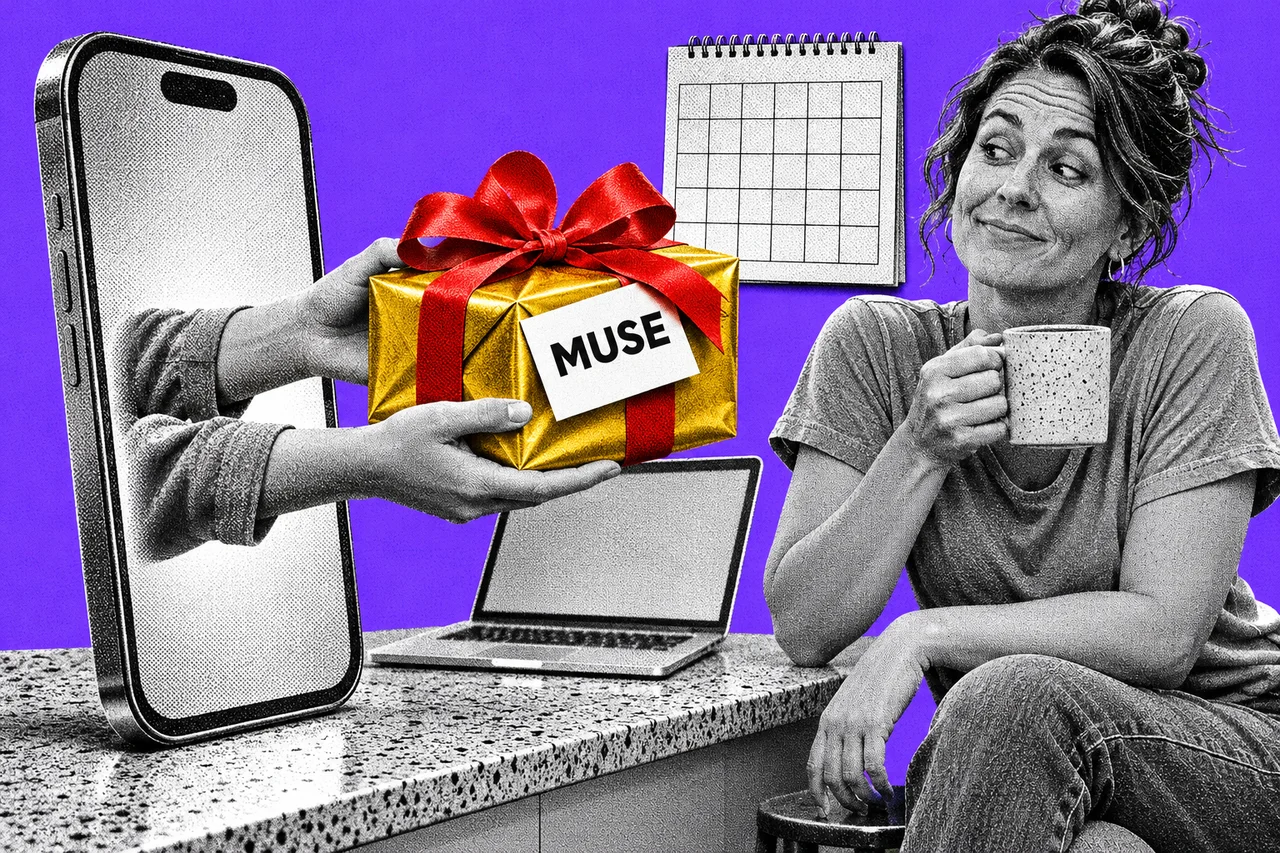
You can now hand Meta’s new AI agent your inbox, your calendar and your Christmas shopping list. Muse went live in Australia overnight, and it’s free for most uses.
Meta’s Australian announcement says Muse is available on iOS, Android, the muse.ai website and a Mac app. Meta’s AI glasses are “coming soon”.
An assistant that does the job, not just the talking
Most chatbots answer questions. Muse is built to act. Meta’s global launch post in September said it sends emails, books things and fills in forms, and keeps working after you close the app.
In Australia you can connect it to Gmail, Google Calendar, Instagram and OpenTable. That lets it manage email, coordinate your schedule, draw on posts you’ve saved on Instagram and book a restaurant table.
You can also talk to it out loud on mobile, the web or the Mac. Tap the phone icon in the top-right corner to start. A feature called Spaces lets you create a custom hub, such as a wedding planner or a school dashboard, just by describing it.
Local shops and services, arriving in stages
Meta lists nine early Australian partners:
- Canva, for designs (also available to Muse users worldwide)
- Domain and realestate.com.au, for property listings
- SWEAT, for fitness goals
- Kogan, MECCA, Officeworks and Ticketek, for buying electronics, beauty products, office supplies and tickets
- ShopBack, for price comparison and cashback on flights, hotels and shopping
Don’t expect all of them on day one. The partner features “will roll out progressively”, with some arriving after launch. The post doesn’t say which are live now.
Will Easton, Meta’s managing director for Australia and New Zealand, is pitching it at the holidays. “With the festive season coming up, the timing couldn’t be better,” he said.
Free for most uses, no local prices yet
Meta describes Muse as “free for most of what people need, with subscription plans for people who want to do more.” Its Australian post gives no Australian-dollar prices for those plans.
You decide how far it reaches
Letting an agent loose on your email is a bigger step than asking a chatbot a question. Muse runs on its own computer in the cloud, called Muse Secure VM. It stores the logins for the services you connect, and Meta says passwords and payment methods are kept out of the agent’s view.
You choose what Muse can access. It checks with you before sensitive actions such as sending an email or making a purchase.
Meta’s September global post lists more controls:
- For email, you choose whether Muse can only read your mail or can also send on your behalf.
- You can change access or disconnect a service at any time.
- Muse keeps an audit trail of everything it has done and plans to do.
- You can tell it to “forget” specific things it has learned.
- You can opt out of your interactions being used to train Meta’s AI models.
- Your conversations and the data in your Muse computer aren’t shared with Meta’s ad systems.
Muse isn’t the only agent in town. Our look at OpenAI’s dots in Australia covers similar ground.
Checklist
- Start with one small task. Ask Muse to book one dinner or plan one outing before you connect Gmail.
- Choose read-only email first. When you connect Gmail, let Muse read your mail rather than send it, until you’re comfortable with what it does.
- Decide on AI training. Meta says you can opt out of your Muse interactions being used to train its AI models. Make that choice before you share anything sensitive.
- Read each purchase request before you approve it. Muse checks with you before buying, so look closely, especially for Christmas gifts and tickets.
- Check the audit trail weekly. Muse lists what it has done and plans to do; look for anything you didn’t ask for.
- Disconnect what you don’t use. If you connected Google Calendar or Instagram just to try it, remove the connection when you’re done.
Tick items as you go. Your ticks stay in this browser.