Myth or fact: charging your phone overnight ruins the battery
Apple, Samsung and Google all build phones to charge overnight. What actually wears a battery out, the settings that help, and the one bedtime habit to drop.
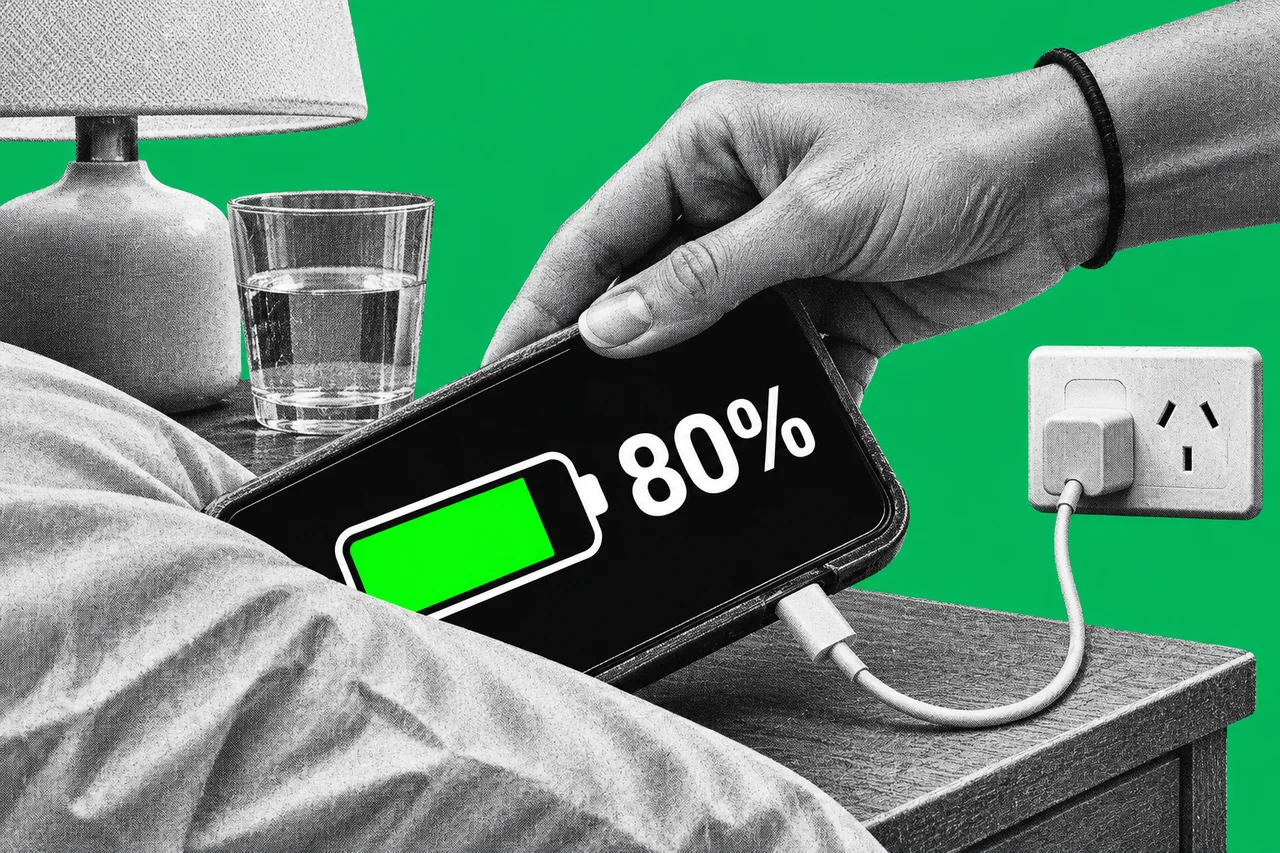
Plug in at bedtime, wake up to 100%, feel vaguely guilty. Plenty of people have heard that charging overnight “cooks” a phone battery.
Verdict: mostly myth. Phone makers now design for overnight charging. The habit that really hurts a battery is charging somewhere hot.
Batteries wear out whatever you do
Every phone battery loses capacity with age. Apple says a battery’s “chemical age” comes from a mix of factors, “including temperature history and charging pattern”. Google lists temperature, charging, discharging and how you use the device.
Charge cycles are part of it. Apple counts one cycle each time you’ve used 100% of the battery’s capacity, not necessarily in one go. Use 75% one day, charge overnight, use 25% the next, and that’s one cycle.
Apple says batteries in iPhone 14 models and earlier are designed to keep 80% of their original capacity after 500 full cycles “under ideal conditions”. For iPhone 15 models, it’s 1,000 cycles. Google rates Pixel 8a and later at about 1,000 cycles.
So a battery will fade over time however carefully you charge it. The question is whether overnight charging speeds that up.
Where the myth has a grain of truth
Sitting at 100% for hours does add wear. Samsung says “keeping your battery at a full 100% charge for a long time can reduce its lifespan”. Google says the same of a phone kept at 100% for a long time: it “can strain the battery long term”.
Without help, a night on the charger can be that. Which is why all three makers now step in.
Your phone already manages the night
iPhone. Optimised Battery Charging is on by default. It learns your routine and holds the charge at 80% when it expects a long stay on the charger. It aims to finish just before you unplug. Apple says it needs at least 14 days and nine charges of five hours or more in one place before it kicks in. A Lock Screen notice tells you when it will finish. Touch and hold it and tap Charge Now if you need a full battery sooner.
Samsung Galaxy. On One UI 6.1 or later, Settings > Battery > Battery protection has three options. Adaptive stops at 80% while you sleep and charges to 100% an hour before you usually wake. Maximum always stops at 80%. Basic stops at 100% and only tops up after the battery falls to 95%. Samsung warns Adaptive “might not work well if you have irregular sleep patterns”, and that options vary by model.
Google Pixel. Adaptive Charging can kick in when you charge for a long time or overnight. It finishes charging to 100% one hour before you unplug, after about 14 days of learning your habits. Pixel phones also cap charging at about 70% to 80% on their own after several days on the charger. In high temperatures, it takes just a few hours.
Heat is the real battery killer
Apple and Google are blunt about this one. Apple’s comfort zone for an iPhone is 16°C to 22°C. It says ambient temperatures above 35°C “can permanently damage battery capacity”, and charging in high temperatures “can damage it further”.
Google suggests charging at about 25°C and avoiding six hours or more above 35°C. A phone also warms up while it’s plugged in, it notes.
That’s what makes some bedtime habits a bad idea. Apple’s safety guide, warning about heat exposure, says not to sleep on a device or charger, or to put them “under a blanket, pillow, or your body” while connected to power. Samsung lists bedding, bags, pockets and heaters or electric mats among places that heat a phone up.
Cases matter too. Apple says charging inside certain cases can make excess heat, so take the phone out if it gets hot. For wireless charging, Samsung says to keep metal, magnets and cards out from between the phone and the charger.
So in a Perth summer, a bedroom without air-conditioning can sit well above Google’s suggested 25°C overnight. A cooler room is the better place to charge, and under a pillow is worse again.
Want to go further? Cap it at 80%
If your phone easily lasts the day, you can stop it charging past 80% altogether.
- iPhone 15 and later: Settings > Battery > Charging lets you choose a limit from 80% to 100% in 5% steps. Optimised Battery Charging only works with the limit at 100%. The iPhone will still charge to 100% now and then to keep its battery reading accurate.
- iPhone 14 and earlier: there’s no limit setting. Keep Optimised Battery Charging switched on under Settings > Battery > Battery Health & Charging. Apple warns that turning it off “can increase wear on your battery”.
- Galaxy: choose Maximum under Battery protection.
- Pixel 6a and later: Settings > Battery > Battery health > Charging optimisation, turn it on, then tap Limit to 80%. Google says the phone still fully charges every tenth cycle to keep its capacity reading accurate.
The trade-off is simple: less battery each day in return for less wear over the years.
Check how your battery is doing
On an iPhone, Settings > Battery > Battery Health shows maximum capacity compared with when it was new. On a Pixel 8a or later, Settings > Battery > Battery health shows capacity as Normal or Reduced, where Reduced means below 80%.
If you’re still swiping away apps to save power, that’s another battery myth: see Myth or fact: closing apps saves your phone’s battery.
Checklist
- Turn on the smart charging setting, or leave it on. That’s Optimised Battery Charging on iPhone (on by default), Adaptive under Battery protection on Galaxy, and Adaptive Charging under Charging optimisation on Pixel; all cut the time your phone sits at 100% overnight.
- Charge on an open surface, not under a pillow or blanket. Apple says not to charge a phone under a blanket or pillow, and Samsung lists bedding among places where a phone heats up.
- Take the phone out of its case if it gets hot on the charger. Apple says some cases trap heat during charging.
- Keep it out of the heat. Apple says temperatures over 35°C can permanently damage battery capacity, so avoid charging in direct sun or a hot room.
- Set an 80% limit if you don’t need a full charge. It’s under Settings > Battery > Charging on iPhone 15 and later, Battery protection > Maximum on Galaxy and Charging optimisation on Pixel 6a and later (on iPhone 15 and later, this replaces Optimised Battery Charging).
- Check your battery health. Look under Settings > Battery > Battery Health on iPhone, or Battery health on a Pixel 8a or later.
Tick items as you go. Your ticks stay in this browser.