Some emergency alerts aren’t texts any more. Here’s how they reach you
Since 1 October, emergency warnings can come from the phone tower itself, not a text. How AusAlert and the older SMS system work, and why alerts go astray.
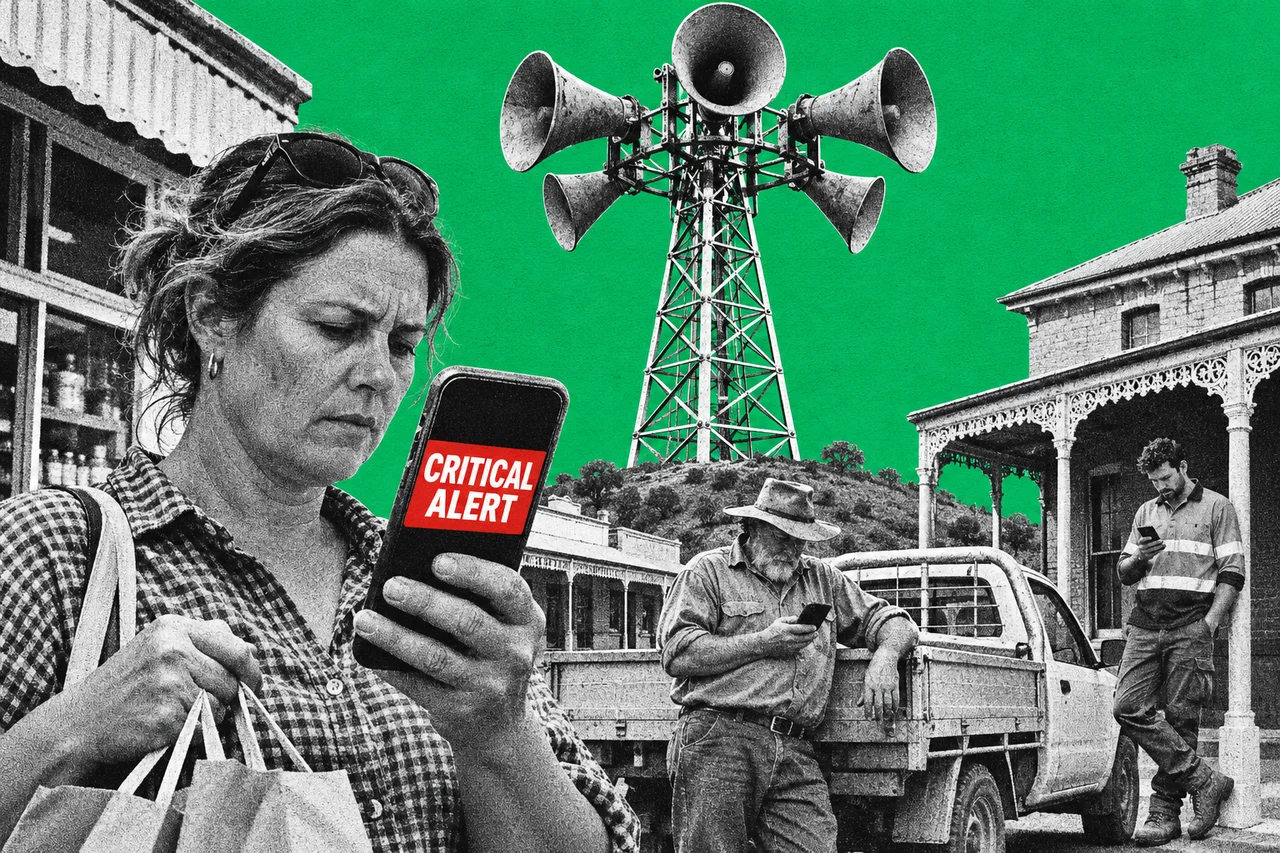
Your phone screams like a siren, even though it’s on silent. That’s a Critical Alert. A warning about a bushfire or flood fills the screen. Since 1 October 2026, that warning may not be a text message at all.
It may come from AusAlert, Australia’s new national warning system. It broadcasts from the phone towers themselves. Here’s how it works, how it differs from the old text alerts, and why warnings sometimes go astray.
Two systems, running side by side
Australia now has two ways to warn phones, and you may get either.
- AusAlert (live now). It was ready for use from 1 October 2026, after community tests in nine locations in June and a national test on 27 July 2026. It sends alerts to compatible phones, tablets and smart watches.
- Emergency Alert (still running). This is the older national telephone warning system. State and territory emergency services use it to send voice messages to landlines and text messages to mobiles, Vodafone explains.
AusAlert will run alongside Emergency Alert until at least July 2027. Some states and territories might use both this warning season before finishing the move next year. AusAlert will eventually replace the SMS system.
Landlines are still handled the old way. The Australian Government is working with Emergency Management Victoria to extend its Automated Voice Messaging, which will bring AusAlert warnings to landline phones across Australia. No start date has been given. Until then, Emergency Alert keeps ringing landlines.
The old way: a text for every number in the area
Emergency Alert works like a very big mailing list. Emergency services choose the warning area. The system then finds the phones linked to it and messages each one.
It finds them two ways, ACMA says. The first is your address in the Integrated Public Number Database, which your telco must supply by law. The second is your mobile’s last known location, so visitors to the area get warned too.
The ACT Emergency Services Agency spells out the result. You may get an alert if your mobile is in the area or was recently. You may also get one if your billing address or landline is there.
Emergency Alert texts and calls come from 0444 444 444. It’s a number reserved for emergency information, and messages from it should be treated as genuine.
The new way: one shout from the tower
AusAlert uses cell broadcast, a technology used in more than 30 countries, including the US, UK, Japan, New Zealand and Canada. Rather than sending messages one by one to mobile numbers, it sends a single mass broadcast from nearby towers. Every compatible device in range hears it at once.
That changes a lot:
- It’s fast. Alerts can reach millions of devices almost instantly.
- It gets through busy networks. AusAlert uses a dedicated channel, not SMS, so alerts can still get through when networks are congested.
- It’s precise. Areas as small as 160 metres across can be targeted, so an evacuation message can target a single building. Areas can also cross state borders.
- It keeps going. While an alert is active, anyone who enters the area should receive it.
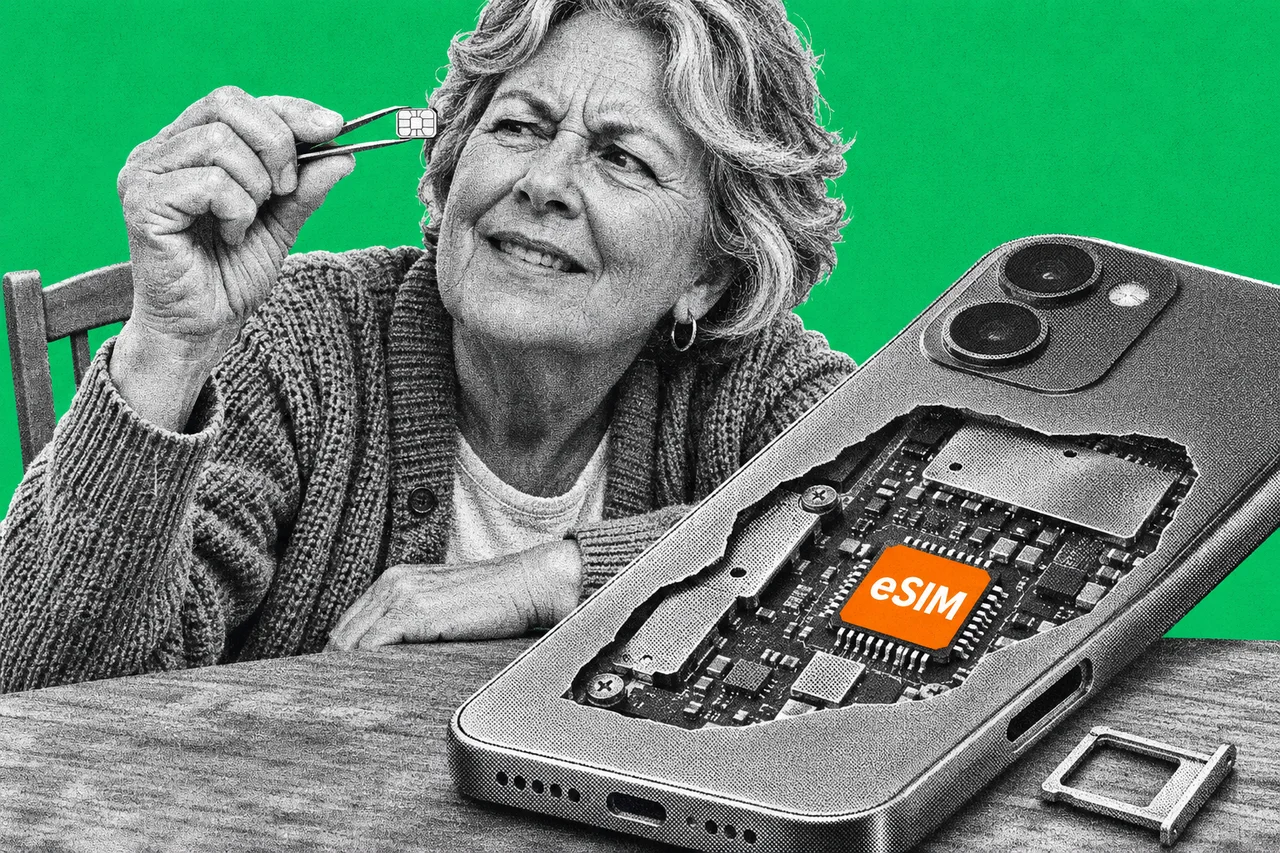
- It works without an active SIM. Your phone doesn’t need a working SIM, though Apple’s help says iPhone government alerts are supported with a SIM or eSIM from a supported provider. If it shows “emergency calls only”, it can still get the alert, even from another telco’s tower.
It runs on active 4G and 5G networks. An alert appears as a system notification on top of whatever you’re doing, including on a locked screen, not in your messages.
Who presses send
Only authorised senders can issue an AusAlert. State and territory emergency services use it for local and regional emergencies. The Australian Government can use it for national ones.
Alerts can cover bushfires, floods, cyclones, earthquakes and tsunamis, as well as security threats, biosecurity outbreaks and public health emergencies. Messages are in English.
Two levels: Critical and Priority
Every AusAlert shows its level.
- Critical Alert is the highest warning: you may be in danger and should act now. Your phone vibrates and plays a loud siren-like sound for about 10 seconds, even on silent or Do Not Disturb. You can’t opt out.
- Priority Alert means a high level of threat and changing conditions: watch and act. It won’t sound on silent or Do Not Disturb, and you can turn it off.
Depending on the emergency, it may also give the type of emergency, where it is, how serious it is, what to do, where to find more and who sent it. Older phones, or systems such as GrapheneOS and LineageOS, may label the alert “Presidential Alert” or “Extreme Threat Alert”. The content is the same, so follow it.
Why you got one outside the warning area, or missed one
Radio signals don’t stop at a line on a map. The ACT agency says devices just outside the target area may get an AusAlert because coverage doesn’t follow exact warning boundaries. With Emergency Alert, a billing address in the area or a recent visit can be enough.
Missing one has its own list. AusAlert says you might miss one if your device is off, in aeroplane mode, incompatible or out of date. A damaged nearby tower can also cut the signal. Being away from the area is the other reason. AusAlert also says to restart your device after installing an update.
AusAlert is expected to work on:
- iPhone 11 and newer on iOS 26.4 or later
- Apple Watch SE2, SE3 and Series 6 and up on watchOS 26.4 or later
- Android devices on Android 12 or later
iPads won’t receive AusAlerts. Wi-Fi calling has its own gap with the older system: Vodafone says you may not receive the older system’s text warnings while using Wi-Fi calling. Our explainer on how Wi-Fi calling works covers what else changes.
Got the same alert twice? That can happen if your phone switches between 4G and 5G, or you toggle aeroplane mode or restart while the alert is active. An updated alert also arrives as a new message.
The national test showed how wide the net is. On 27 July 2026, 94% of Australia’s mobile cells broadcast the test alert, above the target, according to AusAlert’s preliminary results.
Why there’s no app, and no sign-up
Because the tower broadcasts to everyone in range, it doesn’t need to know who you are. There’s no sign-up, no app and no opt-in. Visitors can get alerts too, without an Australian SIM.
That’s also a privacy feature. AusAlert doesn’t collect or store your phone number or location, and it doesn’t track your location. Cell broadcast works through towers, not GPS or customer databases.
Apps still matter. Your state or territory’s emergency website or app, local radio and the ABC, as the national emergency broadcaster, carry updates. AusAlert says not to wait for an alert before acting.
Where the settings live
- iPhone: Apple says Government Alerts are on by default. Open Settings, tap Notifications and scroll to the bottom. You’ll find AusAlert there, with a switch for Priority AusAlert.
- Android: AusAlert’s steps are Settings, Safety and Emergency, then Wireless Emergency Alerts, where you’ll find Priority AusAlert and Emergency Alert History. Google’s own help puts it under Settings, Notifications, Wireless emergency alerts. Names vary by phone.
To read an alert again on Android, open Emergency Alert History. iPhones don’t store AusAlerts. A dismissed alert moves to Notification Centre, and once you swipe it away there, it’s gone. Google’s Pixel help adds an alert reminder setting that can replay the sound. That’s another reason an alert may sound again.
Can it be a scam?
A real AusAlert won’t ask for your details or your money. It will never ask for your personal or financial details, and it doesn’t need you to sign up or download an app. Telstra says the warning won’t ask you to click, pay or share personal information; if a message does, it’s probably a scam.
Report anything suspicious to Scamwatch.
Checklist
- Update your phone and restart it. AusAlert expects iPhone 11 or newer on iOS 26.4 or later, or Android 12 or later.
- Check your AusAlert settings on iPhone. Open Settings, then Notifications, and scroll to the bottom to check Priority AusAlert is on.
- Check your AusAlert settings on Android. Look under Settings, Safety and Emergency, Wireless Emergency Alerts (on some phones, Settings, Notifications).
- Know where past alerts go. On Android, open Emergency Alert History. On iPhone, a dismissed alert stays in Notification Centre only until you swipe it away.
- Confirm your address with your telco. The older Emergency Alert system warns phones and landlines partly based on the address in the national phone database.
- Recognise the Emergency Alert number. The ACT Emergency Services Agency says texts and calls from 0444 444 444 should be treated as genuine.
- Be wary of any “alert” that asks you to click, pay or share details. Real AusAlerts never ask for personal or financial details. Report it to Scamwatch.
- Don’t rely on an iPad. iPads don’t receive AusAlerts, so keep a compatible phone switched on during an emergency.
- Save your state’s emergency website or app. Use it, with local radio, for updates after an alert arrives.
Tick items as you go. Your ticks stay in this browser.