

News · Marketing
Google starts a spam update that may take two weeks, and adds visual search data to Search Console
Google's September 2026 spam update may take up to two weeks. What small businesses should check in Search Console, plus new visual search data.
Google has started rolling out its fourth spam update of 2026. The Google Search Status Dashboard entry records the start as 9:15am US Pacific time on 24 September 2026, which was 12:15am on 25 September in Perth and 2:15am in Sydney. Google says the update “applies globally and to all languages” and that “the rollout may take up to two weeks to complete”.
On our reading, for a typical service business website, the next few weeks are for watching rather than acting. Also on 24 September, Google began rolling out Search Console reporting for visual searches, covered below.
What changed
Google’s automated spam detection runs all the time. A “spam update” is when Google makes what its spam updates documentation calls “notable improvements” to those systems, such as SpamBrain, its “AI-based spam-prevention system”. Google hasn’t said which practices this update focuses on.
Google’s history shows the June and August 2026 spam updates were flagged as taking “a few days” and finished within about three days. On our arithmetic, two weeks points to completion by about 8 October 2026. Google marks each update complete on the dashboard.
Who it affects
Google says sites that violate its spam policies “may rank lower in results or not appear in results at all”. Search Engine Roundtable reported ranking volatility from around 23 September, before Google announced the update, and it is unclear whether that movement is related. On our reading, a dip this week doesn’t by itself mean your site has been hit.
Where small businesses can slip up
On our reading, several practices in Google’s spam policies, last updated 28 August 2026, come up in small-business marketing:
- Near-identical suburb pages. Google lists “multiple domain names or pages targeted at specific regions or cities that funnel users to one page” and “substantially similar pages that are closer to search results than a clearly defined, browseable hierarchy” as doorway abuse. It also counts “blocks of text that list cities and regions” as keyword stuffing. For example (an illustration, not a real case), 40 “electrician in [suburb]” pages with the same text and only the suburb name changed.
- Paid links. Link spam includes “buying or selling links for ranking purposes”, including swapping money, goods or services for links. Google says advertising or sponsorship links don’t breach the policy if marked
rel="sponsored"orrel="nofollow". If an SEO package includes backlinks, ask where they come from. - Scaled AI content. Google lists “using generative AI tools or other similar tools to generate many pages without adding value for users” as scaled content abuse.
- Renting out your site’s reputation. The site reputation policy covers third-party content published “mainly because of that host’s already-established ranking signals”. A paid offer to publish unrelated articles on your site deserves a hard look.
- Hacked content. Content placed on your site “without permission, due to vulnerabilities in a site’s security” also falls under the spam policies.
What to do
Google’s advice for sites that see a change after a spam update is to “review our spam policies to ensure they are complying with those”. Recovery isn’t quick. Google says changes “may help a site improve if our automated systems learn over a period of months that the site complies”. Google also warns that, in the case of link spam, once its systems remove the effect of spammy links, any ranking benefit they gave “cannot be regained”.
Two Search Console reports give direct answers:
- Manual actions. A manual action is issued when “a human reviewer at Google has determined” that pages break the spam policies. Google says it will notify you in this report and in the Search Console message centre.
- Security issues. This report shows whether Google found hacked content, malware or social engineering on your site.
Google’s spam update page doesn’t say how long to wait before judging the impact. For core updates, however, Google recommends “waiting at least a full week after a core update completes” before analysing Search Console data, then comparing it with the week before the update started. On our reading, the same approach suits this update, and holding off on major changes until then makes cause and effect easier to see. A weekly marketing review helps track this. If the numbers do show a problem, find what’s actually broken before rebuilding.
New in Search Console: visual search data
In a Search Central blog post on 24 September, Google announced reporting for “web multimodal search”. This covers searches made with Lens, Circle to Search on Android, image uploads to Google Search and Chrome’s right-click “Search this image” feature.
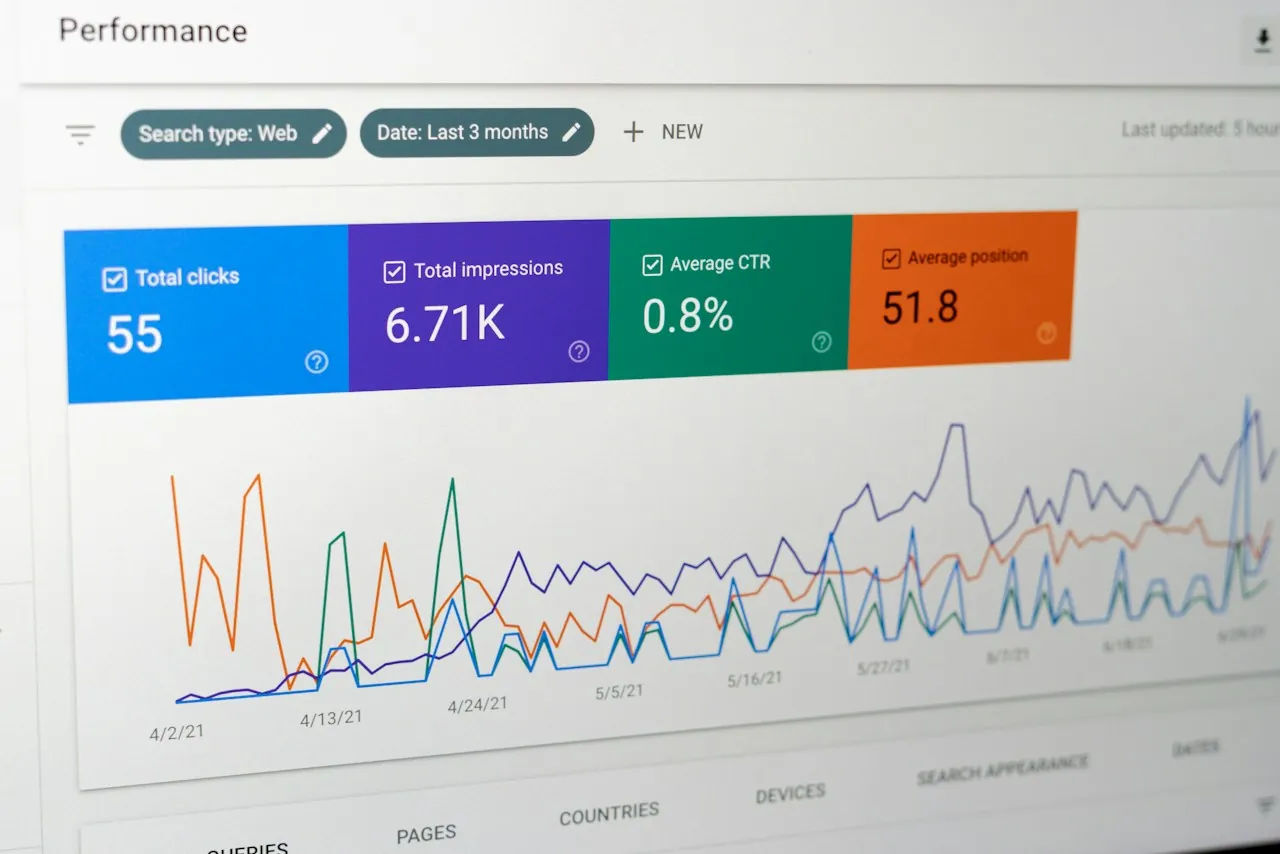
To see it, use the new multimodal search type filter in the performance report for Search results and in the Generative AI features report. You can export the data. Google says it is “rolling out globally starting today” and that the metrics appear “if your site is receiving traffic from these queries”. An empty view may simply mean there is no such traffic yet, or the feature hasn’t reached your account.
Google presents the data as a way to “optimize your visual content”. On our reading, it matters most to businesses whose products, equipment, finished work or shopfront are things customers might photograph and search.
Checklist
- Note the dates. The update started 24 September (US time) and may take up to two weeks. Watch the dashboard for completion.
- Open Manual actions. Confirm it shows no issues, and check the message centre.
- Open Security issues. Look for hacked content or malware reports.
- Hold major changes. On our reading, avoid big rewrites, deletions or redesigns mid-rollout.
- Compare like with like. Adapting Google’s core update guidance, a week after completion, compare a full week against the week before 24 September.
- Review risky pages and links. Look for near-duplicate suburb pages, paid backlinks and bulk AI-written pages.
- Try the multimodal filter. Check whether image-based searches are bringing anyone to your site.
Tick items as you go. Your ticks stay in this browser.
Sources 9 sources
- Google Search Status Dashboard: September 2026 spam update
- Google Search Status Dashboard: Ranking incident history
- Google Search Central: Google Search spam updates and your site
- Google Search Central: Spam policies for Google web search
- Google Search Central: Google Search's core updates and your website
- Search Console Help: Manual actions report
- Search Console Help: Security issues report
- Google Search Central Blog: Announcing web multimodal Search performance reporting in Search Console
- Search Engine Roundtable: Google September 2026 spam update