A fake photo upload could take over your website. Check your server
A Ghostscript flaw lets a file dressed up as a JPG or PDF run commands on a server. WordPress has a fix; the server’s own Ghostscript may need one too.
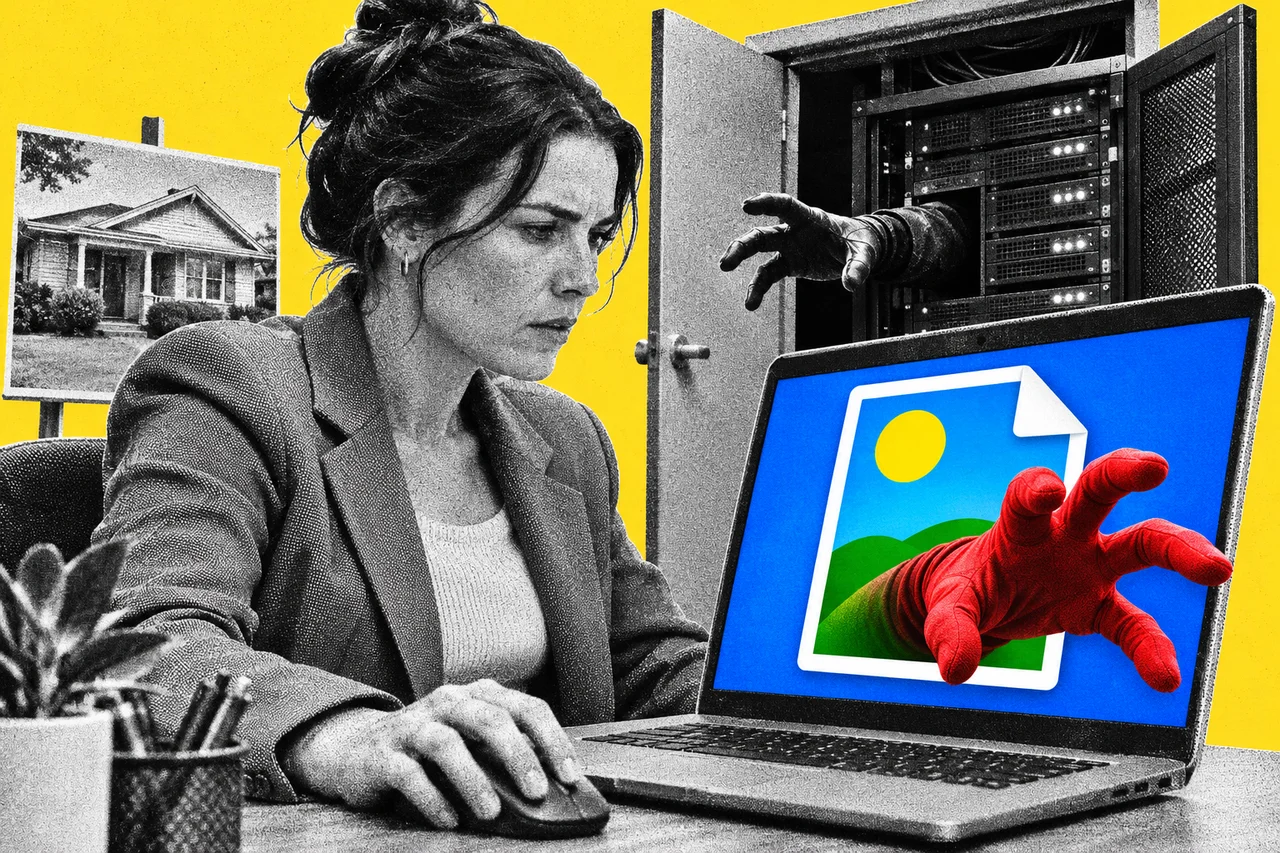
A file that looks like an ordinary photo or PDF can take over the server behind your website. It only works if that server runs an old copy of a program called Ghostscript.
Ghostscript is free software that many servers use quietly in the background to draw previews and thumbnails of PDFs and images. Researchers at pwn.ai published the details on 21 November. They call the flaw Upload2Shell. Its official ID is CVE-2026-125396.
The fix has been out since September. The catch is that it has to reach the server’s own copy of Ghostscript, and plenty of servers haven’t caught up.
A photo that is really a program
The trick is a disguise. The attacker uploads a file named something like quarterly-results.jpg, but its contents are PostScript, a page-description language that is really a small programming language.
When the website or app tries to make a thumbnail, its image library notices the real contents and hands the file to Ghostscript. Ghostscript runs PostScript inside a safety sandbox. The crafted file breaks out of that sandbox and runs commands on the server, with whatever access the website itself has.
The bug sits in Ghostscript’s font-loading code. pwn.ai says an AI model, GPT 5.6 Sol, found it working with researcher Paulos Yibelo.
Where the researchers made it work
pwn.ai says almost every application it tested with file uploads could be tricked into passing a disguised file to Ghostscript. Its proofs include:
- Roundcube webmail. An outsider emails a fake JPG attachment. The recipient only has to open the email, not the attachment, for the server to make a thumbnail and run the attacker’s command. This needed a permissive image-processing setting on the server.
- WordPress. Any user allowed to upload media, which includes the Author role by default, could trigger it on sites using Imagick and Ghostscript. Two plugins with public upload forms, Forminator and Essential Addons for Elementor, let signed-out visitors reach it when set up to take public uploads.
- Shared Linux printers. A print job sent to a shared Debian 13 print queue with no password ran a command on the print server.
The list also includes MediaWiki, DokuWiki, the Mayan EDMS document system, ResourceSpace and the Roundcube component bundled with the Plesk hosting control panel.
No attacks have been reported so far, according to iTnews and the US cyber agency CISA’s assessment on the CVE record. pwn.ai has published a proof-of-concept file that shows the memory takeover but doesn’t run a command. It says full write-ups for each product will follow, starting with Debian.
WordPress fixed its door, not the engine
WordPress released version 7.0.4 on 12 August to close its route, with fixes backported to every branch from 4.7. Its advisory rates the issue high, at 8.8 out of 10. Sites with automatic background updates should already have it.
That only closes one door. The underlying flaw is in Ghostscript, and the fix there is version 10.08.0, released by maker Artifex on 8 September. Linux distributions often backport the fix into an older version number, so “10.05” doesn’t automatically mean unpatched.
Coverage is patchy. As of 12 November, pwn.ai says Debian 12 was still listed as vulnerable. Amazon Linux had a fix pending and several SUSE versions were still in progress. Ubuntu shipped fixes for seven releases on 21 October, the older ones through Ubuntu Pro.
There’s one more trap. Updating the server doesn’t update a separate copy of Ghostscript bundled inside a Docker container or an app. Those need rebuilding.
Who needs to do something
If your website is on Squarespace, Wix or Shopify, the platform runs the servers, so patching them is its job. Our platform comparison explains who looks after what.
If you run WordPress, webmail or a document system on your own server or a hosting account, check with whoever manages the server. Patching software promptly is also one of the basics in the Essential Eight.
Checklist
- Check your WordPress version. Go to Dashboard → Updates. You need 7.0.4 or later, or the patched release for an older branch such as 6.9.7.
- Ask your web host or IT provider about CVE-2026-125396. Ask whether the server’s Ghostscript package includes the fix, and when it was installed.
- Rebuild containers and app bundles. Any Docker image or app that ships its own Ghostscript needs rebuilding with 10.08.0 or a patched package.
- Review public upload forms. If Forminator or Essential Addons for Elementor lets signed-out visitors upload files, turn that off until the server is patched.
- Put a password on shared print queues. A Linux print server that accepts network jobs without a login should require one.
- Switch off anonymous uploads on wikis. The MediaWiki and DokuWiki attacks needed a wiki open to uploads from anyone. Require a login until Ghostscript is patched.
Tick items as you go. Your ticks stay in this browser.