

Explainer · Scams & security
The Essential Eight for small businesses, in plain English
What ASD's eight cyber security strategies mean for a 10-person office, which maturity level to aim for, and a practical first step for each one.
If an IT provider or a larger client has asked whether your business “does the Essential Eight”, this is what they mean. The Essential Eight is a set of eight mitigation strategies from the Australian Signals Directorate (ASD). ASD recommends that organisations implement them as a baseline, which it says “makes it much harder” for attackers to compromise systems.
The losses are real. ASD’s Annual Cyber Threat Report 2024–25 puts the average self-reported cost of cybercrime per report for small businesses at A$56,600, up 14% on the previous year.
Is it compulsory?
For most private businesses, no. The maturity model states there is no requirement to have an Essential Eight implementation certified by an independent party. It adds that an independent assessment may be needed if required by a government directive or policy, by a regulator, or as part of contractual arrangements. So a client contract can require you to have your implementation independently assessed.
Federal agencies are different. The maturity model FAQ says that for non-corporate Commonwealth entities subject to the Protective Security Policy Framework, Maturity Level Two is considered a mandatory baseline.
On insurance, the FAQ is blunt. If you rely on cyber insurance (risk transference) instead of implementing a whole strategy such as multi-factor authentication, ASD will assess you at Maturity Level Zero for that strategy and for your whole implementation. On our reading, a policy doesn’t count as protection.
Maturity levels, and which one to aim for
ASD defines four maturity levels, from Zero to Three:
- Level Zero means there are weaknesses in your overall security.
- Level One is aimed at attackers using common, widely available tools. Examples include exploiting a known flaw that hasn’t been patched, or logging in with stolen, reused or guessed passwords. These attackers are looking for any victim rather than a specific one.
- Levels Two and Three cover attackers who invest progressively more effort, up to those who target particular organisations.
ASD says organisations should pick a target level to suit their environment, considering how attractive they are to attackers and how much their data and systems matter, and should reach the same level across all eight strategies before moving up. For small businesses, the FAQ says Level One “may be suitable for small to medium enterprises”. The Small business cyber security guide recommends that small businesses implement Maturity Level One once they’ve worked through the guide.
The current maturity model is the November 2023 release. The page shows a last-updated date of 27 November 2023, which we checked on 26 September 2026.
A note on Macs, phones and cloud apps
ASD says the Essential Eight was designed to protect internet-connected IT networks. It was not designed for enterprise mobility (phones and tablets) or operational technology. On our reading of the requirements, they were written with Microsoft Windows and Microsoft Office in mind. One of the eight strategies is named after Microsoft Office macros, and several Level Three requirements are Windows features, such as Credential Guard. A Mac-only or mostly-cloud office can still apply the principles; ask your IT provider how the requirements map to your setup.
The eight strategies
The difficulty notes below come from ASD’s 2017 Strategies to mitigate cyber security incidents table. It rates user resistance and cost for organisations in general. The Level One detail comes from the current maturity model.
1. Patch applications. Keep software such as browsers, Microsoft Office, email programs and PDF readers up to date. At Level One, updates for those programs should be applied within two weeks of release. Fixes for online services should be applied within 48 hours when vendors rate the flaw critical or a working exploit exists. Unsupported software should be removed. ASD rates user resistance low, but upfront and ongoing costs high.
2. Patch operating systems. Keep Windows (and any server or router software) updated. At Level One, workstation updates are applied within one month of release, and operating systems that vendors no longer support are replaced. The small business guide says to turn on automatic updates where possible.
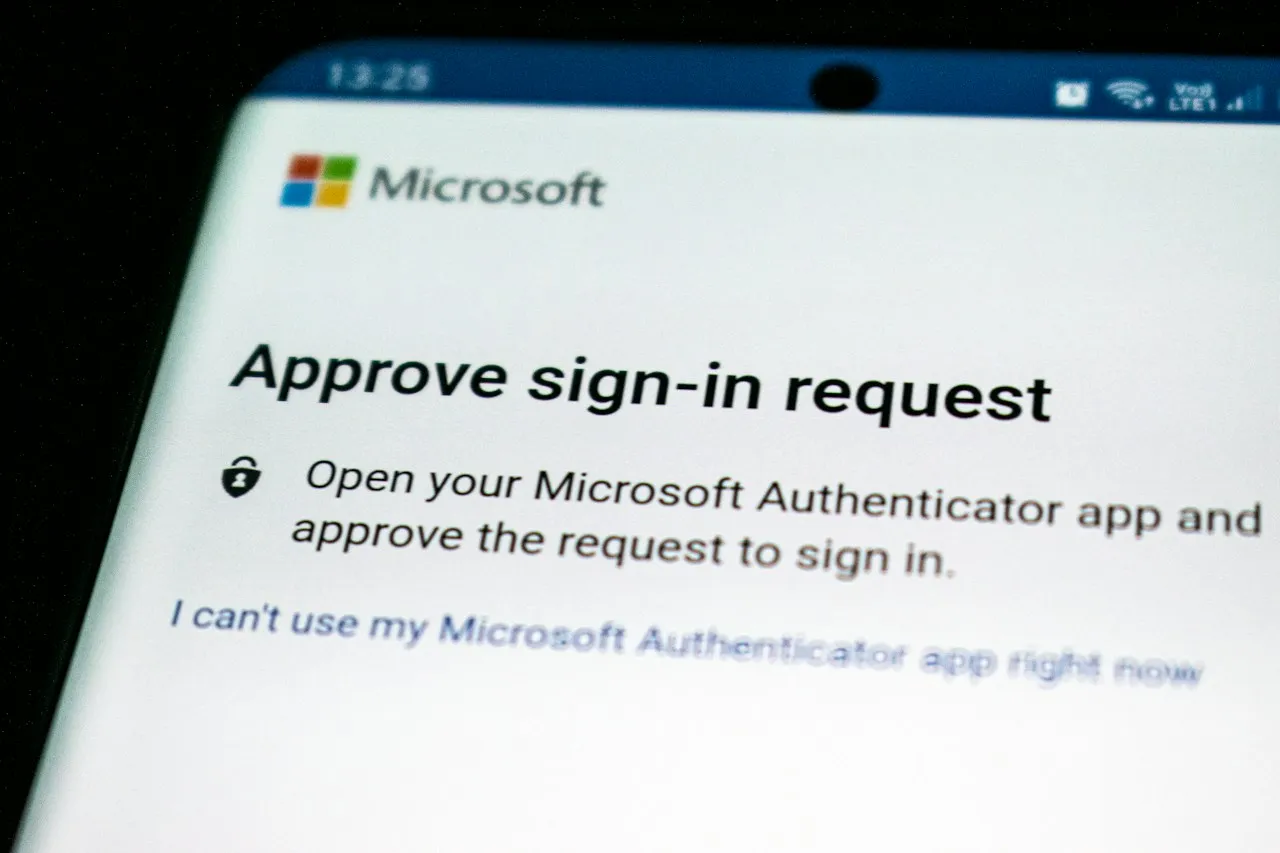
3. Multi-factor authentication (MFA). You need a second proof of identity on top of a password, such as a code from an authenticator app. At Level One this applies mainly to online services that hold your business’s sensitive data. The small business guide suggests starting with email, banking, document storage and social media. ASD rates user resistance medium and upfront cost high.
4. Restrict administrative privileges. Staff shouldn’t use an administrator account for everyday work. At Level One, people who need admin rights get a separate admin account for those tasks only. That account is kept away from email and web browsing. The small business guide also says to revoke access when people leave.
5. Application control. Only approved programs can run on staff computers. At Level One it covers workstations, including user profile folders and temporary folders. ASD rates upfront cost high and user resistance medium. On our reading, this is the strategy most small offices need their IT provider for.
6. Restrict Microsoft Office macros. Macros are small programs inside Word or Excel files. At Level One, macros are disabled for anyone without a business need, macros in files from the internet are blocked, and users can’t change these settings.
7. User application hardening. Switch off risky browser features. At Level One, Internet Explorer 11 is disabled or removed. Browsers don’t run Java or web ads from the internet, and users can’t change browser security settings.
8. Regular backups. Back up data, applications and settings based on how critical they are, and store the backups securely. Test that you can restore them. At Level One, ordinary user accounts can’t delete or change backups. The small business guide suggests writing a backup plan that covers what is backed up, when, where it is stored, who manages it, how long it’s kept and how often it’s tested.
First steps at a glance
| Strategy | A practical first step |
|---|---|
| Patch applications | List the software each computer runs; turn on auto-update; remove anything unsupported |
| Patch operating systems | Turn on automatic Windows updates; replace any PC that can no longer be updated |
| Multi-factor authentication | Turn on MFA for email, banking, accounting and file storage |
| Restrict administrative privileges | Remove admin rights from everyday accounts; give the one or two people who need them a separate admin login |
| Application control | Ask your IT provider to quote for allowing only approved programs on workstations |
| Restrict Office macros | Block macros in files from the internet; switch macros off for anyone who doesn’t use them |
| User application hardening | Remove Internet Explorer 11; lock browser security settings so staff can’t change them |
| Regular backups | Write a one-page backup plan and do a test restore |
None of this replaces day-to-day caution; see our guides on how to check a supplier invoice before you pay it and the ATO’s warning about fake emails that install remote-access software. On our reading, removing admin rights and turning on application control make it harder for software like that to install.
Checklist
- Decide your target: Maturity Level One, unless a contract or client requires more
- Turn on MFA for email, banking, accounting and cloud storage
- Turn on automatic updates on every computer; list and replace unsupported devices
- Remove admin rights from everyday staff accounts
- Block internet macros in Microsoft Office
- Remove Internet Explorer 11 and lock browser settings
- Write a backup plan and test a restore
- Ask your IT provider for a quote on application control
- Check client contracts for any Essential Eight wording
Where to get help
- ASD’s small business hub has ‘how to’ guides for Apple, Google and Microsoft. It also has a free cyber health check tool, questions to ask managed service providers, and a small business cyber resilience service offering free, tailored support.
- To report a cybercrime or cyber security incident, use ReportCyber on cyber.gov.au. You can also call the Australian Cyber Security Hotline on 1300 CYBER1 (1300 292 371).
- If you use AI tools that act on your behalf, read our coverage of the ACSC’s alert on AI agents acting without authorisation. On our reading, the same principle of limiting what accounts and software are allowed to do applies there too.
Tick items as you go. Your ticks stay in this browser.
Sources 8 sources
- ASD's ACSC: Essential Eight
- ASD's ACSC: Essential Eight maturity model (last updated 27 November 2023)
- ASD's ACSC: Essential Eight maturity model FAQ (last updated 28 October 2024)
- ASD's ACSC: Essential Eight explained
- ASD's ACSC: Small business cyber security guide (last updated 16 June 2023)
- ASD's ACSC: Strategies to mitigate cyber security incidents (last updated 1 February 2017)
- ASD's ACSC: Annual Cyber Threat Report 2024–25 (14 October 2025)
- ASD's ACSC: Small business hub