Gemini in your car can now dig through your Gmail and calendar
Google is rolling out Personal Intelligence to Gemini on Android Auto. Ask for your flight gate or your next appointment, and it checks your Google apps.
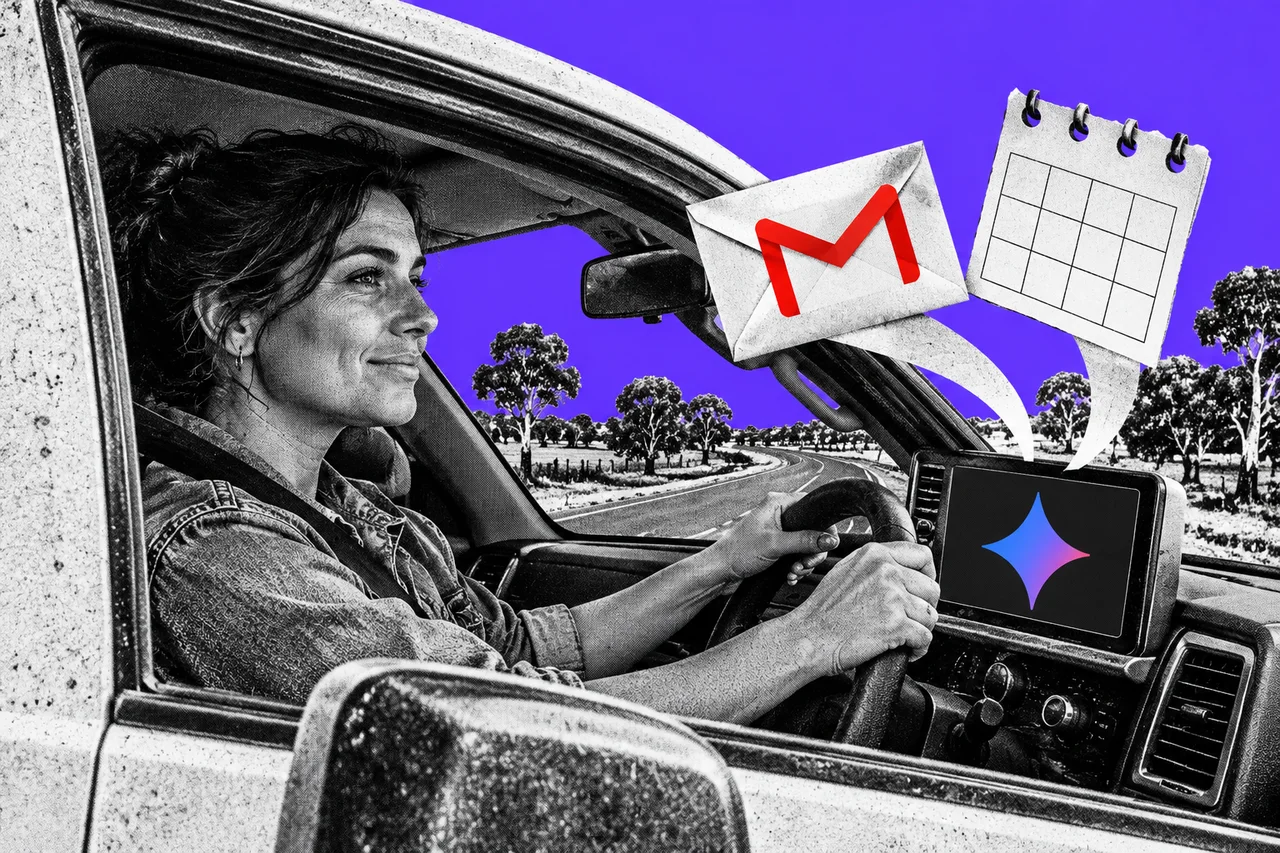
Running late for the airport? Ask your car “What’s my flight gate? And is my flight on time?” Gemini can now find both answers in your inbox, so you don’t have to hunt for the booking email.
Google has started rolling out Personal Intelligence to Gemini on Android Auto. It lets Gemini look through your Google apps to answer questions while you drive.
Your inbox, in the passenger seat
Google’s announcement says Personal Intelligence can connect Gmail, Google Calendar, Google Photos, Google Maps, YouTube and Search. Gemini then pulls details from them, or reasons across several at once.
Google’s examples give the idea:
- “Take me to my doctor’s appointment.” No need to remember the street address.
- “Find the car wash from the photo I took last week and navigate there.”
- “Find me an indoor restaurant along my route that matches my usual vibe.” If you’re vegetarian, Google says the shortlist will fit.
- “Take me to the coffee shop we were talking about yesterday.”
If you don’t switch it on, everything else still works. You can navigate, play music, make calls and ask questions. The answers just won’t be about you.
Who gets it
Google says the feature is rolling out from 20 October to personal Google Accounts held by people aged 18 and over. It’s available globally, except in the European Economic Area, Switzerland, the United Kingdom and Nigeria. On our reading, that includes Australia.
It doesn’t work with work, school or education accounts. It’s arriving on Android Auto first, and on cars with Google built-in “in the coming months”.
It may take time to reach your phone. Google’s car help page also says Gemini and Android Auto aren’t available in all languages and regions.
To use Gemini in Android Auto at all, you need an Android phone on Android 11 or newer, with at least 2 GB of RAM. Gemini also has to be set as your digital assistant.
How to switch it on, or keep it off
It’s opt-in. Your apps aren’t connected until you choose, and you can turn it off at any time in your Gemini settings. If you’ve already connected apps in the Gemini app, that choice follows you into the car.
On your phone, open the Gemini app, then tap the menu, your profile picture, Personal Intelligence and Connected Apps. Each switch covers a group of apps. Gmail and Calendar sit together under Google Workspace, so you can’t connect one without the other.
Google’s setup page says Keep Activity must be on, so your Gemini chats are saved. Some apps need their own history settings switched on too.
What Google does with it
This is the part worth reading before you tap “Connect all”. Google’s page on Connected Apps says a subset of the data Gemini processes from connected apps is checked by human reviewers. Its advice is blunt: don’t connect apps that contain confidential information you wouldn’t want a reviewer to see.
Google says it doesn’t train its AI models directly on your Gmail inbox, your Calendar or the images in your Photos. But it does train them on the summaries, excerpts and inferences Gemini makes from that data, and on your prompts and Gemini’s replies.
Disconnecting an app later doesn’t delete what’s already in your Gemini Apps Activity. To remove something, delete those chats as well.
For a business owner whose Gmail holds client details, quotes or staff matters, that’s a real trade-off. A work Google Workspace account can’t be connected anyway, but a personal Gmail used for the business can.
Don’t bet the trip on it
Google’s car help page warns that Gemini in Android Auto is new and can hallucinate. It says the assistant shouldn’t be relied on for critical or safety-related information while you’re driving. Check a gate change on the airport screens, not just with the car.
Gemini in the car responds to anyone in it, including children in the back seat. They may hear content that isn’t suitable for their age, and Google suggests reminding them that Gemini is an AI tool, not a person.
Google has been weaving the same personal data into Search, too. Our story on ads in AI Mode for people who connect Gmail covers that side.
Checklist
- Decide which apps Gemini can see. In the Gemini app, open the menu, your profile picture, Personal Intelligence, then Connected Apps, and switch each app on or off.
- Leave out anything confidential. Google says human reviewers may see connected-app data. If your personal Gmail holds client or staff details, leave the Google Workspace switch off, which also disconnects Calendar.
- Delete chats, not just connections. Disconnecting an app doesn’t remove past chats from Gemini Apps Activity, so delete those as well.
- Double-check anything that matters. Confirm flight gates, appointment times and addresses yourself, because Google warns Gemini in the car can get things wrong.
- Talk to children in the car. Remind them Gemini is an AI tool, not a person, and that it may say things unsuitable for their age.
Tick items as you go. Your ticks stay in this browser.