Canva launches its own AI image model, built to get text right
Canva Craft, the Australian company’s first in-house image model, plans a layout before it draws. It’s in Dream Lab for all users, within your AI allowance.
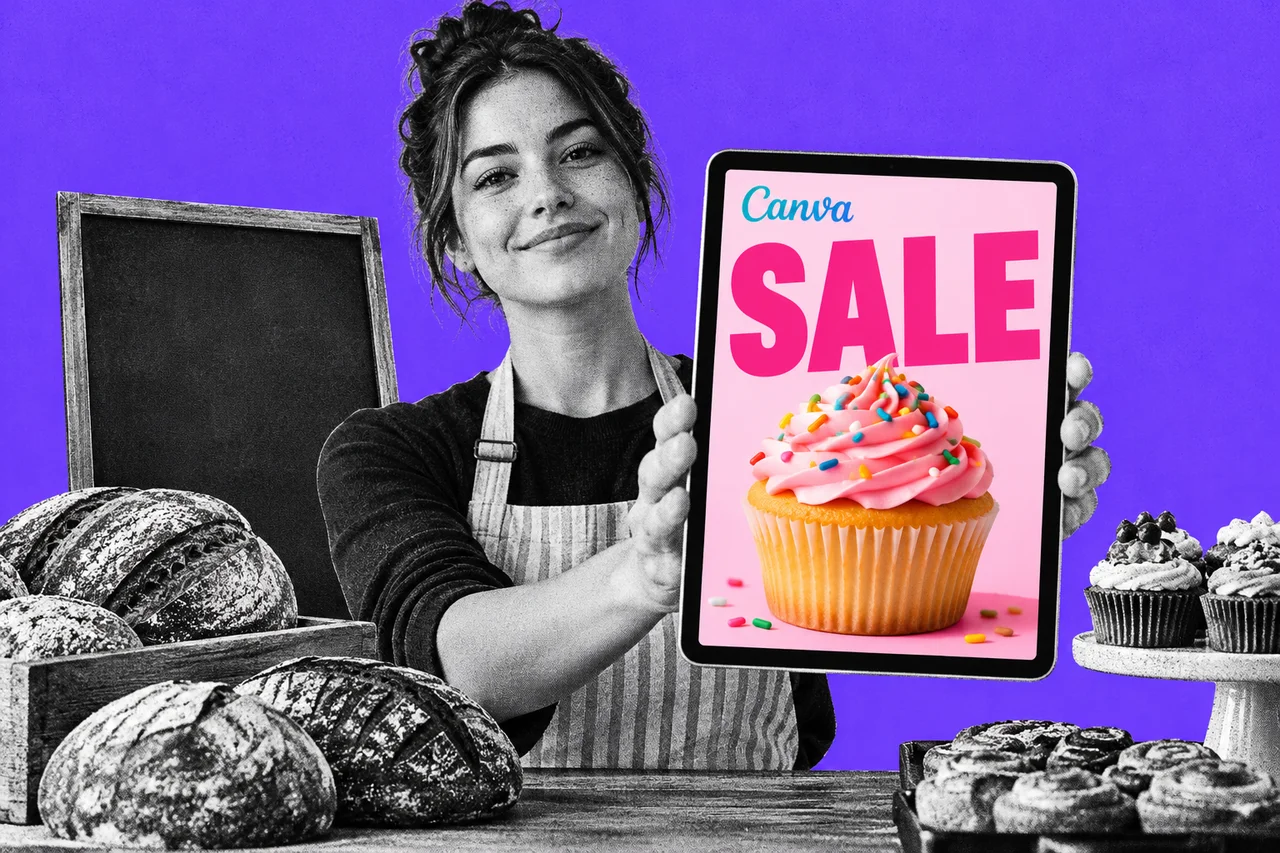
If you’ve asked an AI tool for a poster and got back gibberish where the words should be, Canva says it has a fix. The Sydney company has launched Canva Craft, its first AI image model. It’s built to plan the layout and lettering before it draws a thing.
Canva’s announcement says the model is available “starting today to all Canva users globally”. TechCrunch reported the launch on 22 October, US time.
A model that sketches first
Craft splits the job of making an image in two.
First, a planning model writes a composition plan. It sets out what goes in the picture, where it sits, how big it is and any text. Then a second model renders the image from that plan.
Canva says that approach gives it legible text, precise placement of objects and the ability to make targeted edits. It can render text in 55 languages, and you can write your prompt in any language. Images come out at up to 2K resolution, in more than 30 aspect ratios or a custom one.
Once you have an image, Canva’s Magic Layers tool can split it into editable layers. That means you can move or change a piece without starting again.
Trained on Canva’s own templates
This is the first foundation model Canva’s research team has built and trained from scratch. It was trained on “millions” of human-made templates from its library, such as posters, social posts, menus, infographics and typography-heavy layouts.
Its designers then compared more than 25,000 pairs of images against leading models to fine-tune it. Where their judgement disagreed with automated scores, the designers won.
Canva also makes a bold claim. It cites DesignArena, a crowdsourced ranking, where Craft debuted as the fourth most advanced image model. It came first for people and portraits, and for landscapes. That’s Canva citing a public leaderboard, not an independent test of the work you do.
TechCrunch says Craft competes with image models from Google, OpenAI, ByteDance and Meta. It suggests the model may also cut what Canva spends on other companies’ AI.
Where to find it, and what it costs
Craft lives in Dream Lab, which you open from the Canva homepage rather than inside the editor. Craft is also available to developers through Canva’s public API, with its connector for AI assistants “coming soon”.
Canva’s Dream Lab help page says “Some Dream Lab features use your AI allowance”, and that you can generate up to four images per prompt. In a workplace account, admins can manage who has access.
Canva hasn’t said how many uses Craft takes from that allowance. Its Australian pricing page listed these plans when we checked on 23 October:
| Plan | Price | AI uses |
|---|---|---|
| Free | $0 | Up to 20 Standard or Premium AI uses a month |
| Pro | $165 a year for one person | Up to 200 Premium or 20 Ultra uses a month |
| Business | $280 a year per person | Up to 400 Premium or 40 Ultra uses a month |
Canva also says faster versions, Craft-fast and Craft-ultrafast, are coming at “a fraction of the cost” of leading models. It hasn’t given dates or prices.
Who owns what you make
Canva’s help page says “You own the images and videos you create with Dream Lab, as long as you follow our Terms.” It also says whether AI images can be protected by copyright depends on where you are.
Images from Dream Lab carry “a visible label showing that AI created them”, the help page says. Craft is also covered by Canva Shield safety tools, which moderate prompts and results.
Should you switch to it?
If you already make your marketing in Canva, Craft is worth a few test prompts, especially for anything with words on it: a sale poster, a menu board, a social tile. Give it a clear brief. Our guide to writing a better AI brief applies here too.
Check every letter before you print. Canva’s claims about text are strong, but a typo on a shopfront sign is your problem, not the model’s.
Checklist
- Open Dream Lab from the Canva homepage. Craft is there, not inside the design editor.
- Check your AI allowance first. Free plans list up to 20 AI uses a month; see how many you have left before a big batch.
- Test it on a design with words. Try a sale poster or menu and compare the lettering with what you get from your usual tool.
- Proofread every word before you publish. Read the text in the image letter by letter, including prices and dates.
- Ask your Canva admin about access. In a workplace account, admins control who can use Dream Lab.
Tick items as you go. Your ticks stay in this browser.