iOS 27.2 is out, and Siri AI now remembers what it told you last week
iOS 27.2 gives Siri AI a memory, adds Suggestions in Messages and fixes 163 security flaws. What Australians get, what needs a newer iPhone, and how to update.
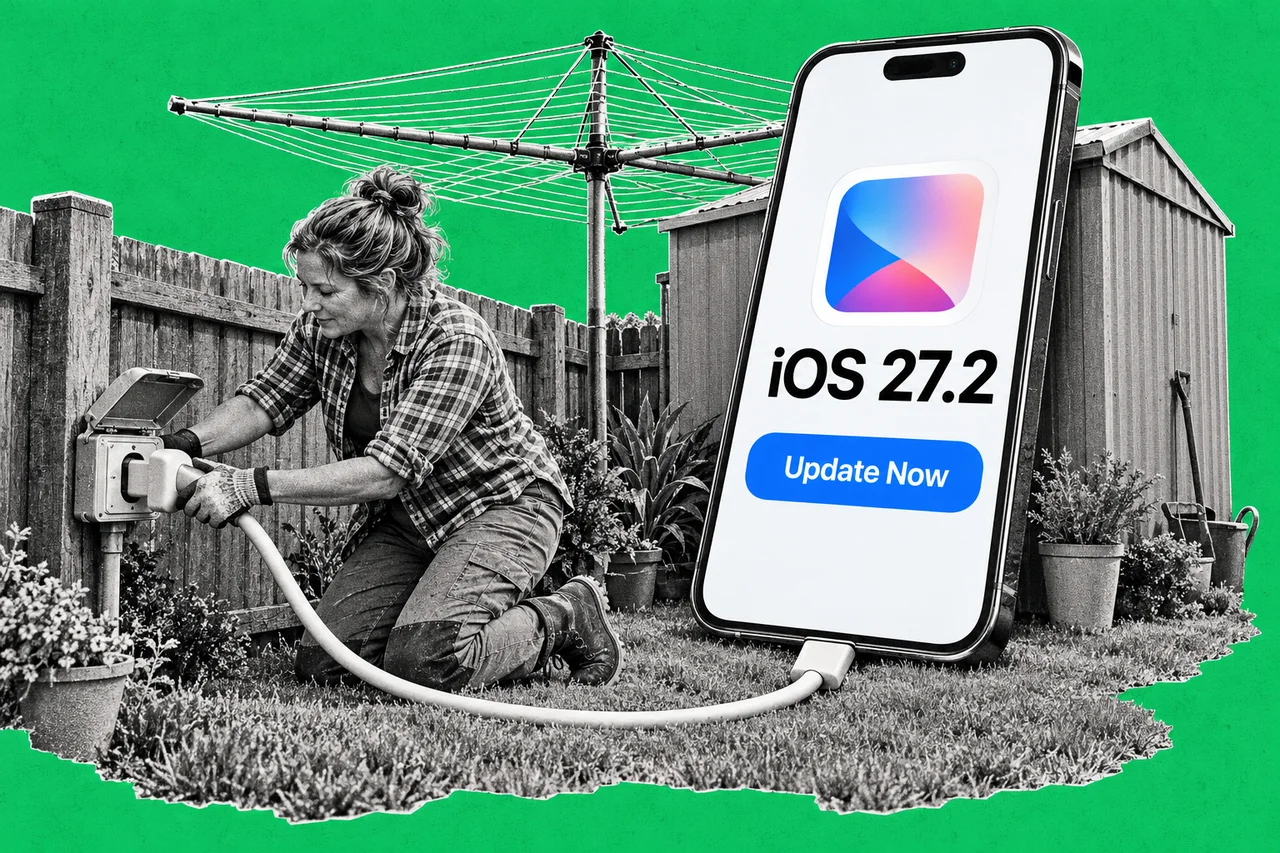
Ask Siri about the restaurant it suggested last week, and it can now tell you. That’s the headline trick in iOS 27.2, the update waiting in your iPhone’s settings this week.
Apple released iOS 27.2 on 26 October. Its release notes list a smarter Siri, suggestions in Messages and a handful of app tweaks. There are also 163 security fixes, which is the best reason to install it.
Siri gets a memory, if your iPhone is new enough
Siri AI is Apple’s newer Siri, which can use personal context and what’s on your screen. It’s still labelled beta, and it only runs on an iPhone 15 Pro, iPhone 15 Pro Max or any iPhone 16 or later.
On those phones, iOS 27.2 adds four things:
- It remembers. Siri AI can recall past conversations, so you can ask about something it told you before.
- It knows more about you. It can now draw on photos attached in Messages, the people invited to Calendar events, your voicemails, and your Safari history and Reading List.
- You can copy part of an answer. Select just the bit of a Siri response you need, rather than the whole thing.
- It speaks more languages. French, Japanese, Korean, Portuguese and Spanish join English.
Apple’s feature availability page lists Siri AI as available in English everywhere except mainland China and the EU, which includes Australia. It isn’t available to anyone under 13.
There’s a catch worth knowing. Apple says features that run on its servers, including Siri AI, have daily usage limits. Expanded access “will be available for a fee in the future”. It hasn’t said what that will cost.
A new switch for what Siri can see
If Siri reaching into your voicemails feels like a lot, Siri AI iPhones also get Excluded Apps in iOS 27.2. It’s one setting that decides which apps Siri, Search and suggestions can access.
Apple’s iPhone User Guide puts it in Settings, then Siri, then Excluded Apps. Every app is included by default. Tap Add Apps to wall one off. An excluded app isn’t available to Siri, Search or suggestions at all.
That’s handy for a work phone. Banking apps and client files are the obvious candidates. Our guide to iPhone settings to change before you use it for work covers the rest of the basics.
Messages starts doing the admin
Suggestions in Messages reads the context of a conversation and offers a next step. Apple’s example is adding a Calendar invite for a dinner you’re arranging. It also works with apps like Reminders.
It’s an Apple Intelligence feature, so it needs an iPhone 15 Pro or later. Apple’s availability page lists English (Australia) as supported.
The smaller stuff
The rest of the list is a grab bag:
- Shared Albums in Photos let you edit captions and comments and stop duplicate photos being added. They can also remind people to save photos before an album expires.
- SynthID watermarks help identify images generated or changed with Apple’s generative tools in Photos and Image Playground.
- FaceTime lets you add a third-party sign language interpreter or live captioner to a call.
- Apple TV app gets Simple Profiles, so everyone in the house has their own recommendations.
- Podcasts splits its Home tab into New Episodes and Continue Playing.
- Games adds more detail to friend suggestions and shows recent games on friends’ pages.
Should you update? Yes, after a backup
The security fixes make this one worth installing soon. Apple’s security notes list 163 fixed flaws in iOS 27.2 and iPadOS 27.2. It doesn’t say any were being used in attacks, so this isn’t a drop-everything moment. We covered the fixes in Briefly.
Not ready for iOS 27? Apple released iOS 26.7.2 the same day for iPhones staying on iOS 26. Owners of an iPhone XS, XS Max or XR get iOS 18.7.11.
Apple’s own advice before any update is to back up first. Then go to Settings, General, Software Update and tap Download and Install. Under Automatic Updates, Automatically Install downloads updates and installs them overnight while your iPhone is charging on Wi-Fi.
Don’t expect every new feature on an older phone. An iPhone 14, for example, gets the security fixes and most of the app changes, but not Siri AI or Suggestions in Messages, which need an iPhone 15 Pro or later.
Checklist
- Back up your iPhone. Apple recommends a backup before every update, so you keep a copy of your important information.
- Install iOS 27.2. Go to Settings, General, Software Update and tap Download and Install. It fixes 163 security flaws.
- Turn on automatic updates. In Settings, General, Software Update, Automatic Updates, choose Automatically Install so updates go on overnight while the phone charges on Wi-Fi.
- Update work iPhones too. The 163 security fixes matter most on phones that hold work email and client files.
- Choose what Siri can reach. On an iPhone 15 Pro or iPhone 16 or later, go to Settings, Siri, Excluded Apps. Tap Add Apps for anything Siri shouldn’t touch.
- Not on iOS 27? Install iOS 26.7.2 if you’re staying on iOS 26, or iOS 18.7.11 on an iPhone XS, XS Max or XR.
Tick items as you go. Your ticks stay in this browser.