
Spot the scam: the ‘Google’ call about your Business Profile
A caller says your Google listing will drop or vanish unless you pay. Here are the warning signs Google lists, and how to check your profile yourself.
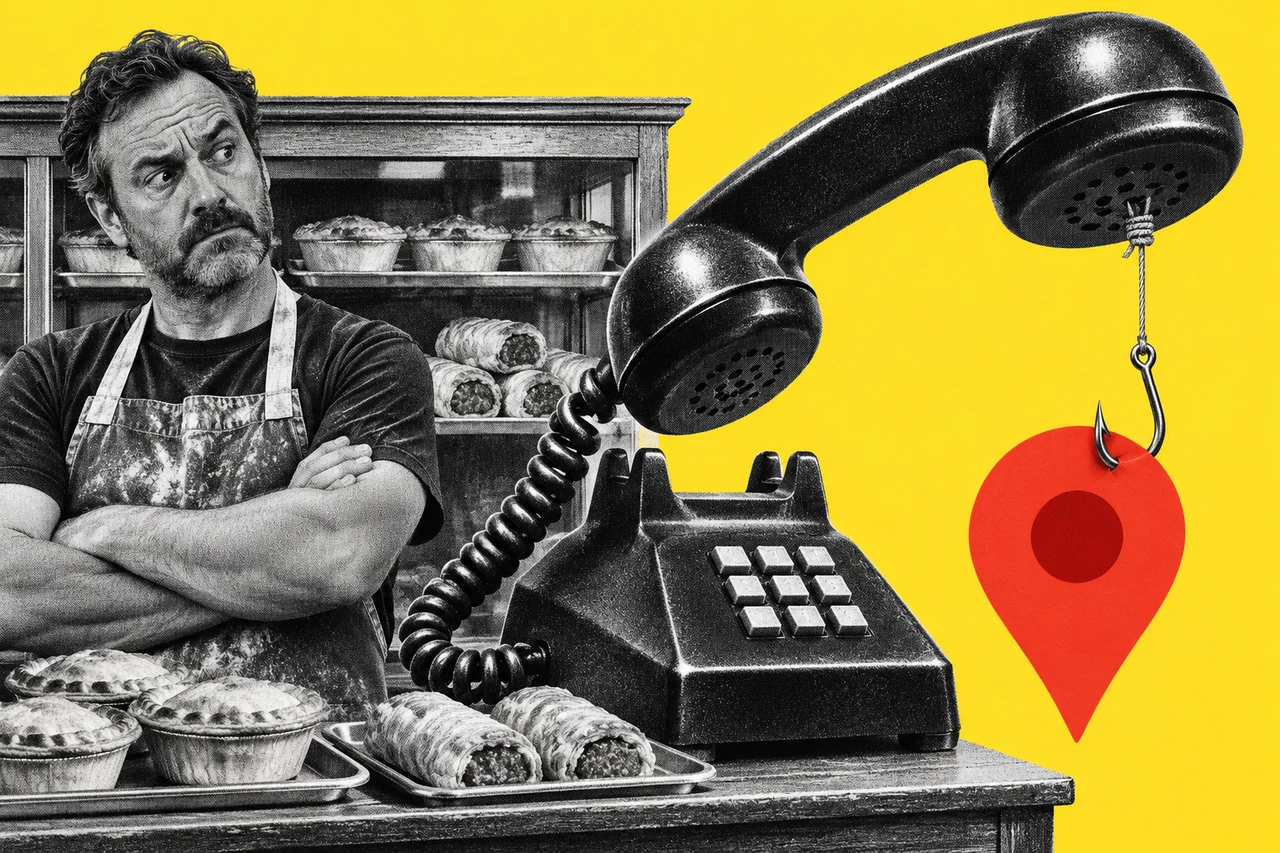
The phone rings at the shop. A recorded voice, or someone who sounds very sure of themselves, says they’re calling about your Google listing. It’s about to be removed, or buried, or marked unverified. For a fee, they can fix it today, or put you at the top of Google Maps.
For a business that lives on local search, that’s a frightening call. That’s why it works. Google warns about these calls in its own Business Profile help pages, and its warning signs are simple once you know them.
Google does call, which is the trick
Here’s what makes it confusing: some calls from Google are real. Google says it makes automated calls to businesses with public phone numbers, for things like checking opening hours or making bookings for customers. Some come from a real person.
A real call tells you up front that it’s from Google and why. Google’s example opens with “I’m calling from Google Maps to update your opening hours”, then says it’s an automated, recorded service. Changes from these calls show as “Pending” on your profile, and the calls don’t affect your account standing. You can opt out on the call itself.
What a real call never does is sell you anything. You won’t be asked to sign up for a service, pay money or give personal information.
Sign one: they want money to keep you on Google
This is the giveaway. Google is blunt: “If a caller asks for money to keep your business on Google, it is not a call from Google.”
The fee can be dressed up as verification, reinstatement or keeping you listed. Google says it never tries to convince you to pay to maintain your Business Profile, including to have it verified or reinstated. A Business Profile is free.
Sign two: a promise of the top spot
Scammers may say they work “with Google” or “for Google”, Google says, and sell online marketing. The pitch is a guaranteed first place in Maps or Search.
No one can promise that. Google says it “never guarantees top placement in search results”. Its complaint form lists a caller that “claims to guarantee top placement in Google Search or Maps” as a violation to report. So is a caller who threatens to push your ranking down.
Sign three: they ask for a code
Some callers want a code sent to your phone, to “confirm” it’s really you. Read it out and they may be able to take over your Google Account or your listing.
Google says it will never ask you to read a verification code or approve a sign-in prompt over the phone. Its account help is plain: “You won’t receive a call from Google to verify a code.” Its Business Profile help adds that Google will never ask for a one-time password or PIN.
The Australian Signals Directorate lists requests for passwords or authentication codes among the warning signs of phishing. It also warns that caller ID can look real when it isn’t.
Sign four: a robocall that wants you to press a key
A recording may tell you to press a key to speak to someone. Google’s advice is short: “hang up. Do not press any buttons even if the voice prompt tells you to.”
How to check your listing yourself
You don’t need the caller to tell you what’s happening to your profile. Look for yourself.
Sign in to the Google Account that manages the profile and go to your Business Profile. Select More, then Business Profile settings, then People and access. You’ll see everyone with access, plus any pending invitations. If a name there means nothing to you, select it, then Remove person. Only owners can remove other owners and managers.
Google also says not to approve access requests unless you know the person asking, and to remove former staff. Our guide to protecting your Google Business Profile covers who should own the listing and how to lock it down.
In some countries, Google also messages businesses on WhatsApp or RCS chat. Its official accounts there show a blue verification tick, and Google says it will never ask for private or sensitive information.
If you’ve already handed something over
If you read out a code, run Google’s Security Checkup, review recent activity on your Google Account and check People and access for anyone you don’t know. If you paid by card or bank transfer, call your bank.
Report the caller to Google through its Business Profile third-party complaint form. Give the caller’s company name and contact details, plus any emails or invoices they sent. Google says it doesn’t share the outcome of investigations.
The Australian Signals Directorate’s Australian Cyber Security Hotline is 1300 CYBER1 (1300 292 371).
Checklist
- Hang up on any “Google” caller who asks for money. Google never charges to keep, verify or reinstate a Business Profile.
- Never read out a code over the phone. Google never asks for verification codes, one-time passwords or PINs in a call.
- Don’t press any keys on a “Google” robocall. Hang up instead, even if the recording tells you to press a button.
- Treat any promise of the top spot as a red flag. Google says it never guarantees top placement in search results.
- Check who can manage your profile. In your Business Profile, select More, then Business Profile settings, then People and access, and remove anyone you don’t recognise.
- Brief whoever answers the phone. Make sure staff know a real Google call never sells anything or asks for payment or codes.
- Report the caller to Google. Use the Business Profile third-party complaint form, with the caller’s company name, number and anything they sent.
Tick items as you go. Your ticks stay in this browser.