Travelling these holidays? Scammers are faking flight changes and visa sites
Scamwatch warns scammers are posing as airlines, booking sites and family members overseas this holiday season. Here are the four tricks and how to check.
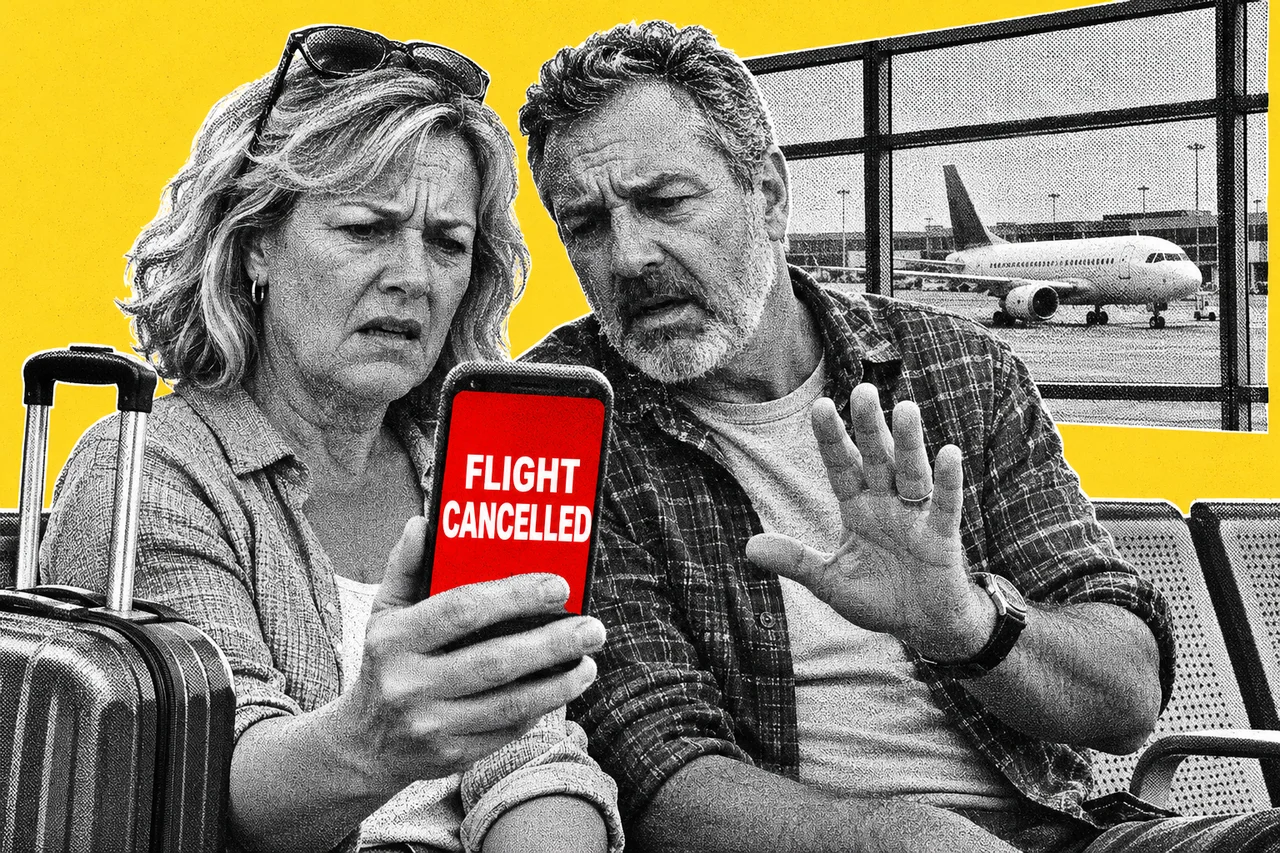
A text says your flight has been cancelled and you need to rebook now. It looks like your airline. It might not be.
Scamwatch warned on 16 November that scammers are going after travellers as the holiday season approaches. They strike at every stage, from researching a trip and booking it to travelling and getting home. The warning is a joint effort with Smartraveller.
Four tricks to watch for
A flight or booking has “changed”. Scammers pose as airlines, airports, travel agents and accommodation providers. The message feels urgent and pushes you to click a link, hand over details or pay. Some set up fake customer support services too.
Your points are about to expire. Fake airline messages offer free gifts, warn that your membership or reward points will lapse, or ask you to update your account. The link leads to a fake login page built to steal your sign-in or card details. One of Scamwatch’s examples is a fake Qantas email asking for an account update.
A visa site that isn’t the government. Convincing visa and entry requirement websites can turn up in search results. They may charge fees you don’t need to pay, or take your passport, payment and personal details.
Someone you know is stuck overseas. This one targets the people at home. A scammer pretends to be a friend or relative, says they’re in trouble and asks for money. Scamwatch’s examples include family and airline impersonation over WhatsApp.
Watch for the rush
Most of Scamwatch’s warning signs come down to pressure. Watch for an unexpected message asking you to click or call to update a booking or payment. Be wary of pressure to pay or to share passport, bank or personal details. Treat visa fees you can’t confirm on an official government site as suspect. The same goes for urgent money requests from someone who says they’re stuck abroad.
The messages borrow trusted brands and official-looking logos, so a familiar name isn’t proof.
Check it yourself
Don’t use the link or contact details in a message you weren’t expecting. Open the airline’s or provider’s own app, go to its website, or call a number you’ve looked up yourself.
For a family emergency, call the person on their usual number. If you can’t reach them, check with someone you trust. Scamwatch also suggests asking a personal question a scammer couldn’t answer.
For visa and entry rules, use official government websites and Smartraveller.
If you’ve already paid a scammer or shared financial information, call your bank straight away. If you’ve shared identity details, IDCARE offers support on 1800 595 160. You can report the scam to Scamwatch.
The same check-it-yourself rule works for fake delivery texts, as we showed in Spot the scam: the parcel delivery text.
Checklist
- Book through official channels. Use the airline’s, hotel’s or travel agent’s own website or app, not a link from a message.
- Check flight changes in the airline’s app. If a text or email says your booking changed, open the app or website yourself before you do anything.
- Check points warnings yourself. If a message says your points are expiring, log in to your frequent flyer account the usual way, not through the link.
- Get visa and entry rules from official sources. Use official government websites or Smartraveller before paying any visa fee.
- Call before you send money. If someone says they’re stuck overseas and needs money, call them on their usual number or check with someone you trust.
- Know who to call. If you’ve paid a scammer, ring your bank at once; if you’ve shared identity details, call IDCARE on 1800 595 160.
- Report it. Tell Scamwatch at scamwatch.gov.au/report-a-scam.
Tick items as you go. Your ticks stay in this browser.