Spot the scam: the parcel that couldn’t be delivered
A text says your parcel couldn’t be delivered and asks you to tap a link. Here are the warning signs to look for, and how to check your parcel safely.
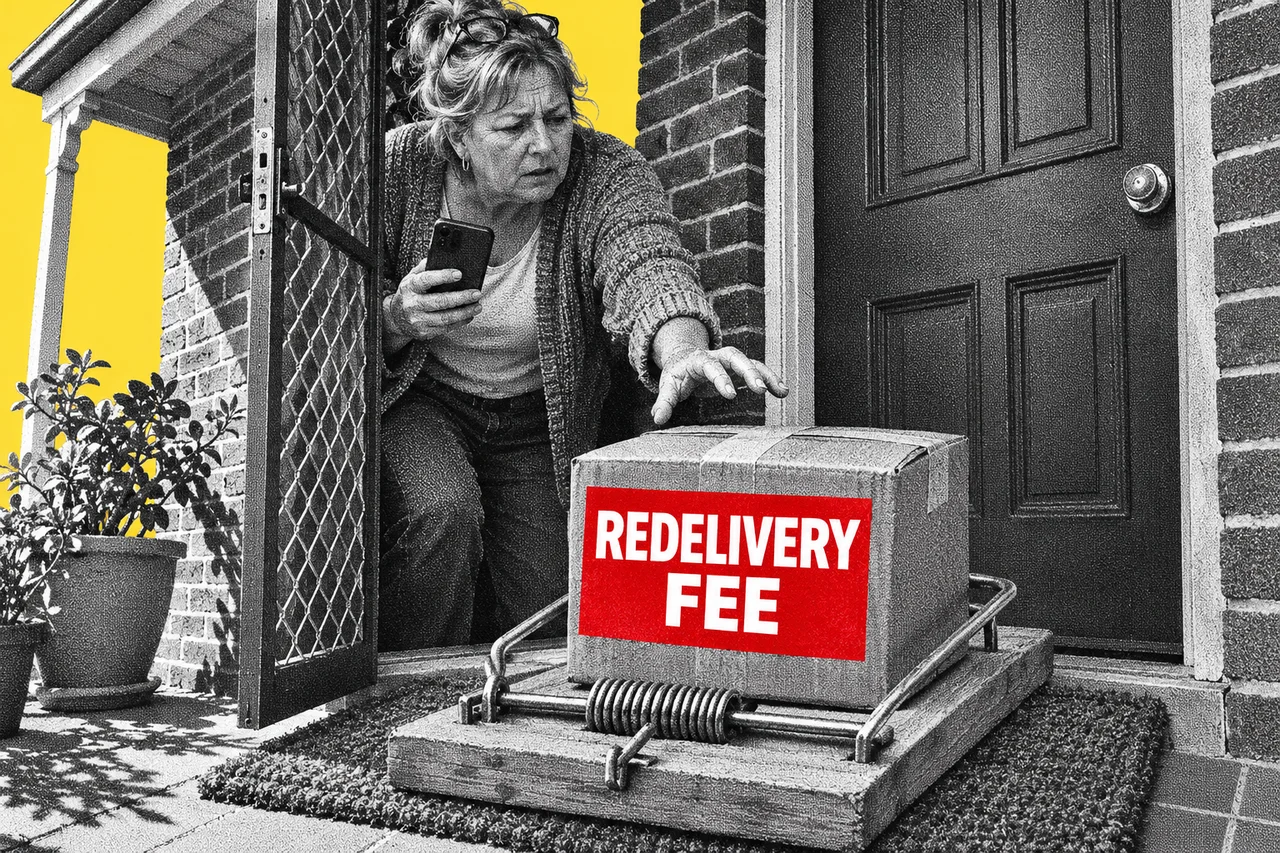
A text says your parcel couldn’t be delivered. To get it, you just need to tap the link and confirm your address, or pay a small fee to book redelivery. If you’re waiting on an online order, it sounds completely reasonable.
That’s the trick. Australia Post keeps a running list of these scams on its scam alerts page. The lure barely changes: a delivery problem, a link and a request for your details. The link leads to a fake Australia Post website designed to steal your personal and card details.
With the holiday sales coming, here’s how to take one apart, sign by sign.
It’s a big business for scammers
Delivery texts aren’t a niche scam. In December 2023, the National Anti-Scam Centre said reports of delivery phishing scams had quadrupled that year.
Australians reported more than 11,000 parcel delivery scams to Scamwatch between 1 January and 31 October 2023. Reported losses topped $720,000. In all of 2022, Scamwatch received 2,931 reports with losses of $56,000.
Scamwatch also warned that losses could climb over the holidays, when lots of people are genuinely waiting on parcels.
What the message says
The wording changes, but the story doesn’t. Australia Post’s scam alerts list messages asking you to:
- “update your address” or “confirm your address” to finish a delivery
- “verify your postcode within 48 hours”
- pay a small fee to arrange redelivery
The same tricks turn up by email. Some ask you to “confirm their details” for a new delivery, often with a fake tracking number to look real. Others use the StarTrack name, asking you to “Schedule Redelivery” so a package isn’t returned to the sender. Scam emails may carry the Australia Post logo and a sender address that closely resembles a real one.
Sign one: it wants you to tap a link and hand over details
This is the giveaway. Australia Post says it will never text or email you asking for your card details or personal information. Nor will it ask you to enter information on a web page that isn’t part of Australia Post.
It has also started taking links out of its tracking texts. Many now give instructions instead: track your parcel with its tracking number on the website or in the app. So treat any text that sends you to a link to fix a delivery as suspect.
Sign two: a fee you weren’t expecting
The redelivery fee is small on purpose. A small amount doesn’t feel worth checking. But the real prize is the card number you type in to pay it.
Australia Post says it will never ask for a payment you weren’t expecting, or one that doesn’t relate to something you asked for. Nor will it call you out of the blue to ask for payment for an undeliverable item.
Sign three: a deadline
“Within 48 hours.” “Incomplete updates will be returned to the sender.” Scamwatch says scammers create a sense of urgency to pressure you into acting quickly. The deadline is there to stop you checking.
Sign four: the sender
Australia Post’s key sender names, AusPost and StarTrack, are registered with the ACMA’s SMS Sender ID Register. A text claiming to be from Australia Post that shows “Unverified”, or comes from an unfamiliar mobile number, deserves extra caution. We explained how the register works in our story on the ‘Unverified’ label.
A real-looking name still isn’t proof. Australia Post says criminals can fake the sender name so a scam lands in the same thread as genuine Australia Post texts on your phone. The scam is in what the message asks you to do, not just who it says it’s from.
The newer version: a ‘driver’ who asks you to reply
One high-volume version arrives by iMessage on iPhones, or by RCS chat on Android phones, rather than as an ordinary text. It reads like a note from a delivery driver who couldn’t find a safe place to leave your parcel. A link offers to arrange redelivery, or pickup from a nearby collection point.
Some of these ask you to reply first, with “Y” or something similar. Australia Post calls that a common tactic. Replying can trick your phone into treating the sender as a trusted contact, so the scam link gets past your phone’s built-in protections.
So don’t reply at all. On an iPhone, use Apple’s “Delete and Report Junk” option, and consider filtering messages from unknown senders. On Android, use “Block and report spam” in Google Messages.
How to check your parcel
Don’t use anything in the message. Open the AusPost app, or type the Australia Post website address in yourself, and look up your deliveries there. If you’re expecting something from another courier, go to that courier’s own app or website. Scamwatch’s advice is the same: never click links in delivery texts, even if you’re expecting a parcel.
You can also cut the risk at the source. Australia Post suggests turning on push notifications in the AusPost app (Account, then Notification Preferences). Then switch off SMS updates in your MyPost account (Manage account, then Preferences, then Delivery Notifications, and deselect the SMS options). Your delivery updates will then come from the app, not by text.
Where to report it
Send a screenshot of a fake text to scams@auspost.com.au. For a fake email, forward it to the same address instead of sending a screenshot. Australia Post says it investigates reports but won’t send a personal reply. Then delete the message. You can also report it to Scamwatch.
If you tapped the link and paid
Move quickly. Scamwatch says to contact your bank or card provider immediately if you’ve lost money. You can also report it to police through ReportCyber.
If you typed in personal details such as your driver’s licence or passport number, call IDCARE, the free identity support service, on 1800 595 160. Then watch out for follow-up scams, which Scamwatch says can come after personal information is lost.
Checklist
- Never fix a delivery problem through a link in a text. Australia Post says it won’t text or email you asking for card or personal details.
- Don’t pay a surprise redelivery fee. Australia Post says it won’t ask for a payment you weren’t expecting.
- Don’t reply to delivery messages from unknown senders. Replying “Y” can let a scam link get past your phone’s protections.
- Check your parcels yourself. Open the AusPost app or type the Australia Post website address in yourself, and search by tracking number.
- Switch delivery updates to the app. Turn on push notifications in the AusPost app (Account, then Notification Preferences). Then switch off SMS updates in your MyPost account.
- Report the fake. Send a screenshot of the text, or forward the email, to scams@auspost.com.au and report it to Scamwatch, then delete it.
- Call your bank straight away if you paid. Contact your bank or card provider immediately and tell them what happened.
- Call IDCARE if you gave personal details. The free service is on 1800 595 160.
Tick items as you go. Your ticks stay in this browser.