Citrix releases NetScaler SAML fix after targeted attacks
Citrix has released fixes for CVE-2026-88779. Affected NetScaler systems need another upgrade even if earlier patches were installed.
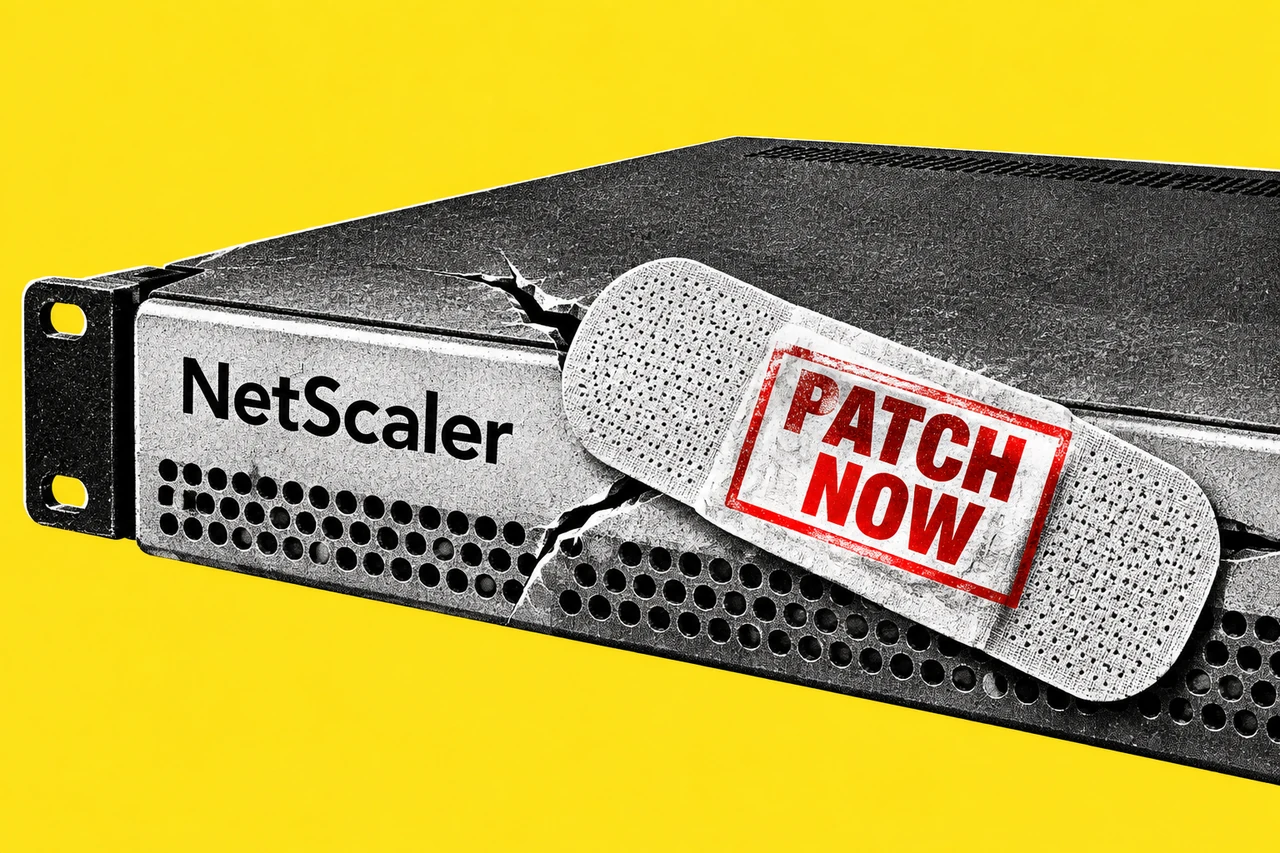
The NetScaler update for the new SAML issue is now available. Citrix has released fixes for CVE-2026-88779 and says it has observed targeted attacks against unmitigated deployments.
For businesses that asked their IT provider about the new SAML issue on Saturday, the next question is concrete: does the newly released fix apply, and when will it be installed?
Citrix’s new security bulletin, CTX697174, rates the vulnerability high severity, with a CVSS v4.0 score of 8.7. It describes a memory overflow that can cause denial of service. In everyday terms, the affected service can become unavailable.
Check again, even after a recent patch
The vendor’s accompanying explanation explicitly tells customers who installed the earlier fixes in bulletin CTX697096 to upgrade again if their deployment meets the new issue’s conditions.
That matters for an office manager holding a recent “patched” email. Our recommendation is to ask the provider to name CVE-2026-88779 in its reply and record the installed version. A confirmation about the earlier vulnerabilities answers a different question.
The bulletin applies to customer-managed NetScaler ADC and NetScaler Gateway. The appliance must be configured as a SAML service provider or identity provider for the stated preconditions to apply. Citrix handles updates to its managed cloud services and managed Adaptive Authentication.
Let the provider establish which arrangement supports your business. A product name on an invoice is a starting point, not a configuration assessment.
Which versions contain the fix?
The controlling bulletin lists these updated versions:
- NetScaler ADC and Gateway 14.1: 14.1-73.41 or later releases
- NetScaler ADC and Gateway 13.1: 13.1-64.28 or later releases of 13.1
- NetScaler ADC 14.1-FIPS: 14.1-73.41 FIPS or later releases of that branch
- NetScaler ADC 13.1-FIPS and 13.1-NDcPP: 13.1-37.282 or later releases of those branches
Citrix urges affected customers to install the relevant update as soon as possible. Give your provider the bulletin rather than choosing a release yourself; it needs to match the appliance and software branch.
An interruption still needs investigation
Citrix says repeated triggering can keep a service unavailable. Its analysis has not identified an impact on customer-data integrity. That statement describes the vendor’s findings about this issue; it does not establish what happened in an individual business’s environment.
The vendor guidance also describes Global Deny List signatures as a temporary mitigation, with prerequisites the administrator must check. Citrix still recommends installing the fixed software promptly. Ask for the upgrade plan if a provider reports that mitigation is in place.
If services are already failing, our recommendation is to send the provider a brief record of the timing and business impact. Citrix directs customers who find signs of compromise to follow their incident-response processes; technical assistance is available through Citrix support.
Keep the operational questions simple: which services are affected, who owns the work, and when will you receive confirmation? Our Essential Eight explainer covers the broader security baseline, and the Scams & security hub has related reporting.
Checklist
- Ask your IT provider today. Request a version and configuration assessment specifically for NetScaler CVE-2026-88779.
- Get an upgrade plan for affected appliances. Ask the provider to match the release to bulletin CTX697174 and install the relevant fix as soon as possible.
- Reopen earlier patch confirmations. Have the provider check this new issue even if it already completed the CTX697096 updates.
- Escalate existing interruptions. Send the provider the timing and business impact, and ask whether incident response or Citrix support is needed.
- Record completion. Keep the provider’s installed-version confirmation and the names of the services it assessed.
Tick items as you go. Your ticks stay in this browser.