Zimbra email attacks make a July patch an urgent provider question
Microsoft reports attacks on unpatched Zimbra email servers. Ask your provider about version 10.1.20, SNMP settings and checks for an existing compromise.
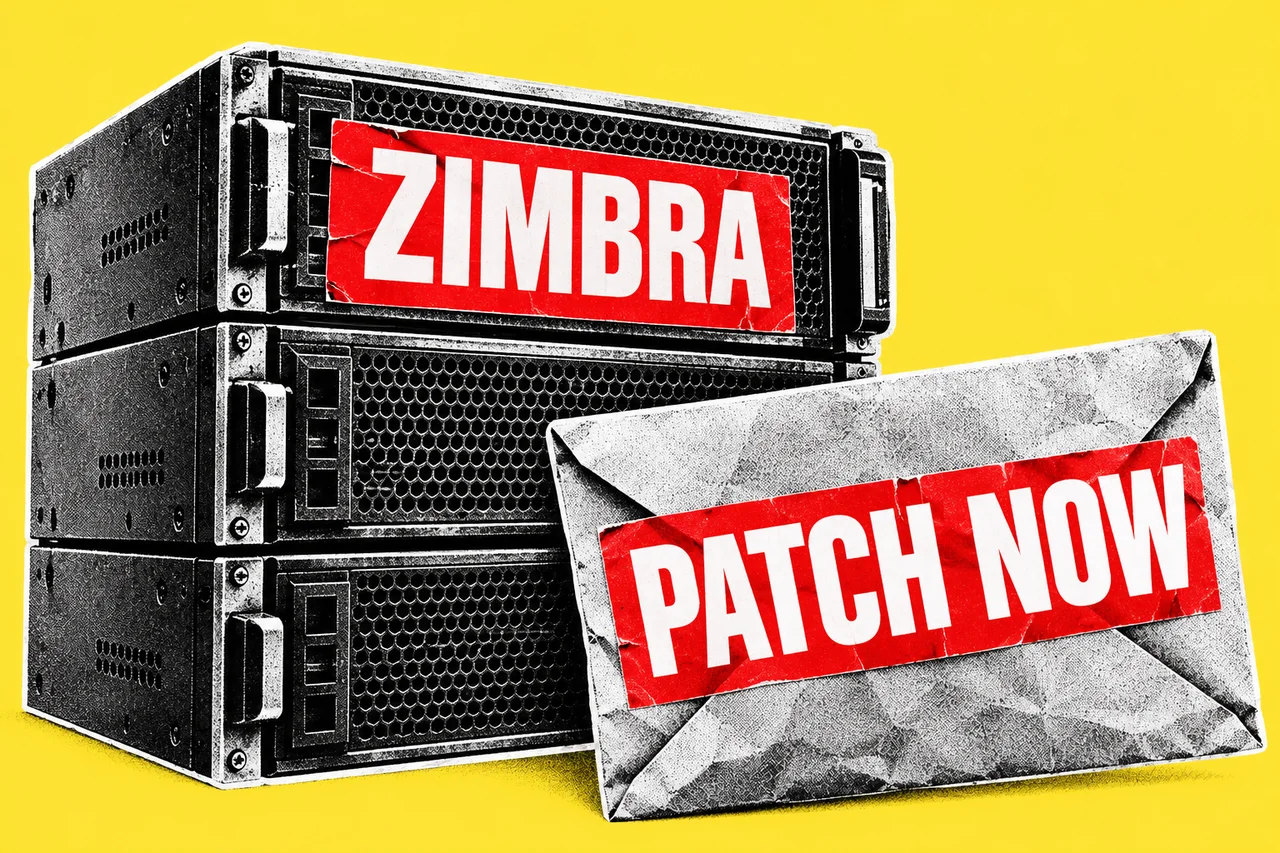
The fix for this Zimbra email flaw arrived in July. Microsoft’s new account of attacks makes the question for a business owner more immediate: did the company looking after your email actually install it?
Microsoft’s research, published on 30 September, documents exploitation of CVE-2026-73570 on internet-facing Zimbra servers. The vulnerable configuration has the optional zimbra-snmp monitoring package installed and SNMP notifications enabled. No login or user interaction is needed.
That last detail matters. Asking staff to be more careful with attachments won’t resolve a flaw in the server receiving their mail. The person who can answer this alert is the administrator or hosting provider.
Ask for the server version, not a reassurance
Microsoft identifies servers running versions earlier than 10.1.20 for vulnerability assessment. Zimbra released 10.1.20 on 20 July 2026, with a permanent fix for the SNMP command-injection flaw. Its security advisory register maps this CVE to that release. Upgrade affected servers to 10.1.20 or later immediately.
If you’re unsure what sits behind the business’s email address, start with whoever supplies or supports it. Our recommendation is to ask one specific question:
“Does our email use Zimbra, and can you confirm the installed server version, whether zimbra-snmp and SNMP notifications are enabled, and what checks you’ve made for compromise?”
Ask for the answer in writing, including who checked it and when. A statement that updates are automatic leaves the most useful part unanswered: the version actually running your service.
If patching must wait, Microsoft recommends removing the optional package, disabling SNMP notifications and restricting SNMP and SMTP access to trusted hosts. Have the provider manage that temporary containment. SMTP carries email, so ask it to explain the effect on mail delivery before changing access.
A patch confirmation needs a second answer
At a high level, crafted incoming mail reaches the vulnerable monitoring path, allowing commands to run on the server. Microsoft observed web shells, which give attackers remote access, and collection of authentication and mailbox data.
Those findings make “we’ve patched it” an incomplete incident response. Our recommendation is to request a separate investigation result, rather than treat a completed update as evidence the server was never breached.
The provider should check for unexpected web-shell files across mailbox nodes, altered system services and suspicious remote connections. Microsoft’s guidance also calls for rotating Zimbra authentication secrets. An absence of a named-malware alert is insufficient grounds to close the investigation.
If the provider finds compromise, agree who owns containment and recovery, and ask it to explain what the evidence says about your mail and accounts. Use our business email first-hour guide for the business-side response and ReportCyber to report cybercrime. Our Scams & security hub collects the related guidance.
The useful endpoint is a named person who can confirm both the installed fix and the investigation outcome.
Checklist
- Identify your email platform today. Ask your hosting or IT provider whether your business email runs on Zimbra.
- Get the version and configuration in writing. Have the Zimbra administrator confirm the running version, optional zimbra-snmp package and SNMP-notification settings.
- Confirm the upgrade immediately. Ask the provider to install Zimbra 10.1.20 or later on affected servers and record completion.
- Agree temporary containment if patching must wait. Have the provider apply Microsoft’s mitigations and explain any mail-delivery impact.
- Request a compromise investigation. Have the provider report its checks, authentication-secret rotation and any required containment or recovery.
Artwork update, 1 October 2026: We connected this story’s illustration after a missing image reference left the first published version showing section artwork.
Tick items as you go. Your ticks stay in this browser.