
Pixel 10 owners get Gemini’s DIY widgets, but not its booking agent
Google’s November Pixel Drop brings Gemini Intelligence to the Pixel 10. Australians are getting Create My Widget. The agent that books rides and food skips us.
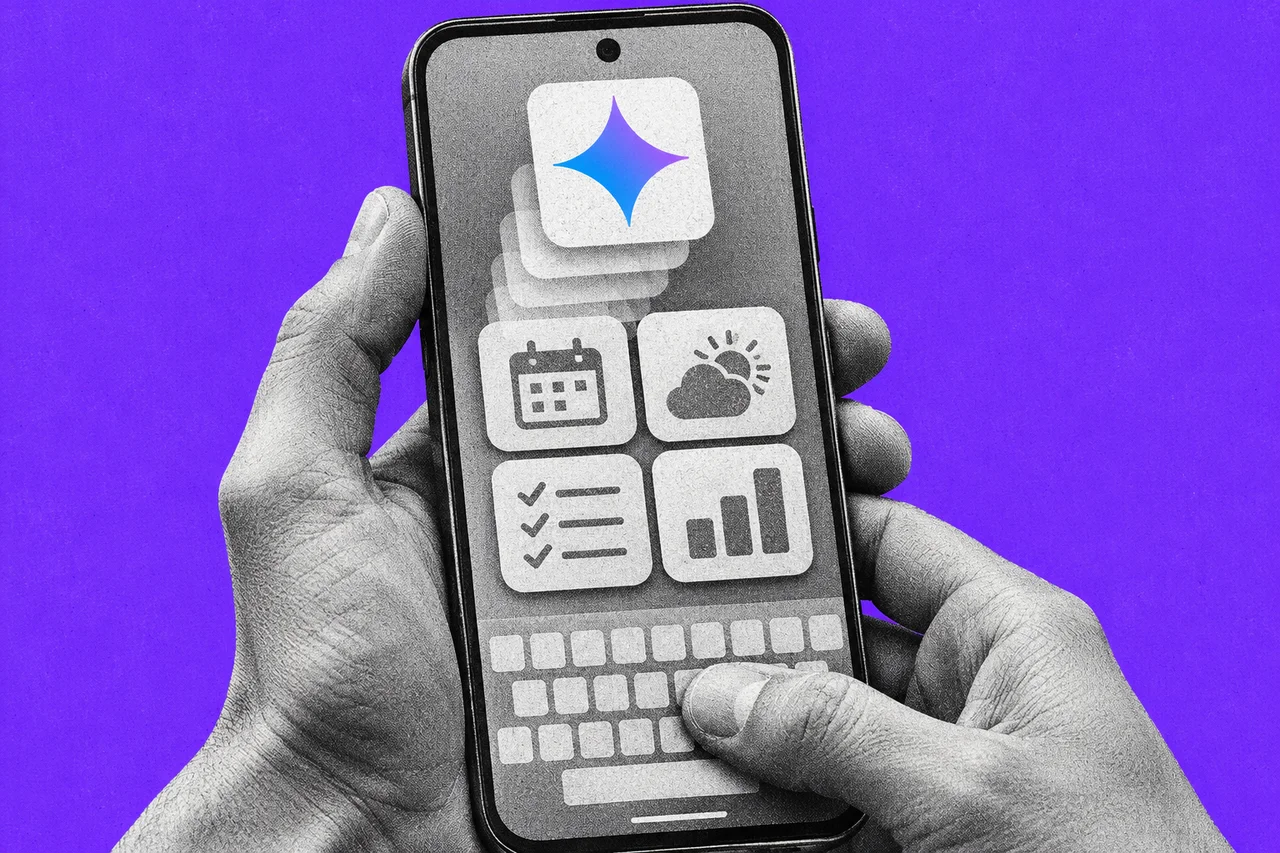
If you own a Pixel 10, your phone is about to learn a new trick. Describe a home-screen widget in a sentence, and Gemini builds it for you.
Google’s November Pixel Drop arrived on 10 November. It brings Gemini Intelligence, Google’s bundle of AI features for Android, to the Pixel 10 range. The features first came to the Pixel 11 and Samsung’s Galaxy S26, Z Fold8 and Z Flip8 earlier in the year.
The catch for Australians: only some of it works here.
The widget you describe in a sentence
Create My Widget is the one Australians can use. You describe a widget in your own words, and Gemini designs it. It can pull information from Gmail, Calendar and Search. There are also templates, such as important dates, sports and fitness, and finance.
It’s for people aged 18 and over on Pixel 10 and newer phones, except the Pixel 10a. Google’s help page lists five countries: Australia, Canada, India, the US and the UK, in English. It’s rolling out over the next few weeks, so it may not be on your phone yet.
To try it:
- On your home screen, touch and hold an empty space.
- Tap Widgets, then Create.
- Tap Describe your widget, type what you want and tap Send.
- Check the preview and tap + Add.
To show your own email or calendar details, you connect your Google apps when you set it up. Check the widget’s answers are correct before you rely on them. Some features may need a subscription for heavier use, but Google doesn’t say which plan or price.
The booking agent stays overseas
The bigger feature is task automation. You ask Gemini to order food or hail a ride, and it works through your apps for you.
Google says it’s now expanding to the UK, India and Japan. Its help page lists India, Japan, South Korea, the UK and the US, in English, Japanese and Korean. Australia isn’t on the list, and Google hasn’t given a date for it.
Where it does work, Gemini runs the task in a virtual phone on the device. You can watch it and stop it. Google’s help page is blunt about who carries the can: “You’re responsible for Gemini’s actions during a task, including mistakes and unexpected results like purchases.”
Three more features, with no word on Australia
- Rambler turns rambling speech into tidy text as you talk, and removes filler words like “um”. It’s in Gboard on the Pixel 10 range, but Google only says it’s for “select countries and languages”, with usage limits.
- Device Assistance lets you ask your phone to fix itself, such as clearing space or checking which apps can see your location. It needs Android 17 or later on select devices, and Google says availability varies by country.
- Proactive suggestions in Android Auto are coming “soon” for Pixel phones with Gemini Intelligence. Google’s example: a friend asks where you’re meeting, and Gemini finds your booking email and offers to send them the address.
If you already use Gemini in the car, we covered its Personal Intelligence feature for Android Auto in October.
Not a reason to buy a phone yet
Motorola’s signature 27 is its first Gemini Intelligence phone, with US pre-orders from 19 November. Google hasn’t said anything about it for Australia.
For now, the Australian version of Gemini Intelligence is mostly a widget maker. That’s handy, but if the booking agent is what you want, nothing in Google’s announcement says when it will arrive here.
Checklist
- Install the November Pixel Drop. Go to Settings > System > Software updates on your Pixel 10 and check for the update. Google is rolling features out over several weeks.
- Try Create My Widget. Touch and hold an empty space on the home screen, tap Widgets, then Create, and describe the widget you want.
- Check what each widget shows. Compare a new widget’s answers with your actual email or calendar before you rely on it.
- Decide what Gemini can read. Only connect your Google apps when you set up a widget if you’re happy for it to draw on your Gmail and Calendar.
Tick items as you go. Your ticks stay in this browser.