Spy-linked ads reached Australian government, power and nuclear research networks, Citizen Lab finds
Citizen Lab says Discover-Tech’s ads tracked devices and delivered spyware to some targets, and reached Australian networks. How to block ads and ad IDs.
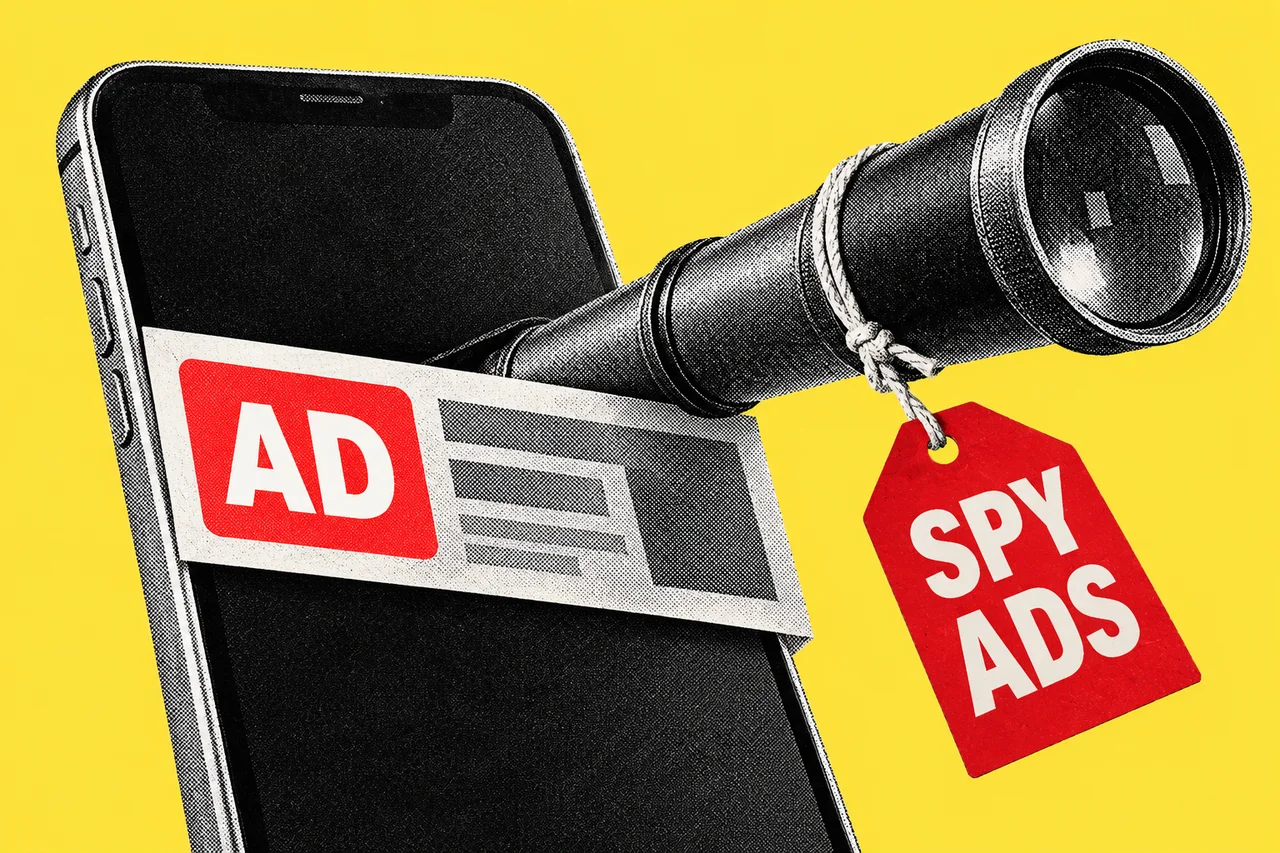
Online ads bought by an Israeli company reached Australian government networks, power and grid companies, universities and the national nuclear research agency, according to a report from the University of Toronto’s Citizen Lab. The researchers say the company, Discover-Tech, used ads to profile devices and, for selected targets, to deliver spyware without the user clicking anything.
One point matters before anything else, and Citizen Lab makes it too: an ad appearing on a network does not, on its own, show that anyone there was targeted or infected.
What Citizen Lab found
The report, Exposing AdFection, published on 15 October 2026, says Discover-Tech “presents itself as a legitimate advertising company” but operates as a facilitator for several mercenary spyware companies. Citizen Lab links, with high confidence, a series of zero-click attacks on the news network Al Jazeera in 2024 and 2025 to spyware from Candiru delivered through Discover-Tech’s ads. At least 45 devices at Al Jazeera were targeted, it says. Candiru, which Citizen Lab says has rebranded as Integrity Labs, was added to the US Commerce Department’s Entity List in November 2021.
Citizen Lab says Discover-Tech and Candiru did not respond to its requests for comment within the time it gave.
The mechanism uses ordinary ad technology. When an app or website shows an ad, the slot is usually auctioned in under a second, and bidders receive details about the device, which can include its advertising ID and IP address. According to Citizen Lab, many Discover-Tech ads carried a script that, when the ad appeared, contacted Discover-Tech’s server with the device’s advertising identifier and ran whatever code came back. The server decided, apparently from the IP address and identifiers, whether a device was a target. If it wasn’t, nothing came back. Discover-Tech’s Controlium platform let customers pick targets by mobile advertising ID, browser ID or IP address.
The scale is large. Between March and June 2026, Citizen Lab says, Discover-Tech’s MyDSP platform bid on 3,770,286,576 ad impressions and appeared to win 441,954,291. About 76.7% of the bids were for ads inside mobile apps. Ads carrying the script appeared in 75,373 apps and on 120,768 websites. Ad security firm Confiant, which published a parallel report the same day, estimates Discover-Tech serves “in the ballpark of 10M ad impressions per day”.
The Australian networks
Citizen Lab says its data shows “a substantial cluster of impressions in Australia”, including government and private-sector networks associated with critical infrastructure such as grid and power companies, and university and research networks. It names the Australian Synchrotron and the Australian Nuclear Science and Technology Organisation (ANSTO). It also lists Australia among the countries where it found impressions on government-operated networks, and counts three Australian media organisations, which it doesn’t name.
The report is explicit about what this does and doesn’t mean: “A Discover-Tech ad impression does not in and of itself confirm targeting or infection with spyware.” At a minimum, it assesses, the impressions would have resulted in profiling by Discover-Tech. It says the reach into sensitive networks warrants urgent investigation, and notes its data covers only Discover-Tech’s MyDSP platform over a limited period.
ANSTO told iTnews: “We are following standard response processes and have not identified any impact to our facilities, systems, and information from the techniques described in the reports.”
Confiant’s data adds context. It saw Discover-Tech hand off to Candiru in nine countries (Belgium, the UAE, Montenegro, Bahrain, Thailand, Saudi Arabia, Mexico, Spain and Malaysia); Australia isn’t on that list. Those campaigns ran at very low volume, and most were served to residential or mobile connections rather than official networks.
The ad industry cuts it off
Citizen Lab says Discover-Tech had been on vendor lists kept by Google and the industry body IAB Europe since 2020. Google, which collaborated in the investigation, removed it from its vendor registries and cut its access to Google’s ad exchanges in the first week of October 2026. IAB Europe removed it from its Global Vendor List on 8 October; the current list shows Discover-Tech with a deletion date of 8 October 2026. Beeswax, Vungle (Liftoff) and Eskimi also acted, Citizen Lab says.
That closes this route, but Citizen Lab says it suspects the attack surface “may be larger” than Discover-Tech’s current methods.
What Australian organisations can do
ASD’s Essential Eight already covers this at its lowest level. Maturity Level One under user application hardening requires that “Web browsers do not process web advertisements from the internet.”
The new ASD Essentials goes further. ASD’s transition guidance says blocking ads may contribute to its content filtering principle, but “organisations need to consider outbound connections across relevant applications and services”. With about three-quarters of Discover-Tech’s bids aimed at ads inside apps, a browser ad blocker alone would not cover most of them.
Citizen Lab’s advice to defenders is to block ads and tracking at the network gateway and on work-issued devices, to opt company-issued phones out of ad targeting through mobile device management (MDM), and to monitor traffic linked to ad impressions for malicious requests.
What individuals can do
Citizen Lab recommends a trusted ad-blocking extension in the browser, regularly resetting your phone’s advertising ID and turning off ad tracking. People at higher risk because of who they are or what they do should get expert help, it says.
On Android, Google’s instructions are to go to Settings, then Privacy, then Ads, and tap Reset Advertising ID or Delete Advertising ID. On some older Android versions the option is under Privacy, then Advanced, then Ads, and menus can vary by phone. On iPhone, Apple’s support page says to go to Settings, then Privacy & Security, then Tracking, and turn off Allow Apps to Request to Track. Apps that ask from then on are treated as if you asked them not to track, so they can’t access the phone’s advertising identifier. Apple’s page also lets you ask apps you allowed earlier to stop tracking.
More security guidance is in our Security hub.
Checklist
- Block web ads in managed browsers. Have your IT provider confirm browsers do not process web advertisements from the internet, as Essential Eight Maturity Level One requires.
- Look beyond the browser. Ask whether ads and ad tracking are blocked at the network gateway, since most Discover-Tech bids were for ads inside mobile apps.
- Switch off ad tracking on work phones. Use mobile device management to opt company-issued phones out of ad targeting.
- Watch traffic from ads. Ask your security provider whether they monitor traffic linked to ad impressions for malicious requests.
- Delete or reset your Android advertising ID. Go to Settings, then Privacy, then Ads.
- Stop iPhone apps asking to track you. Go to Settings, then Privacy & Security, then Tracking, and turn off Allow Apps to Request to Track.
- Install a trusted ad blocker in your browser. Citizen Lab recommends one to reduce tracking.
Tick items as you go. Your ticks stay in this browser.