Hijacked Shopify app settings sent shoppers to fake checkouts: what to check on your store
Attackers used Selleasy and Hulk Product Options settings to redirect Shopify shoppers to fake checkouts. Test your checkout and check your apps now.
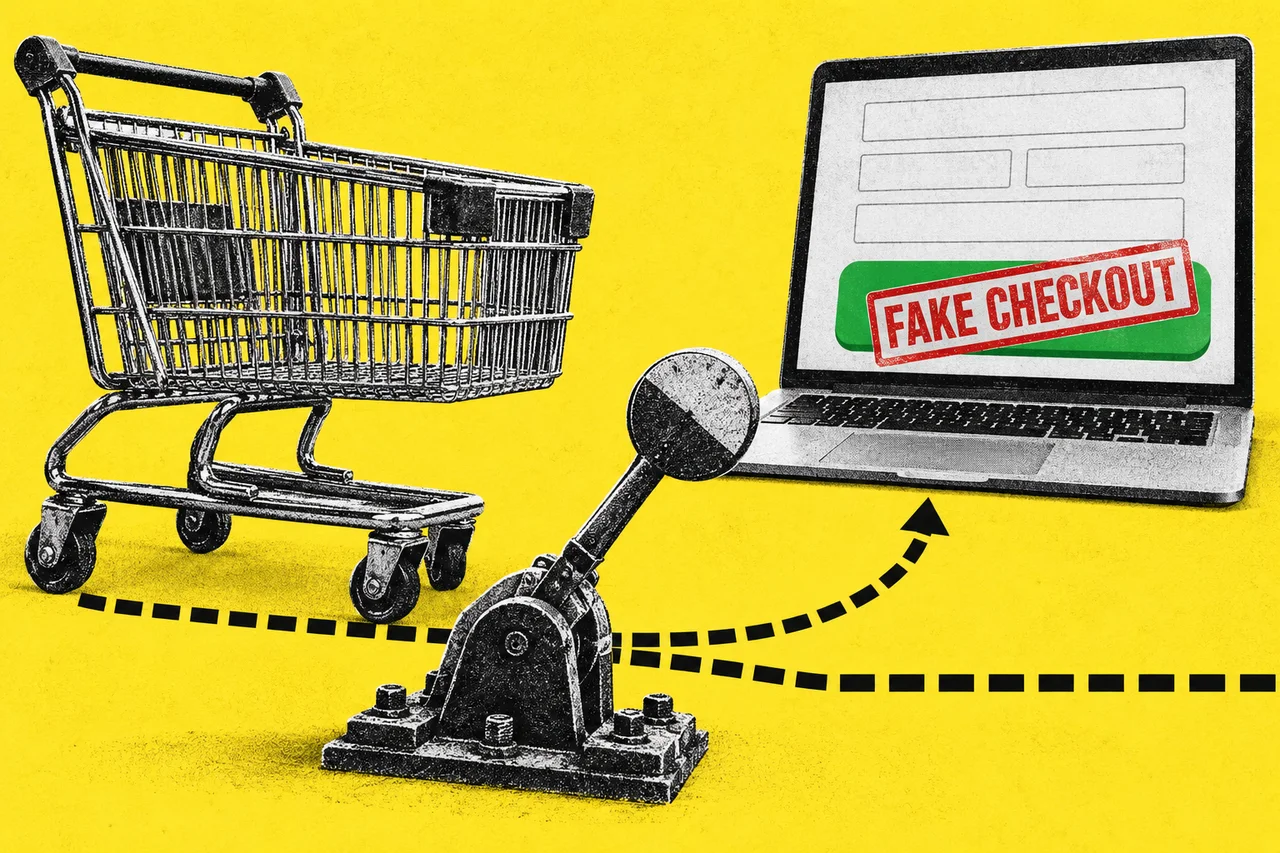
If your Shopify store runs third-party apps, test your checkout today. Two app developers have confirmed that attackers changed their apps’ settings so that some shoppers who clicked to pay were sent to a fake payment page instead of the store’s real checkout.
Logbase, which makes the Selleasy upsell app, says in its incident notice that on 13 October Selleasy “was a victim of a deliberate, planned cyber-attack”, and that an unauthorised script was injected into some of the stores it serves, redirecting customers to a phishing page outside its environment. HulkApps said in a LinkedIn post, quoted by iTnews, that “unauthorised configurations altered the Hulk Product Options theme extension”, and that Shopify temporarily disabled the extension while the code was removed. Developer Roman Zipp found that extension sending shoppers to a fake checkout on 10 October.
iTnews reports that an Australian online store hit on 13 October remains closed on Shopify’s advice, after a customer was sent to a bogus checkout and reported it. A Shopify support representative asked the owner to keep password protection on while the matter was investigated, iTnews says. Shopify didn’t respond to iTnews before publication, we found no public Shopify statement, and Shopify’s status page listed no incidents when we checked.
How the attack works
Zipp, a developer who found a fake checkout on an online store on 10 October, documented the HulkApps case. He says:
- The code wasn’t in the app itself. The app’s script fetched settings from HulkApps’ servers, including a custom JavaScript field, and ran what came back.
- It hijacked the checkout click. The code intercepted the click on the checkout button and sent the shopper to a lookalike payment page on domains including biliing[.]top, checkout-confirm[.]top and order-confirm[.]top.
- The fake page took card details. Zipp says it collected checkout details, including credit card and personal data.
- It fired once. The script ran only once per shopper and store; iTnews reports it then let shoppers through to the genuine checkout.
iTnews reports Logbase’s founder told merchants an unauthorised party gained access to an internal Selleasy tool and used it to add a malicious script to the Selleasy settings of a number of stores, between 07:47 and 15:00 UTC on 13 October (6.47pm on 13 October to 2am on 14 October AEDT, or 3.47pm to 11pm in Perth). Logbase says it has found no evidence of a breach of the Selleasy backend or database, but told iTnews “it is possible that some customers may have entered their information on that page”.
Is it over?
Logbase says Selleasy is safe to use and that Shopify confirmed the code was removed the same day. HulkApps says the code was removed and Shopify temporarily disabled its extension, iTnews reports. On 16 October the App Store listings for Selleasy and Hulk Product Options both said the app “is not currently available”.
The full scope isn’t known. Neither developer has said how many stores were affected. Zipp says seven merchants have told him of the same hijack, not all of them using HulkApps, and he lists Swym Wishlist Plus based on reports from others. We found no statement from Swym; its App Store listing also showed the app as unavailable. Zipp says the origin of the malicious HulkApps code is unclear.
What to do
Zipp recommends a simple test: open a private (incognito) browser window, add an item to the cart, click checkout and confirm you land on your real checkout. Because the script fires once per session, on our reading a fresh private window is needed for each test. Check which apps are installed, check any custom JavaScript fields in your app settings and report any script you didn’t add to the developer and Shopify, change your Shopify and app account passwords, and turn on two-factor authentication.
If your store was affected, contact the app developer and Shopify. Logbase says it has contacted all affected merchants. Then work out whether customers may have entered card details. The OAIC says an organisation that suspects an eligible data breach “must quickly assess” it; our explainer on notifiable data breaches covers which small businesses the scheme applies to. Report it to ASD’s ACSC: choose “Report a cyber security incident”, or ReportCyber if money or personal information was lost.
Checklist
- Run the private-window checkout test. Open a fresh incognito window, add an item to the cart, click checkout and confirm the address is your real checkout.
- Check your installed apps. Look for Selleasy, Hulk Product Options and Swym Wishlist Plus, and ask each developer whether your store was among those affected.
- Check custom JavaScript fields in app settings. Report any script you or your developer didn’t add to the app developer and Shopify.
- Change passwords and turn on two-factor authentication. Do it for your Shopify account and every app developer account linked to the store.
- Contact the app developer and Shopify straight away if checkout redirects. Tell them which app is installed and what the test showed.
- Assess whether customers entered card details. If the Privacy Act covers your business, use the OAIC’s guidance to decide whether you have a notifiable data breach.
- Report the incident. Use “Report a cyber security incident” at cyber.gov.au/report if your store was affected.
Tick items as you go. Your ticks stay in this browser.