Shopify adds discounts to Rollouts, with a few traps for sale planning
Shopify lets retailers schedule and test discounts with store changes. Check plan access, active dates, app support and measurement limits before a sale.

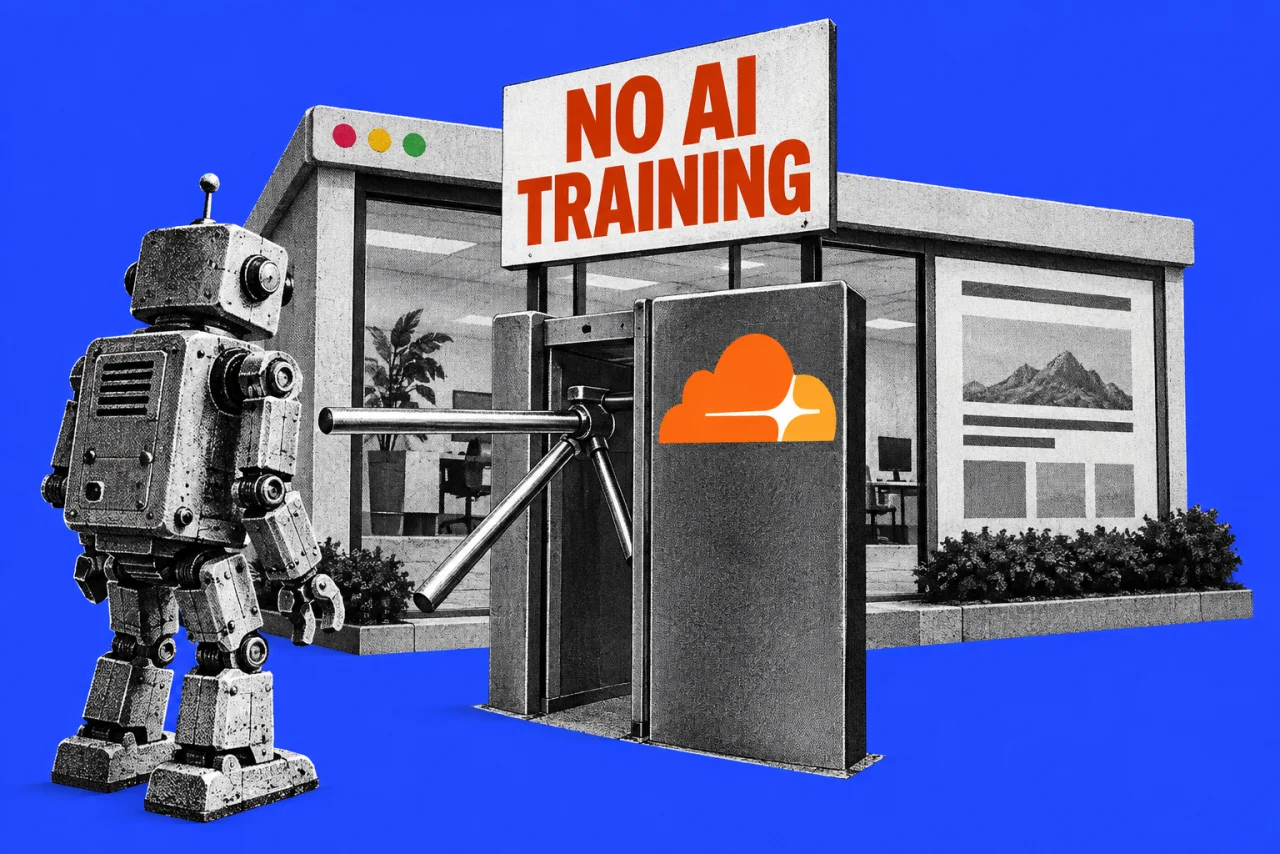
Shopify retailers can now put a discount into the same scheduled rollout as a store design or checkout change. That gives the person running a sale fewer separate launch times to manage, but the discount still has rules of its own.
Shopify’s 2 October announcement says merchants can release an offer to part of their online store traffic, compare it with existing offers and expand it later. Discounts can also go live alongside theme and checkout changes in one rollout.
For a small shop, the useful question is whether this makes the next promotion easier to control. The announcement offers a way to test an offer; it provides no evidence that using it will lift your sales or profit.
Check the plan before planning the test
Shopify’s requirements put Rollouts on Basic and higher plans, with Experiments requiring Grow or higher. Experiments and rollouts reaching less than all visitors apply only to the Online Store. A test there does not test the same offer across your physical shop and every other selling channel.
For Australian subscription context, Shopify’s local pricing page, checked on 3 October, lists Basic at A$56 a month and Grow at A$149 a month on monthly billing. Yearly billing is advertised at A$42 and A$114 a month respectively. These are platform subscription prices. Confirm billing terms and tax treatment before upgrading.
The announcement and requirements do not specify a separate Australian release schedule. Our recommendation for eligible Australian merchants is to check Markets > Rollouts in their own admin before committing a campaign to it. The reviewed pages do not quote a separate Rollouts fee; that should not be read as a promise that every associated app or implementation job is free.
The promotion has two clocks
Rollout types serve different jobs. A Launch makes changes permanent. An Event runs for a set period and then rolls them back. An Experiment compares the changed experience with a control, which follows the shop’s usual discount behaviour. It is not automatically a group with no discounts.
Crucially, a discount retains its own active dates. It can be active because those dates apply, or because an active rollout activates it for that customer. A rollout that deactivates it overrides its active dates for affected customers. Simply reaching the end of a rollout is therefore not enough to establish that the offer has ended everywhere.
Customer eligibility still applies, as do discount combination settings. A rollout can contain up to 250 discounts, and each discount can belong to only one unended rollout at a time.
Our recommendation is to write down the intended offer, audience and closing time, then check both schedules against that brief. Shopify’s setup instructions say scheduling uses the store’s time zone, set under Settings > General. Check the end behaviour shown before saving, particularly for a short sale that should not become a permanent change.
Decide what the result will tell you
The analytics documentation puts important limits on the comparison. Reports cover the online store, cart and checkout, excluding places such as Shopify POS. Available metrics depend on the changes included, and discount-specific revenue and order attribution are unavailable.
Shopify also warns that eligible visitors can share a discount code, allowing an experimental code to reach beyond the group being tested. Treat that as a limitation when reviewing the result, rather than assuming the groups stayed neatly separate.
Our recommendation is to choose one question before starting: for example, whether a particular offer warrants a wider launch. Record other changes and review the discount’s effect on margin separately. A conversion result alone cannot settle whether the promotion was worth funding.
If the main problem is a confusing buying journey, our guide to diagnosing website problems is a useful first step. For retailers also changing their design, our Shopify Canvas report covers that editor’s limits. Avoid changing everything at once if you want a result that helps explain what worked.
Ask the app provider one specific question
Shopify’s 1 October developer notice matters even if someone else maintains your shop. On Admin GraphQL API versions earlier than 2026-10, Shopify filters out some rollout-controlled discounts, including active discounts that may not reach all buyers.
If an app reads your discounts, ask its provider whether it accounts for rollout schedules and audience reach. A discount missing from an older integration’s output does not necessarily mean it was deleted. Settle that before relying on the app during a sale.
Find more platform guidance in our Websites section.
Checklist
- Check access in Shopify admin. Confirm your plan supports the intended rollout type before scheduling the promotion
- Reconcile the promotion’s schedules. Check the discount’s active dates alongside the rollout dates and the store time zone in Settings > General
- Review the selected discounts. Confirm customer eligibility, combination settings and whether any discount belongs to another unended rollout
- Confirm the ending in Markets > Rollouts. Read the displayed end behaviour before saving a time-limited sale
- Ask your discount app provider about Rollouts support. Confirm it reads rollout-controlled availability before relying on its output
- Write the test question before launch. Record other changes and review margin separately from the rollout’s conversion results
Tick items as you go. Your ticks stay in this browser.