

Alert · Scams & security
ATO warns of fake emails that install remote-access software
Fake ATO emails about a 'payment update' lead to a download that can give scammers access to your device. How to spot them, and what to do if you clicked.
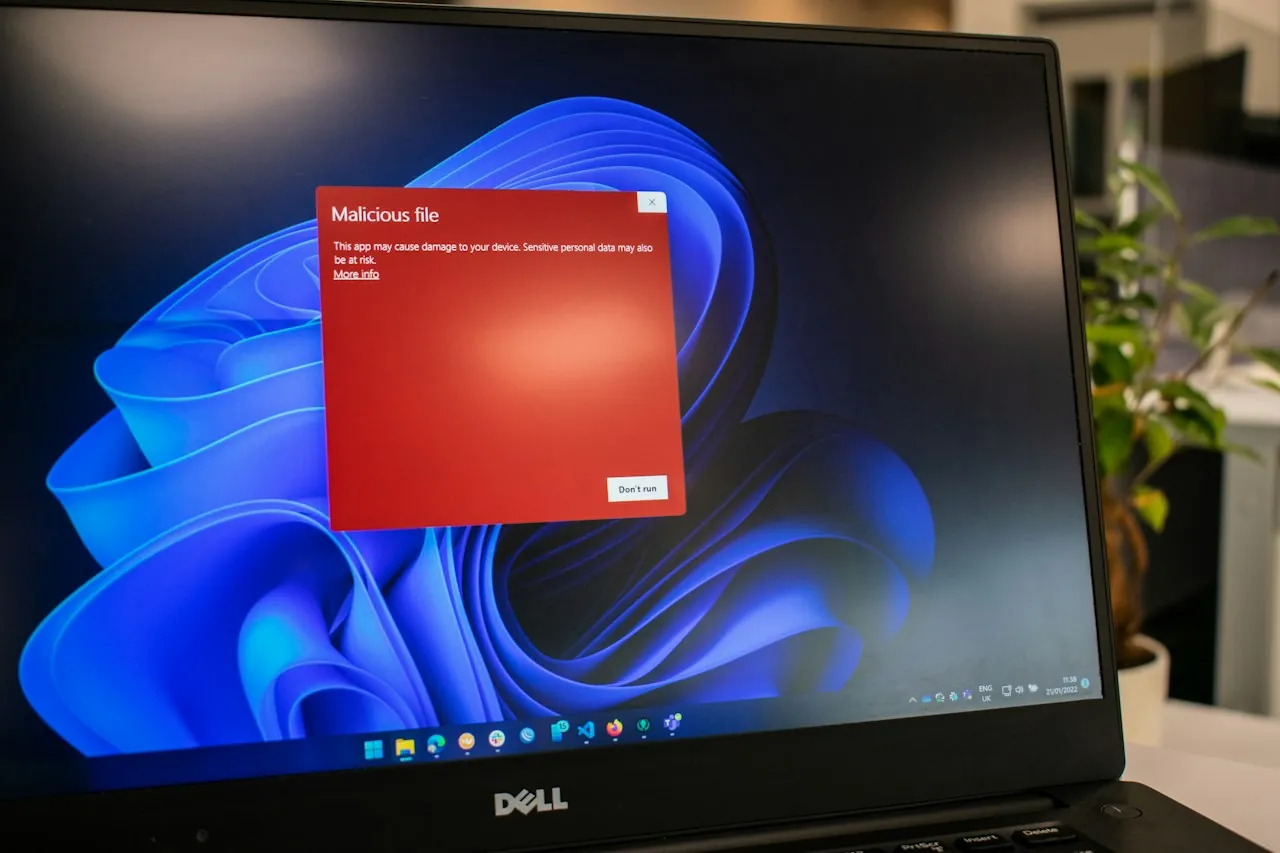
The Australian Taxation Office has warned of a new email scam that impersonates the ATO and tricks people into installing software that can hand control of their computer to a scammer.
The ATO published the alert on 18 September. It sits alongside new figures showing reports of ATO impersonation scams rose sharply in August.
How the scam works
According to the ATO:
- An email claiming to be from the ATO says you have “a new payment update in your ATO profile”, or asks you to review your income statement by clicking a link.
- The link opens a page asking you to view or download a file.
- The download is malicious remote desktop connection software.
- Once installed, it can give the scammer access to your device.
For a business, that device may also be the one used for online banking, accounting software and payroll.
The ATO doesn’t say the campaign targets businesses specifically. Anyone can receive it. But business owners, bookkeepers and office managers deal with tax correspondence routinely, which makes a “payment update” email easy to open without a second thought.
The numbers
The ATO received 3,265 reports of ATO impersonation scams in August 2026, a 36% increase on July. Email accounted for 98.6% of reports. SMS, phone calls and social media made up the rest. The ATO recorded no reports of payments made to scammers in August.
The ATO has not said how much of the August increase is due to this campaign.
An earlier ATO alert, from July, covered fake “ATO appointment” emails with attachments leading to a fake myGov login page.
How to check whether a message is genuine
- The ATO says it will never send an unsolicited message that directs you to a login page. It also says it never sends unsolicited messages containing links or QR codes, and never asks for personal information by email or SMS.
- Don’t reply to the email or click any links.
- If you’re unsure, call the ATO on 1800 008 540, using that number rather than any number in the message.
- Genuine ATO calls show as “No Caller ID”, according to the ATO.
- Log in to ATO online services or myGov directly, by typing the address yourself, to check for messages.
If you clicked or downloaded
- Contact the ATO on 1800 008 540 and your bank.
- Report the cybercrime to the Australian Signals Directorate’s Australian Cyber Security Centre through ReportCyber at cyber.gov.au, or call 1300 CYBER1 (1300 292 371).
- Contact your local police if you’ve lost money or had your identity misused.
- Our advice: have the device checked by someone qualified before using it for banking or accounting again.
Where to report
- Forward the whole email to [email protected], then delete it.
- Report the scam to Scamwatch at scamwatch.gov.au/report-a-scam.
The wider picture for small businesses
According to the National Anti-Scam Centre’s Targeting Scams report, small businesses lodged 2,228 reports with Scamwatch in 2025. Of those, 287 reported losses, totalling $9.5 million. False billing scams, which generally involve payment redirection, also known as business email compromise, were the type small businesses reported most often, costing $2.0 million. Investment scams caused the largest losses, at $6.2 million.
Scamwatch’s standing advice applies here too: always check payment details directly with a supplier, using contact details you find independently, before paying an emailed invoice.